Guides and walkthroughs
Step by step from the first reading to a whole fleet of devices. With screenshots, code and the exact clicks in the app.
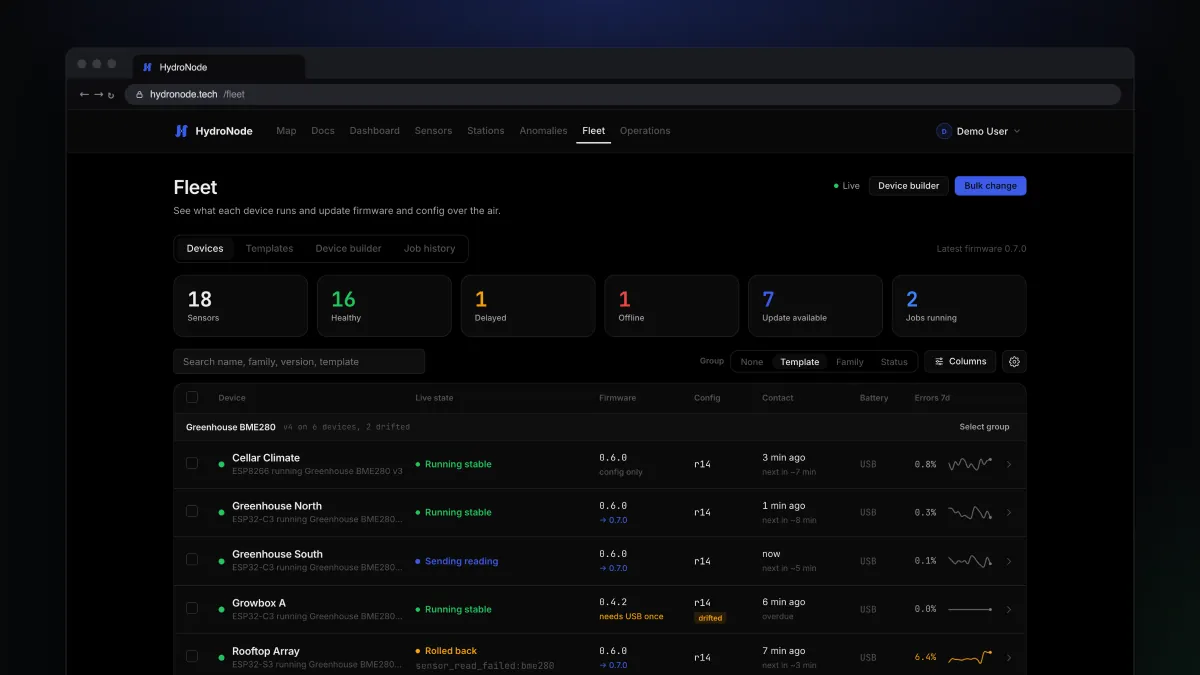
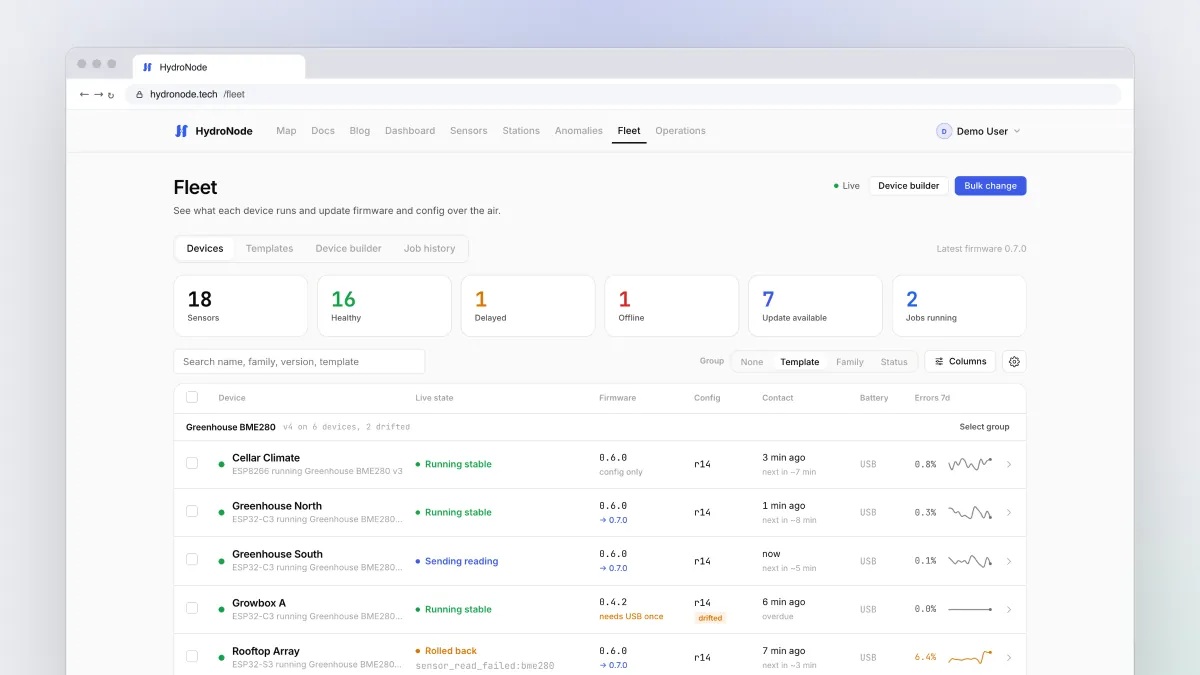
Update every device over the air with Fleet
Change the interval, the sleep mode or the firmware of one board or forty without a USB cable. Jobs, templates, verify modes and rollback explained.
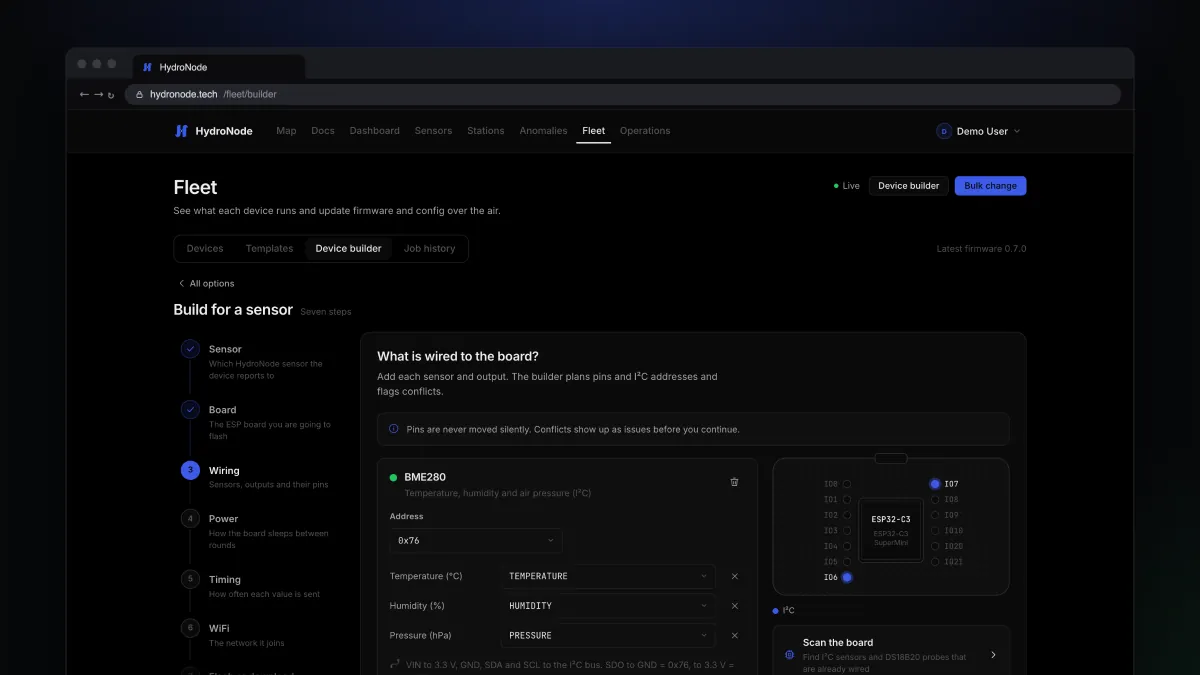
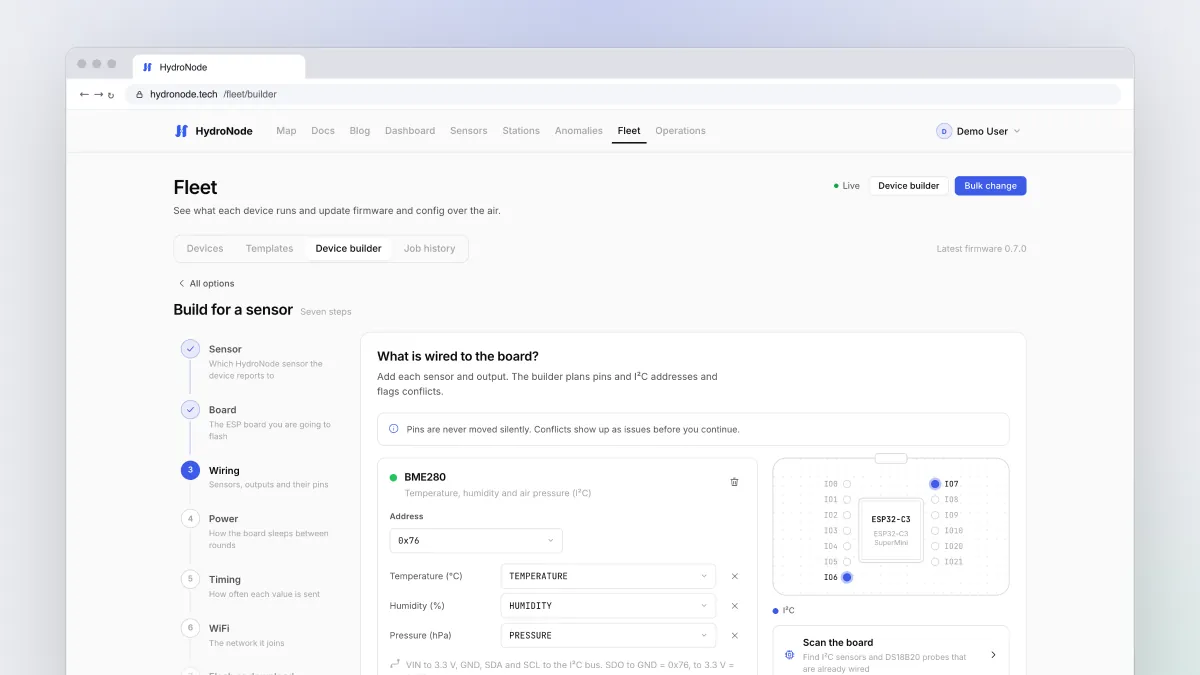
An ESP32-C3 sensor without writing a single line of code
Pick the board, wire a BME280, choose a power mode and flash it from Chrome. Step by step through the HydroNode Device Builder, with updates over the air afterwards.
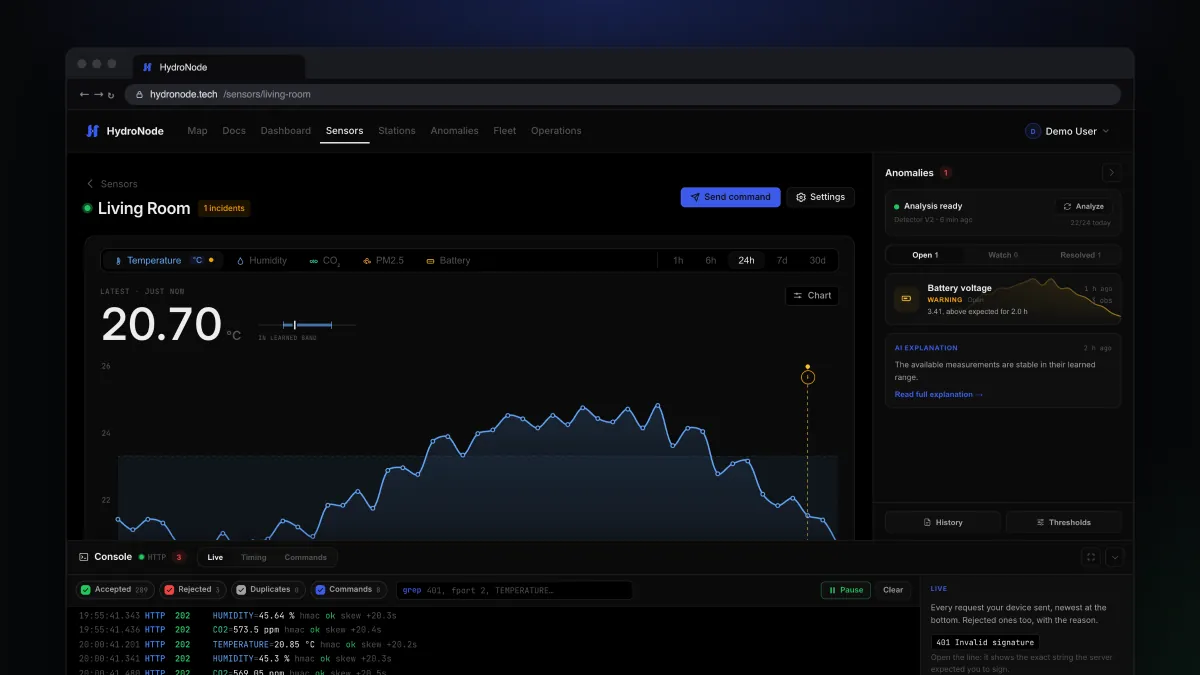
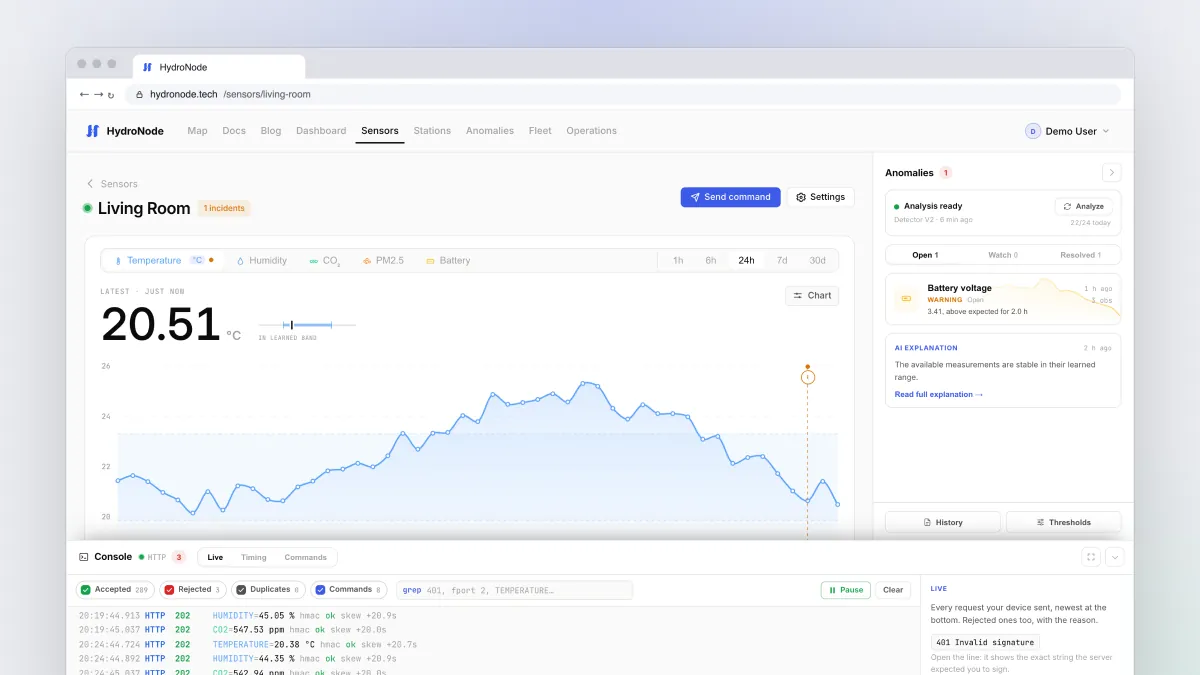
Why is my sensor not sending? Debugging with the device console
Every request your device makes, including the rejected ones and why. How to read 401, 429 and type errors, check the clock and test commands from a prompt.
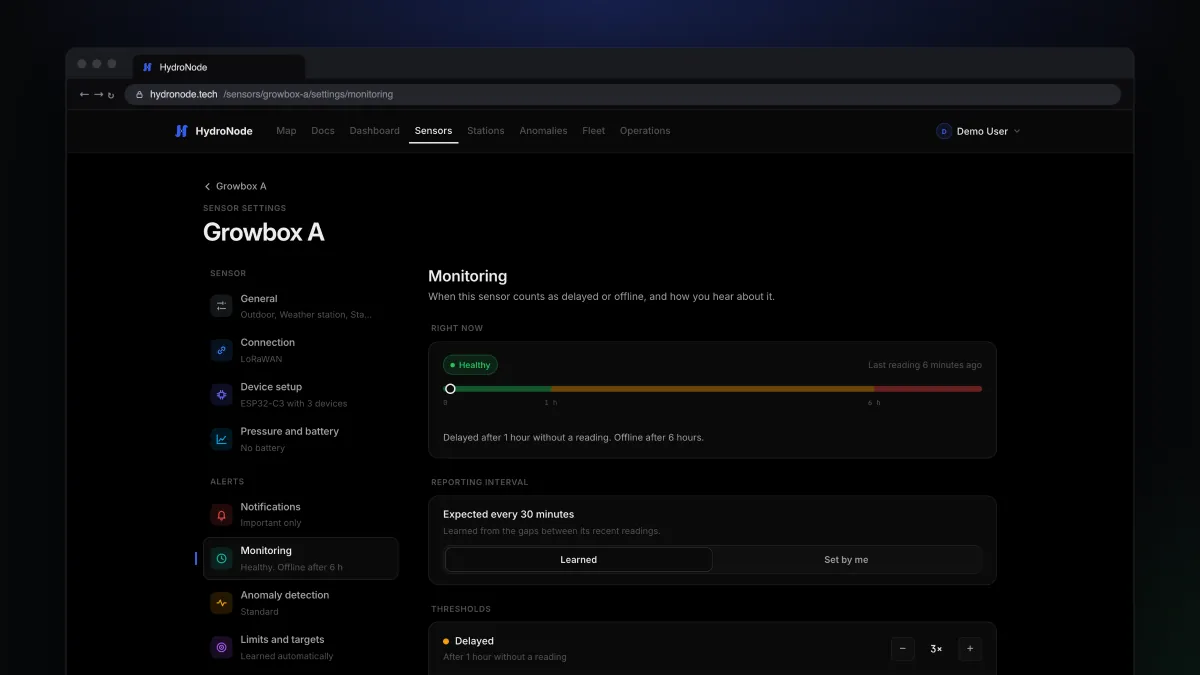
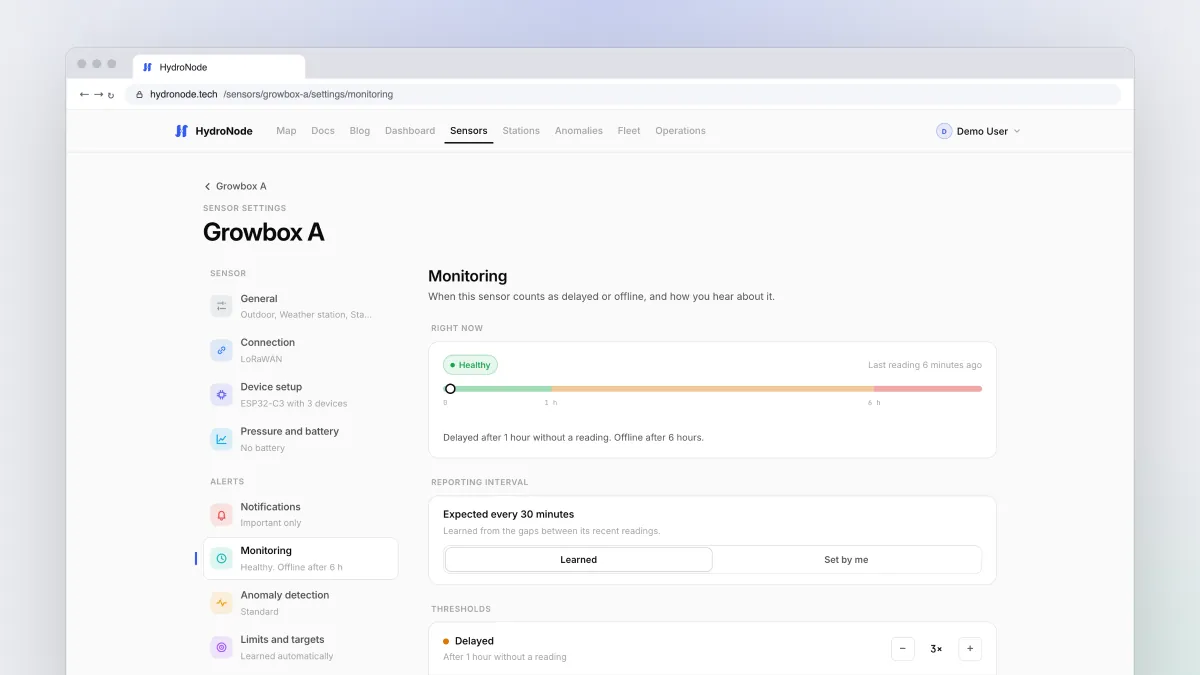
Know when a sensor goes quiet
HydroNode learns how often each sensor reports and tells you when it is late or gone. Set up delayed and offline alerts, push and email, and automations that react.
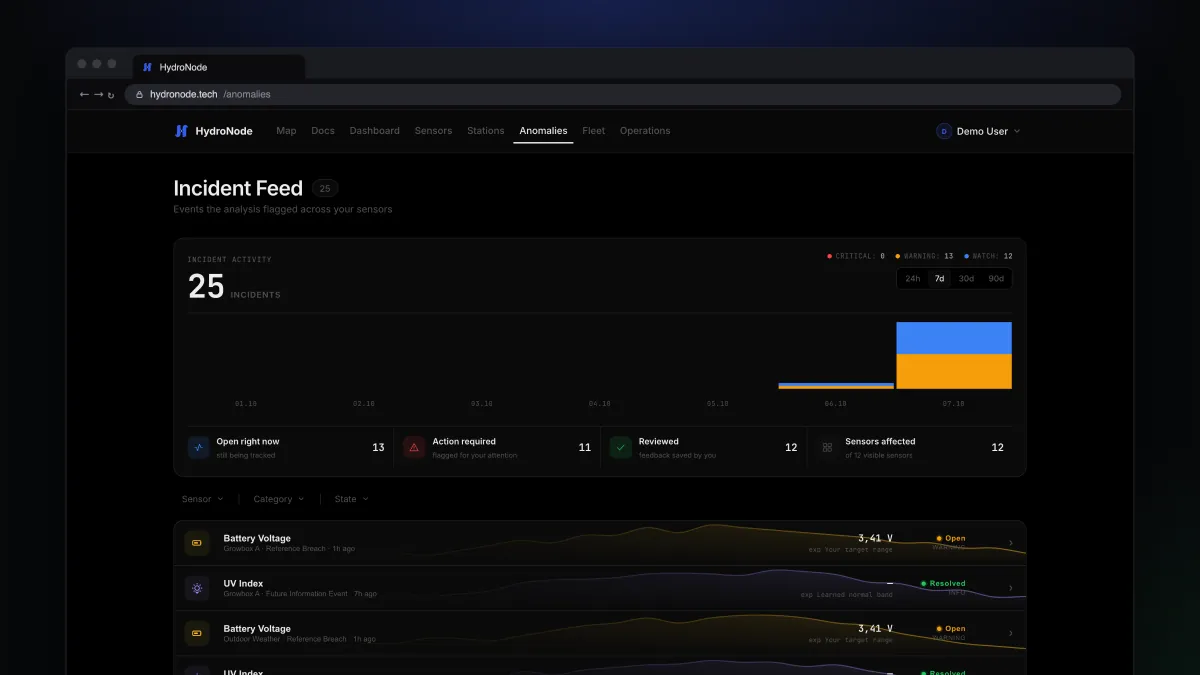
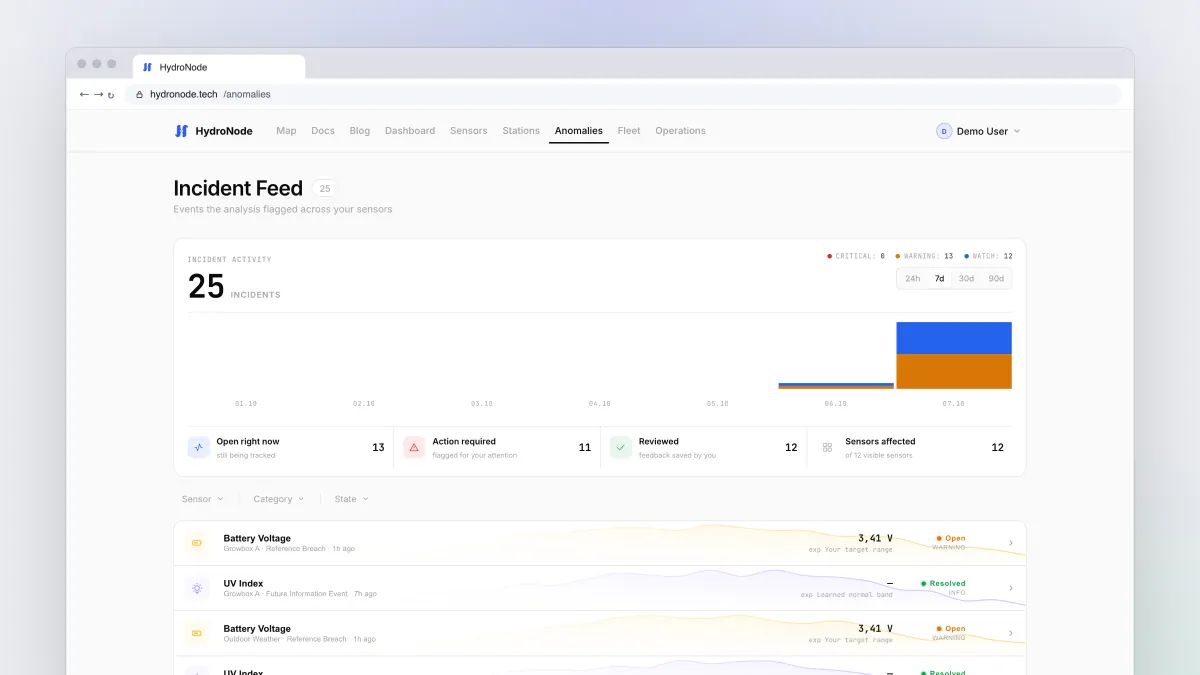
Anomalies without the noise: bands, targets and AI analysis
How HydroNode decides what is unusual, how to set your own ranges and the right sensitivity, and what the optional AI analysis adds on top.
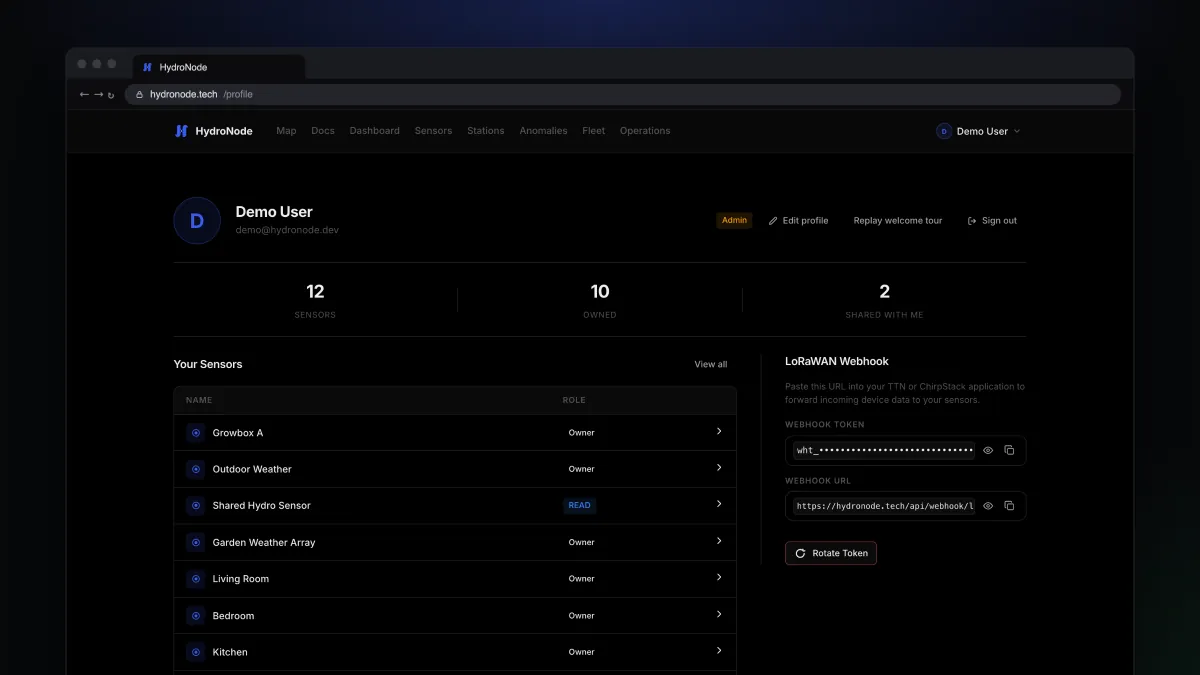
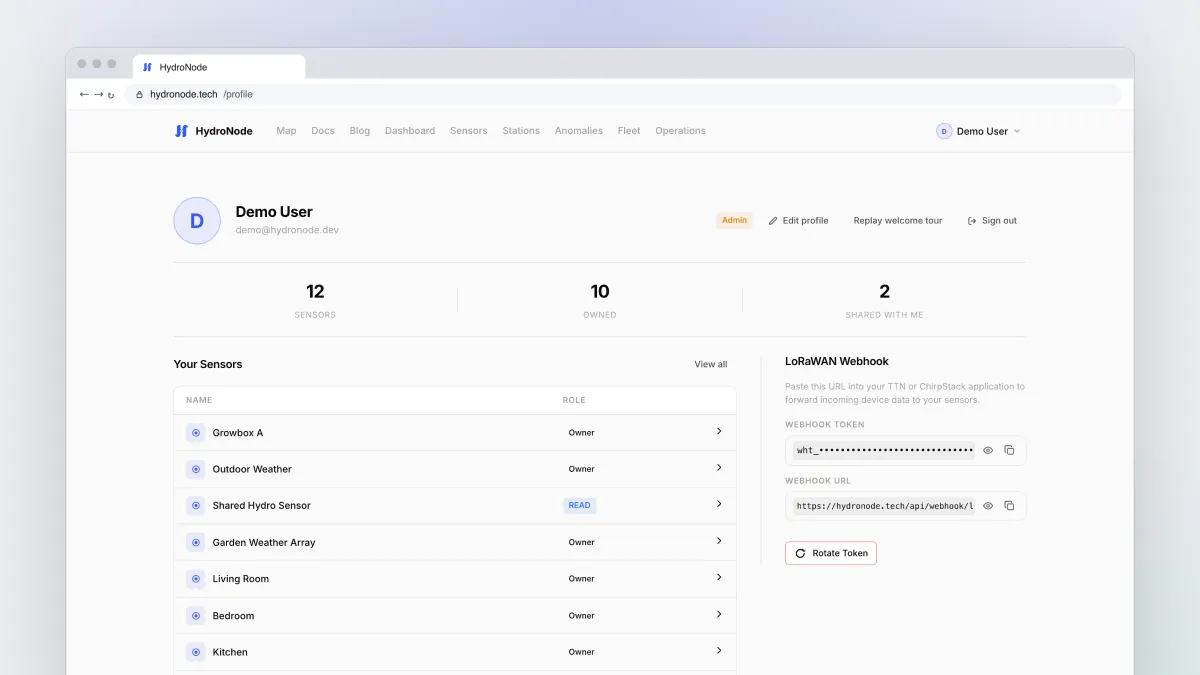
HydroNode in Home Assistant: entities, events and automations
Install the integration from HACS, create a token, and turn every HydroNode sensor into a native entity. Plus automations on anomalies and AI analyses.
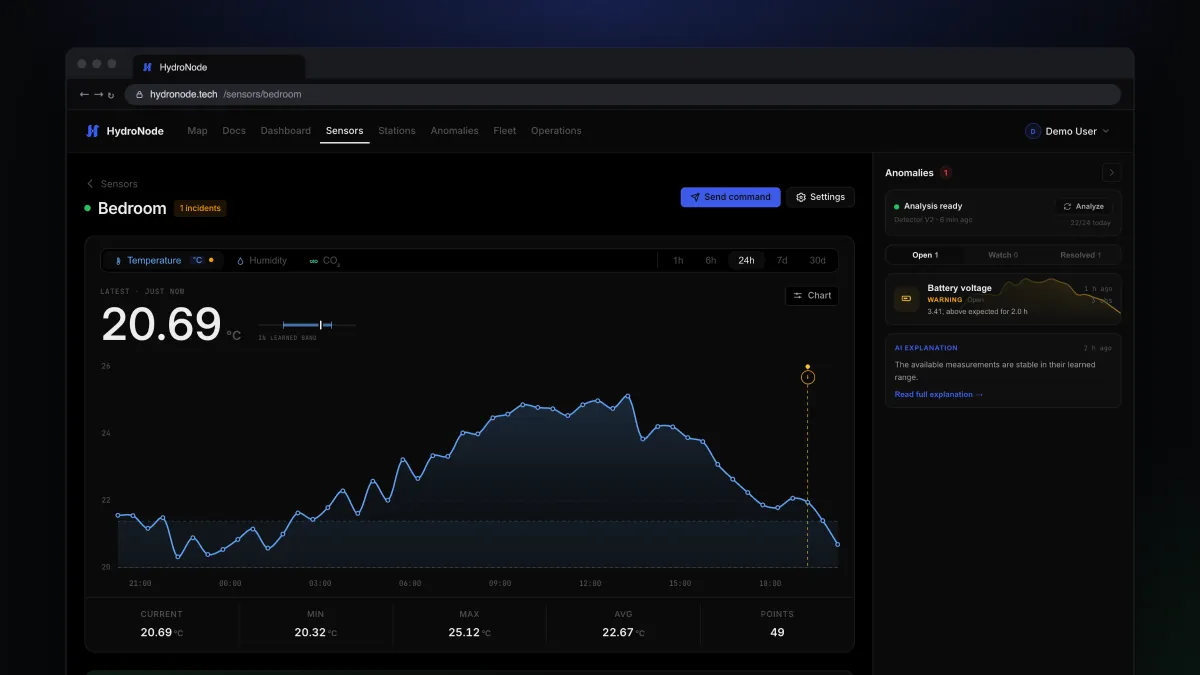
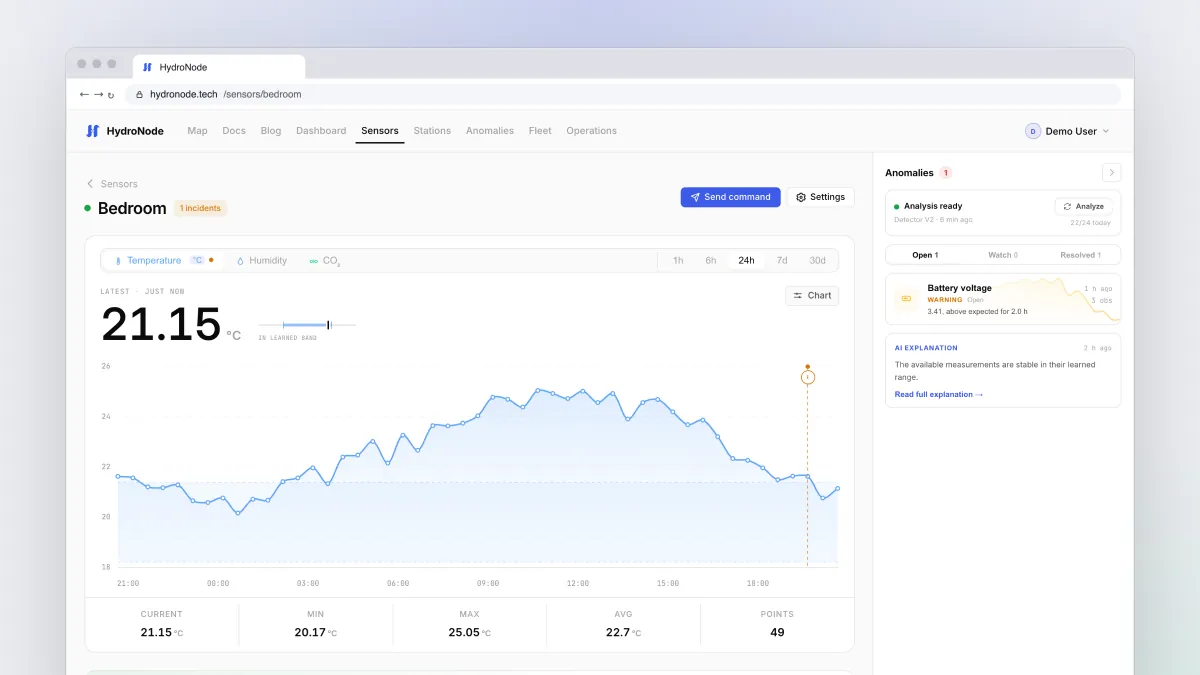
Send your ESPHome sensors to HydroNode
Keep your ESPHome YAML, add one external component and map each sensor to a HydroNode type. Secrets, commands and the details that save you a debugging evening.
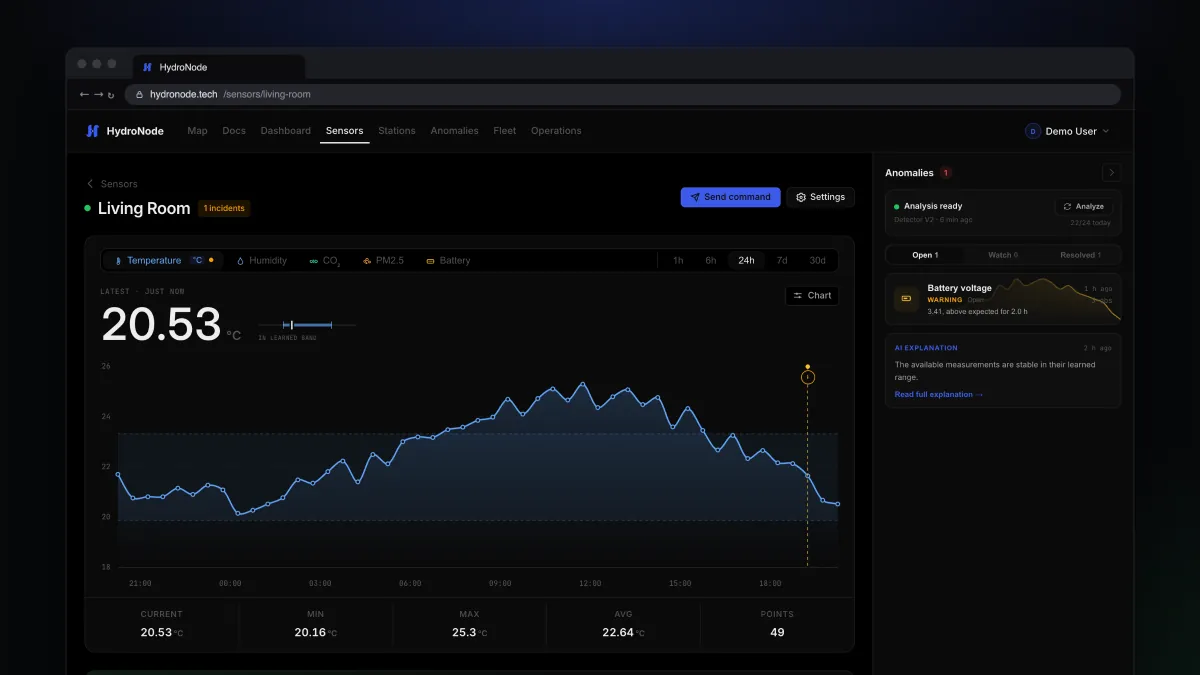
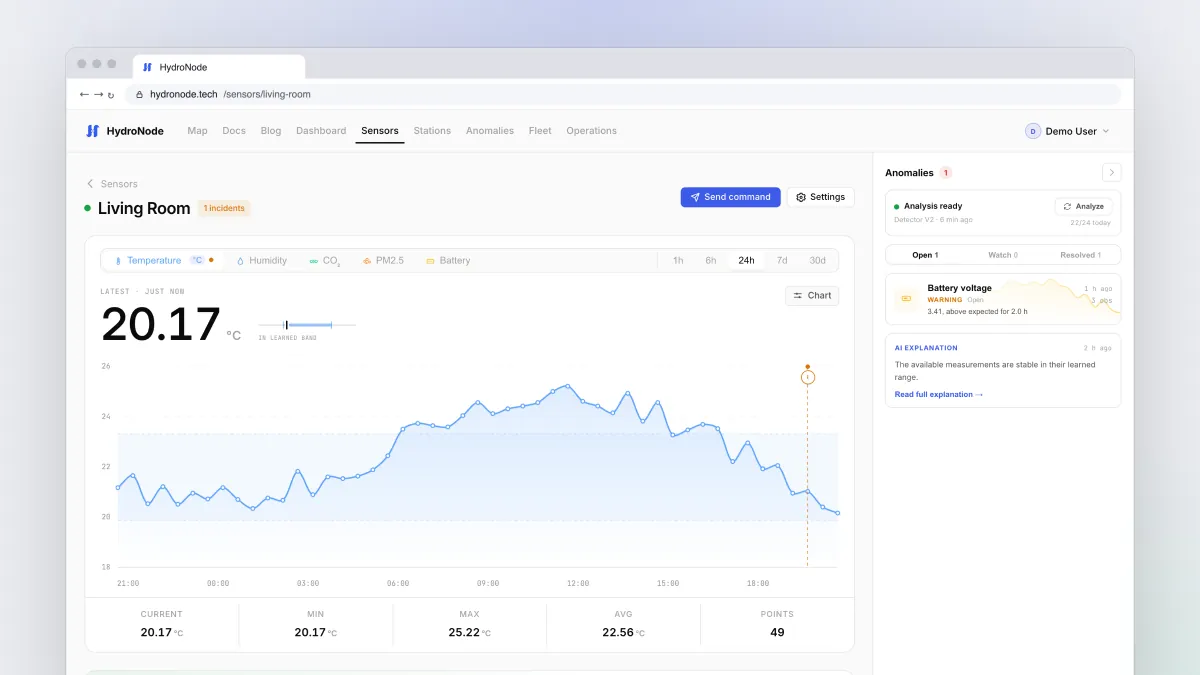
Your first ESP32 sensor with the HydroNode Arduino library
From an empty sketch to live charts: install the library, send a whole reading in one signed request, and switch a relay with typed commands.
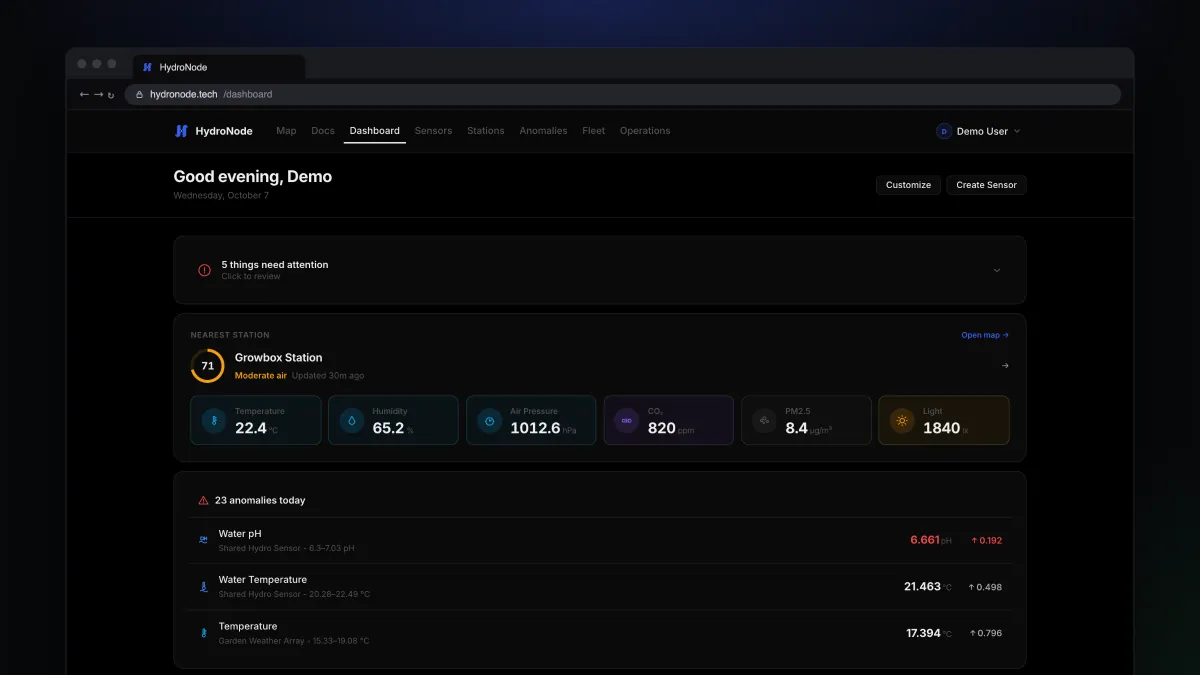
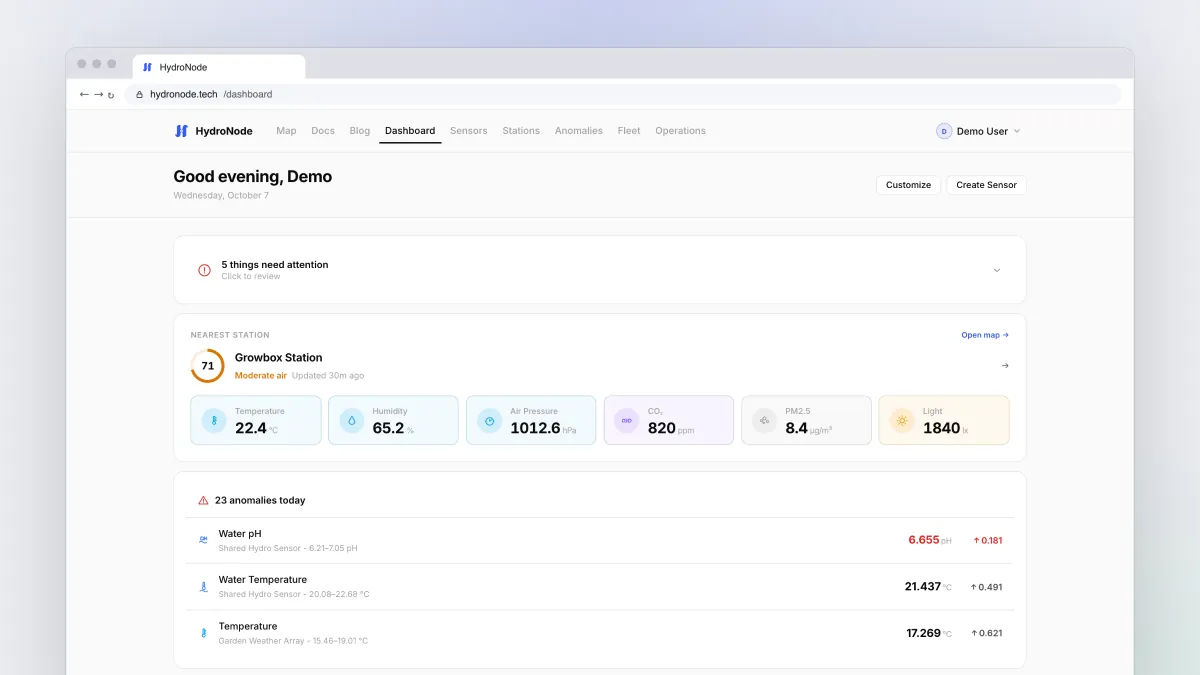
Welcome to HydroNode: a tour for your first evening
What HydroNode does, where everything lives and which path fits your hardware. A walk through sensors, charts, incidents, Fleet and the apps, one stop at a time.