 HydroNode
A sensor on a battery should run for months and not simply die on a grey November day. That is why a HydroNode device looks after its own battery: it sends less often as the battery weakens, turns the radio off before it is empty and carries on by itself once it has recovered. You set the values once in HydroNode, the device keeps them, and HydroNode shows you whether it took them.
What you need
onSettings(). ESPHome devices from component 0.5.0 report their values with the power: block. HydroNode shows them, but you change them in the YAML only.
Four thresholds
All values are per cell, so for a single 3.7 V cell, however many sit in series. The device works out the pack voltage by itself.
- NormalYour interval
- SaveHalf as often
- Radio offLast round, then quiet
- StandbyWakes once an hour
- ResumeBack to normal
| Threshold | Below it the device | LiPo | Li-ion | LiFePO4 |
|---|---|---|---|---|
| Save below | Sends half as often and skips gas and dust sensors. | 3.50 V | 3.45 V | 3.10 V |
| Radio off below | Sends one last round, turns radio and outputs off and only checks the battery. | 3.30 V | 3.20 V | 3.00 V |
| Standby below | Sleeps as deep as it can and wakes once an hour. | 3.20 V | 3.00 V | 2.80 V |
| Resume at | Runs normally again. | 3.60 V | 3.50 V | 3.20 V |
When you first flash
- Wire the measurementAdd the voltage divider or fuel gauge in the Wiring step. If it is missing, the builder reminds you with Add a battery measurement so the device can protect the battery.
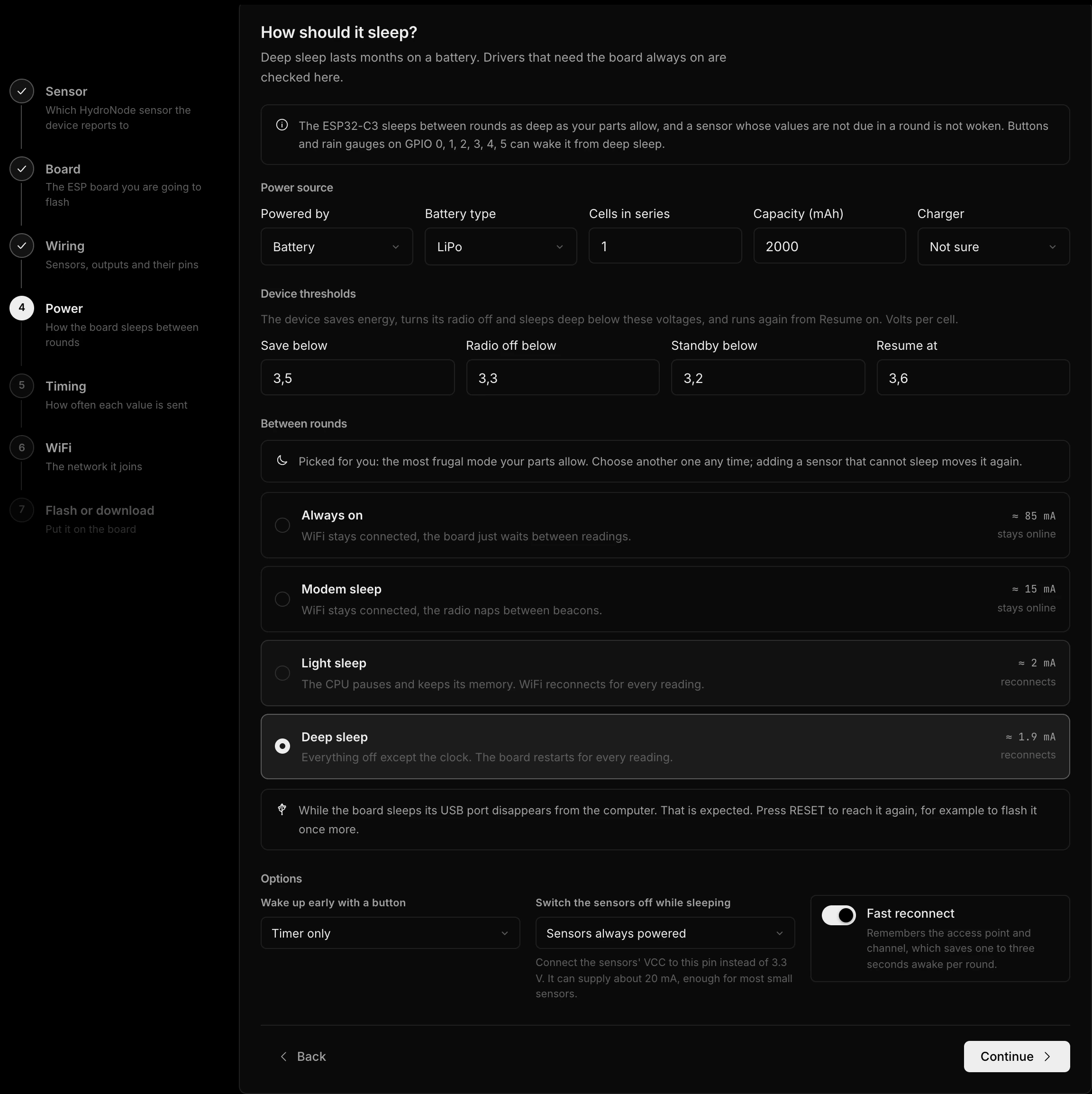
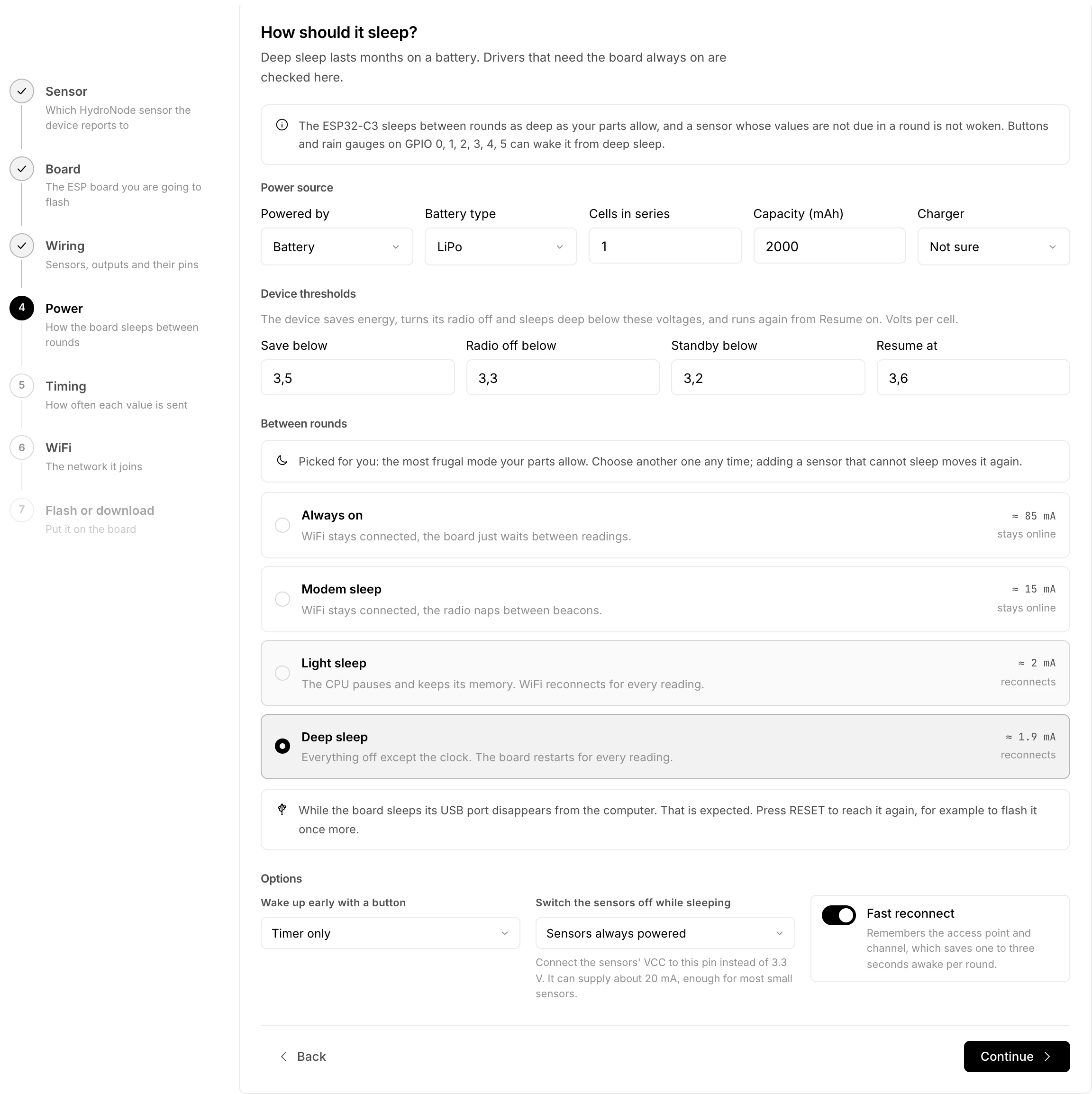
- Describe the batteryIn the Power step pick the battery under Powered by, plus Battery type, Cells in series and Capacity (mAh).
- Check the thresholdsDevice thresholds holds suggestions for your battery type. Most of the time you can keep them.
Change them later: On the device
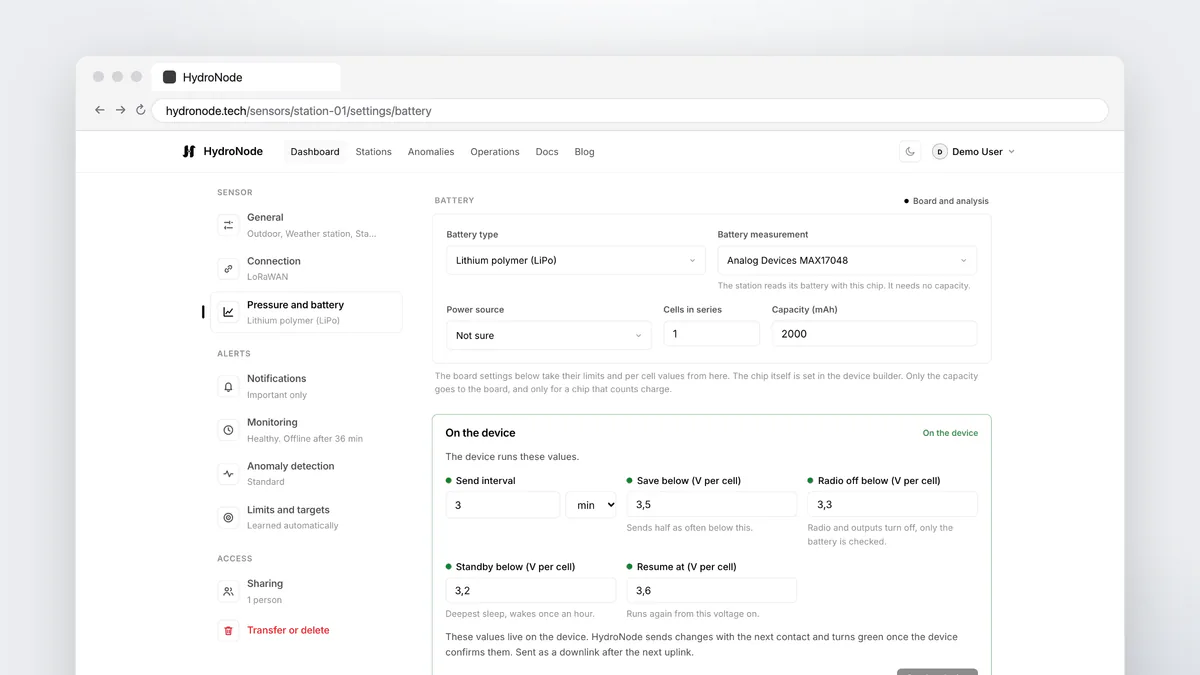
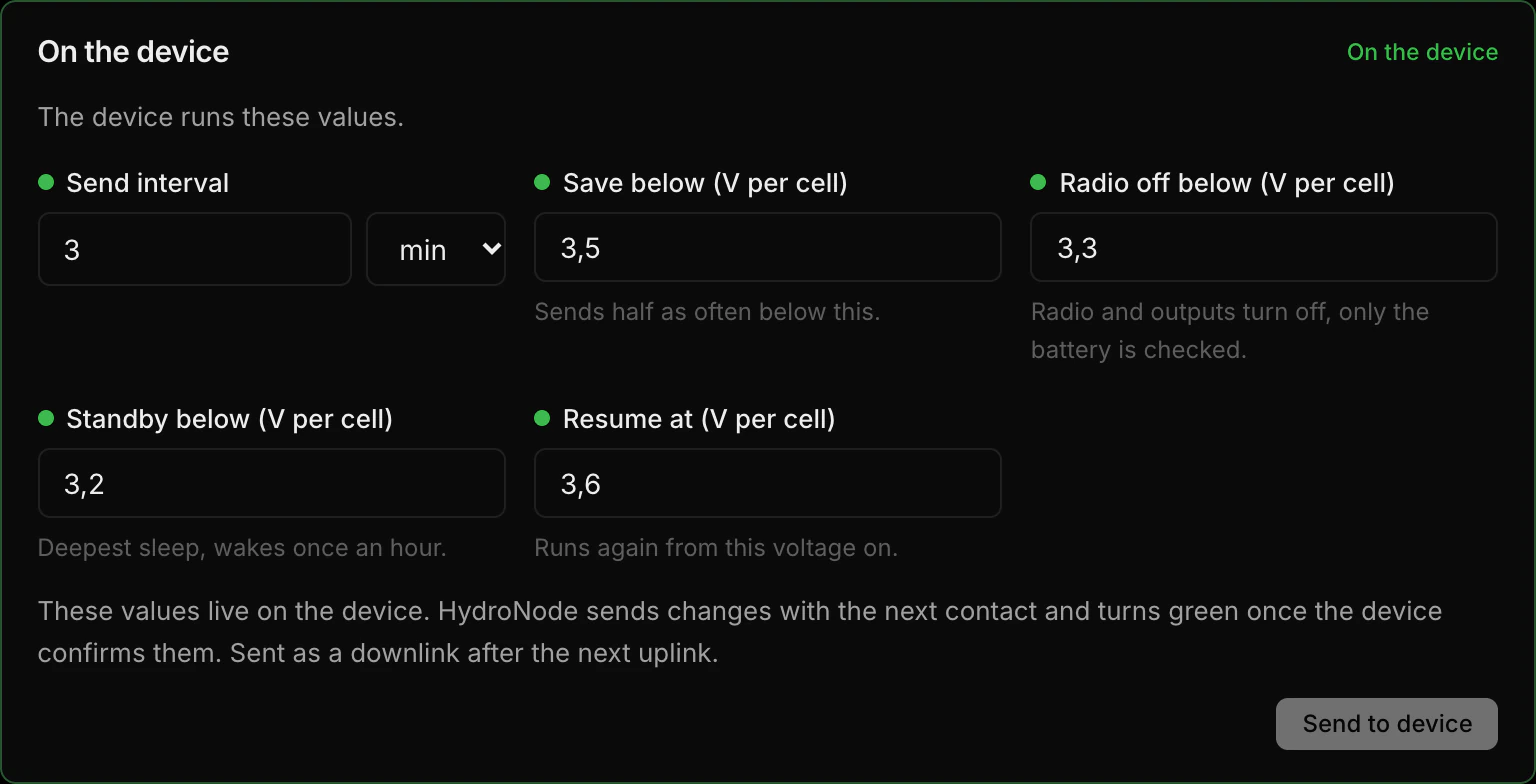
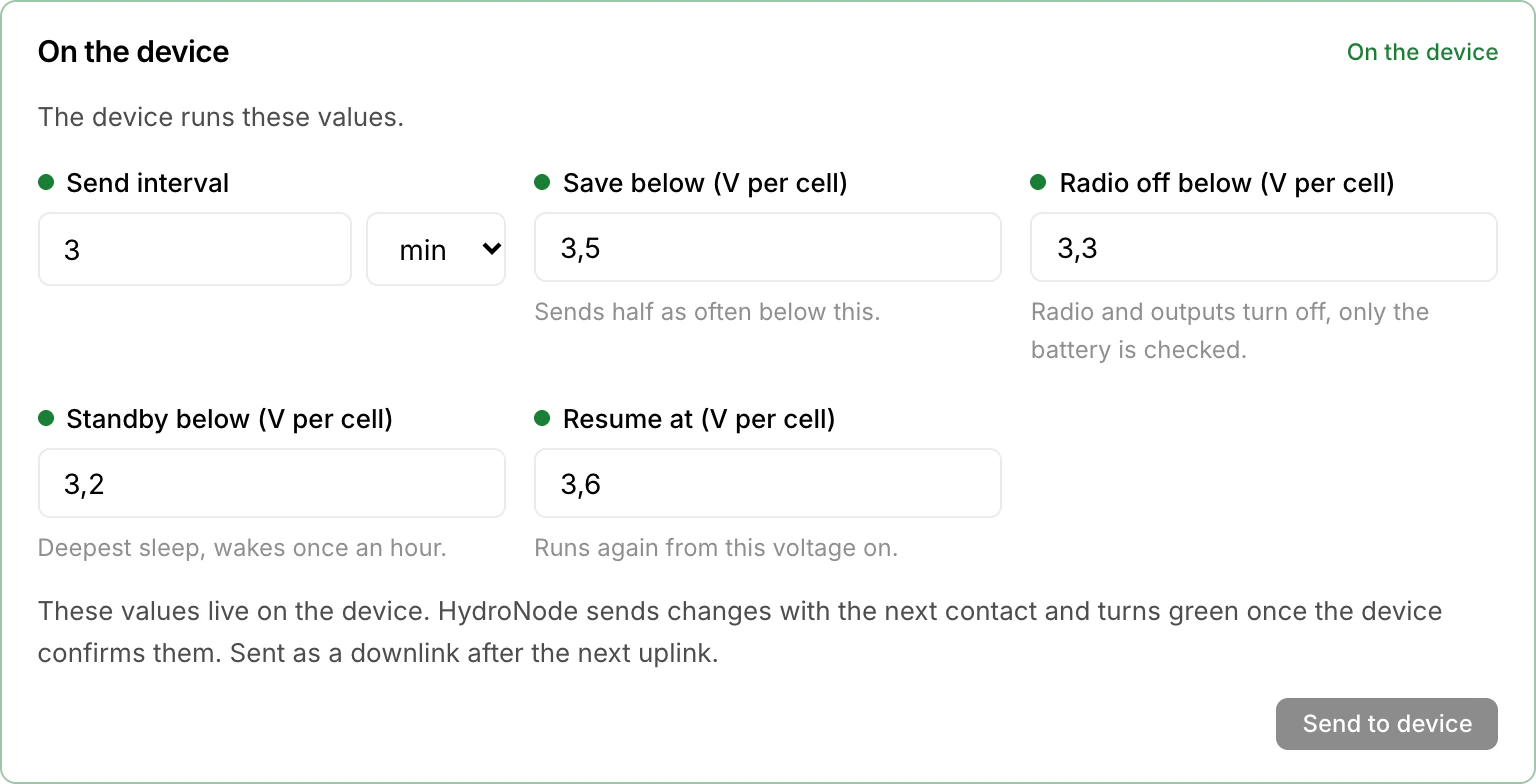
On the sensor page, under SettingsPressure and battery, the On the device box shows the send interval and the four thresholds the device runs right now. Change a value and press Send to device. HydroNode turns it into an update job, and the device picks up the values with its next contact.
| Colour | Means |
|---|---|
| Green | The device runs these values. |
| Yellow | Saved and waiting for the device. It takes them with its next contact. |
| Red | The device refused the change. The reason is shown, and Send again tries once more. |
| Blue | The device runs other values, for example after a reset. Use device value keeps them. |
| Grey | The device reports its values but cannot take new ones, or has not reported yet. |
Several devices at once? Tick them on the dashboard, press Change config, then Device thresholds. How that dialog continues is in Update every device over the air.
Stations over LoRaWAN
A HydroNode station gets new values as a downlink through your network server. Connect The Things Network or ChirpStack once under ProfileDownlinks: connect, test, switch on. After that every change goes out after the station's next uplink. If the station does not answer within six uplinks, HydroNode sends the change again, three times at most. Stations change one at a time, not in bulk.
When the battery runs low
When the voltage drops below Radio off, the device signs off with one last round. HydroNode then shows Low battery standby instead of offline, and STANDBY on the dashboard, and widgets and Live Activities do not treat the old value as a fault either. You get a message through the Low battery standby channel under SettingsMonitoring, a push by default, and another one when the device is back.
Read more
- Build the board from scratch: An ESP32-C3 sensor without code.
- Outages and alerts: Know when a sensor goes quiet.
- Every detail on measuring, states and devices: Battery and Power docs.
- Set up downlinks: LoRaWAN guide.