 HydroNode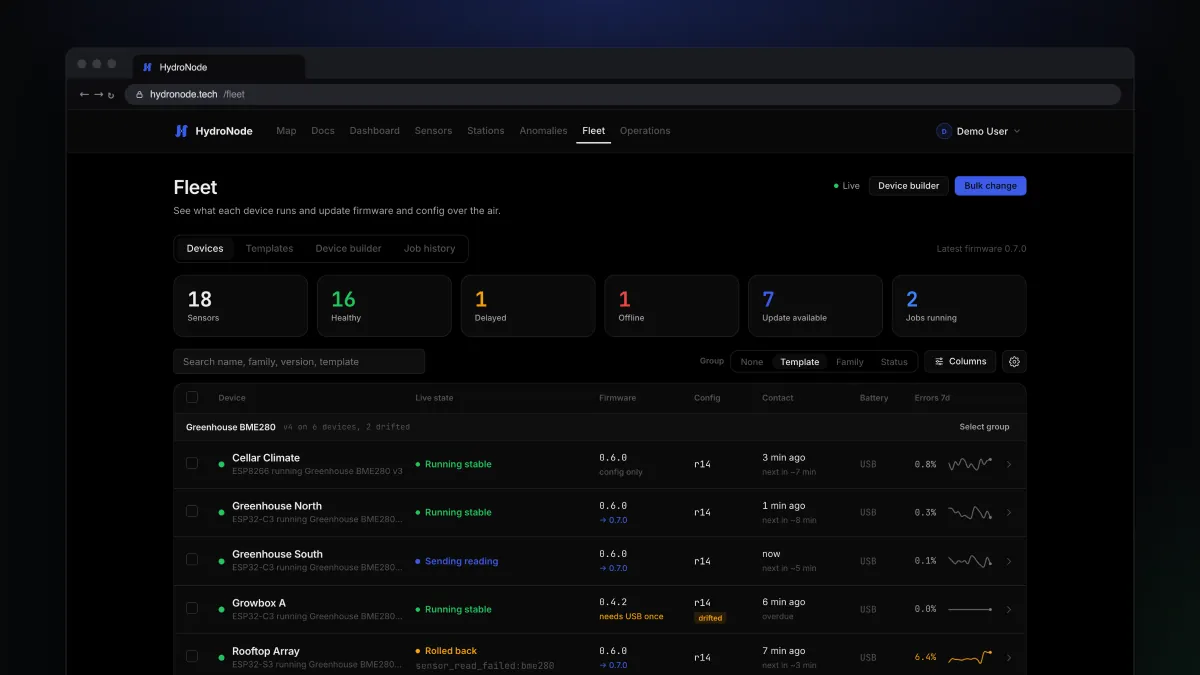
Three sensors in the greenhouse, two on the balcony, one in the cellar. And now every one of them should send every 5 minutes instead of 10. That used to mean fetching the cable six times. With Fleet it is one dialog, and each board checks after the update that it still measures correctly.
What updates over the air
Config is everything the builder asked you: which sensors sit on which pins, how often the board sends and how it sleeps. WiFi and the secret are never part of it; the board keeps the ones it has.
The overview
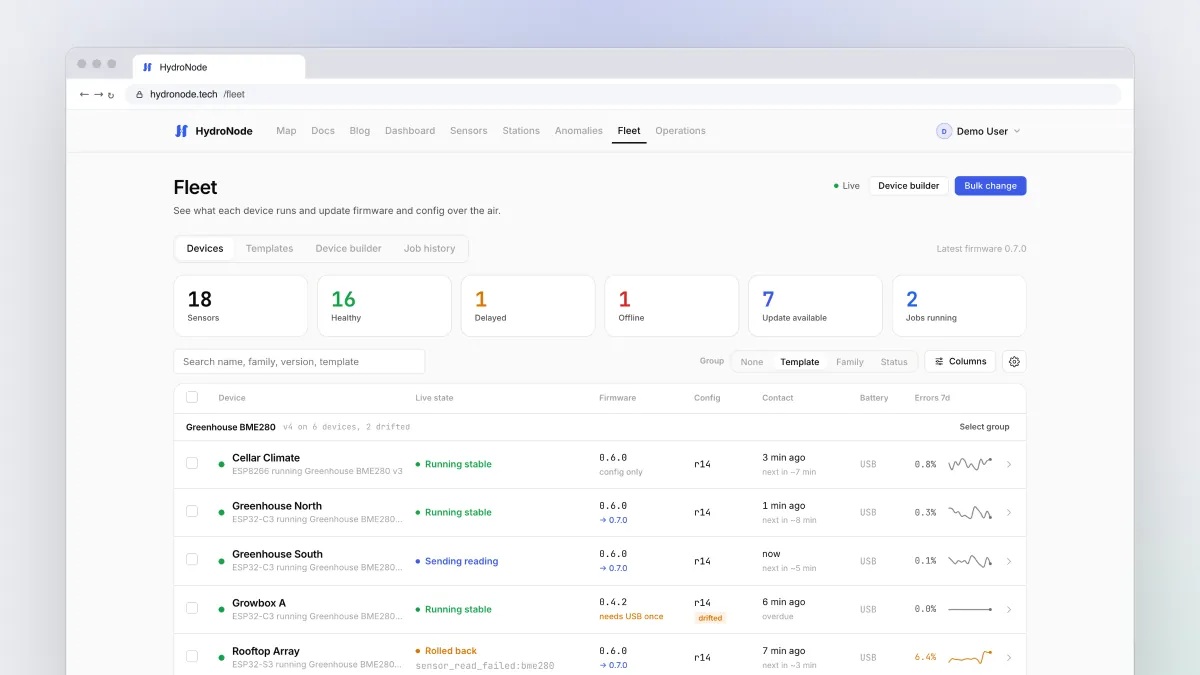
FleetDevices starts with six tiles: all sensors, healthy, delayed, offline, update available and jobs running. Click a tile to filter the list. Each row shows what the device is doing right now, its firmware and config, its last and next contact, and its error rate over seven days.
| In the column | Means |
|---|---|
| → 0.7.0 | New firmware is available and the board can take it over the air. |
| config only | An ESP8266, config over the air only. |
| needs USB once | Firmware older than 0.5.0. Reflash once, everything after that goes over the air. |
| r14 | The config revision. Counts up with every change. |
| drifted | Came from a template but was changed on its own since. |
Change one device
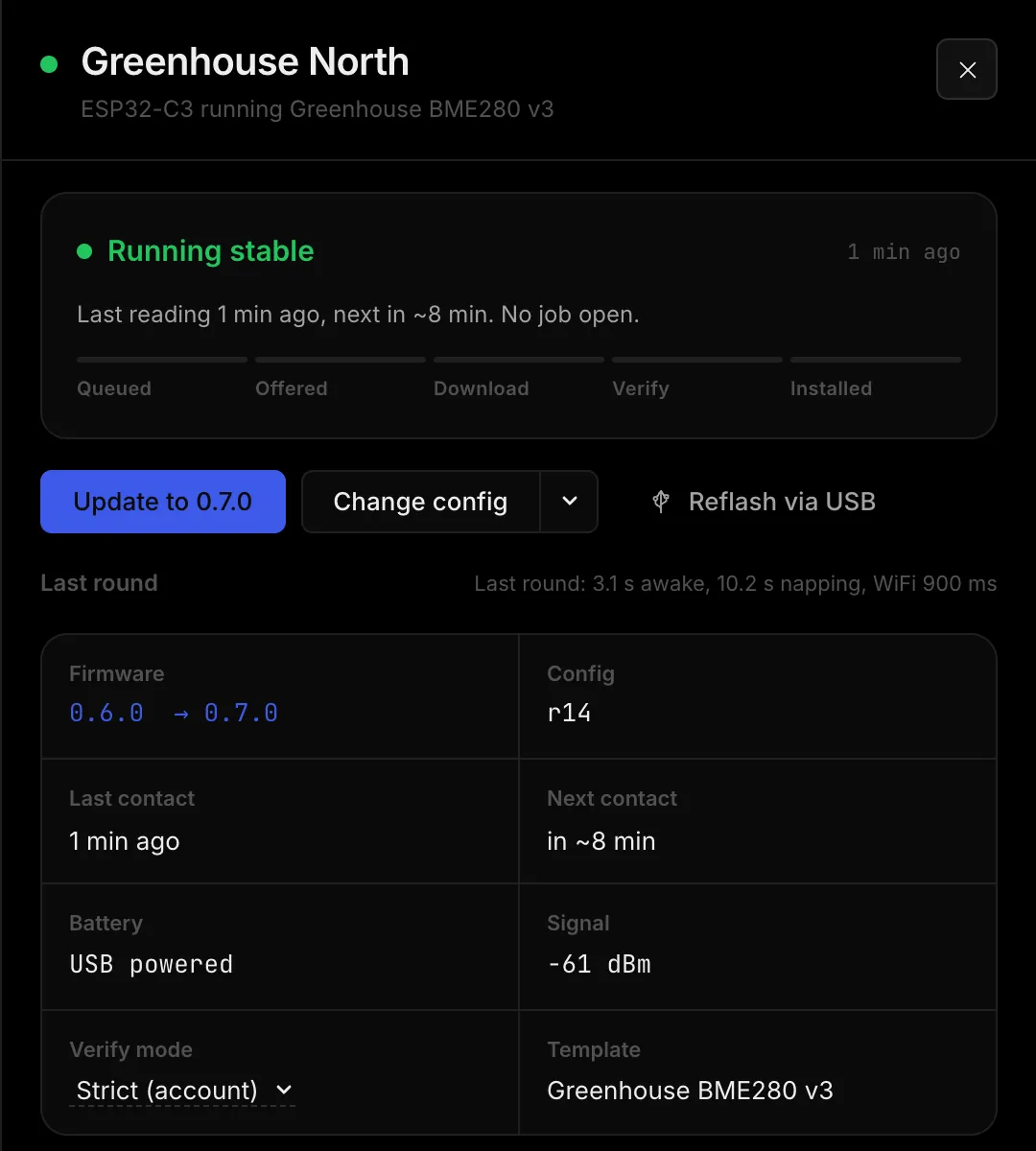
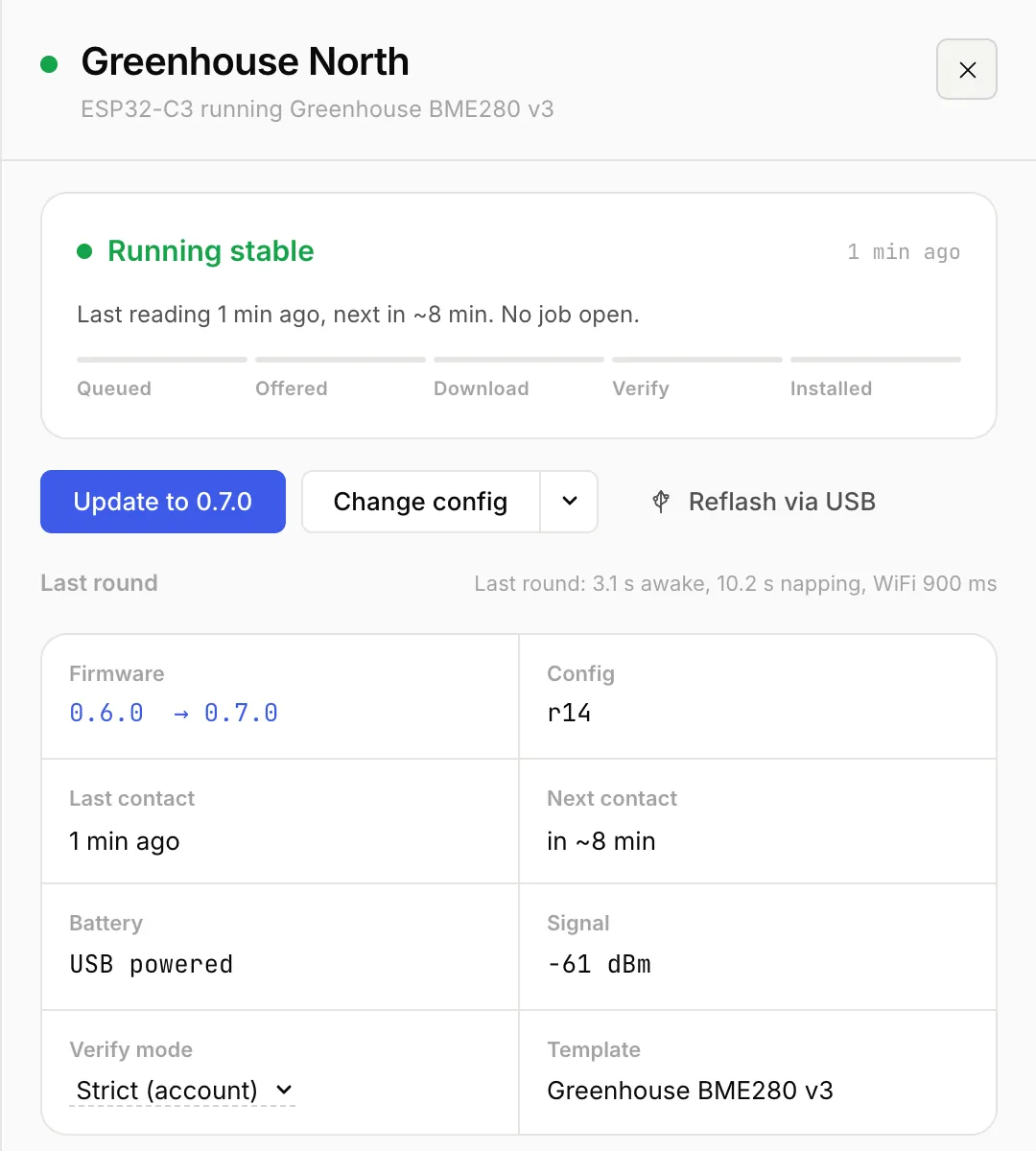
- Open the deviceClick its row. The details open on the right with the state, the last round and error rates.
- FirmwareUpdate to 0.7.0 installs the newest signed firmware.
- ConfigChange config opens the Device Builder with the saved setup. The board stays fixed; you change wiring, sleep mode or timing, and the last step sends it all over the air.
Many devices at once
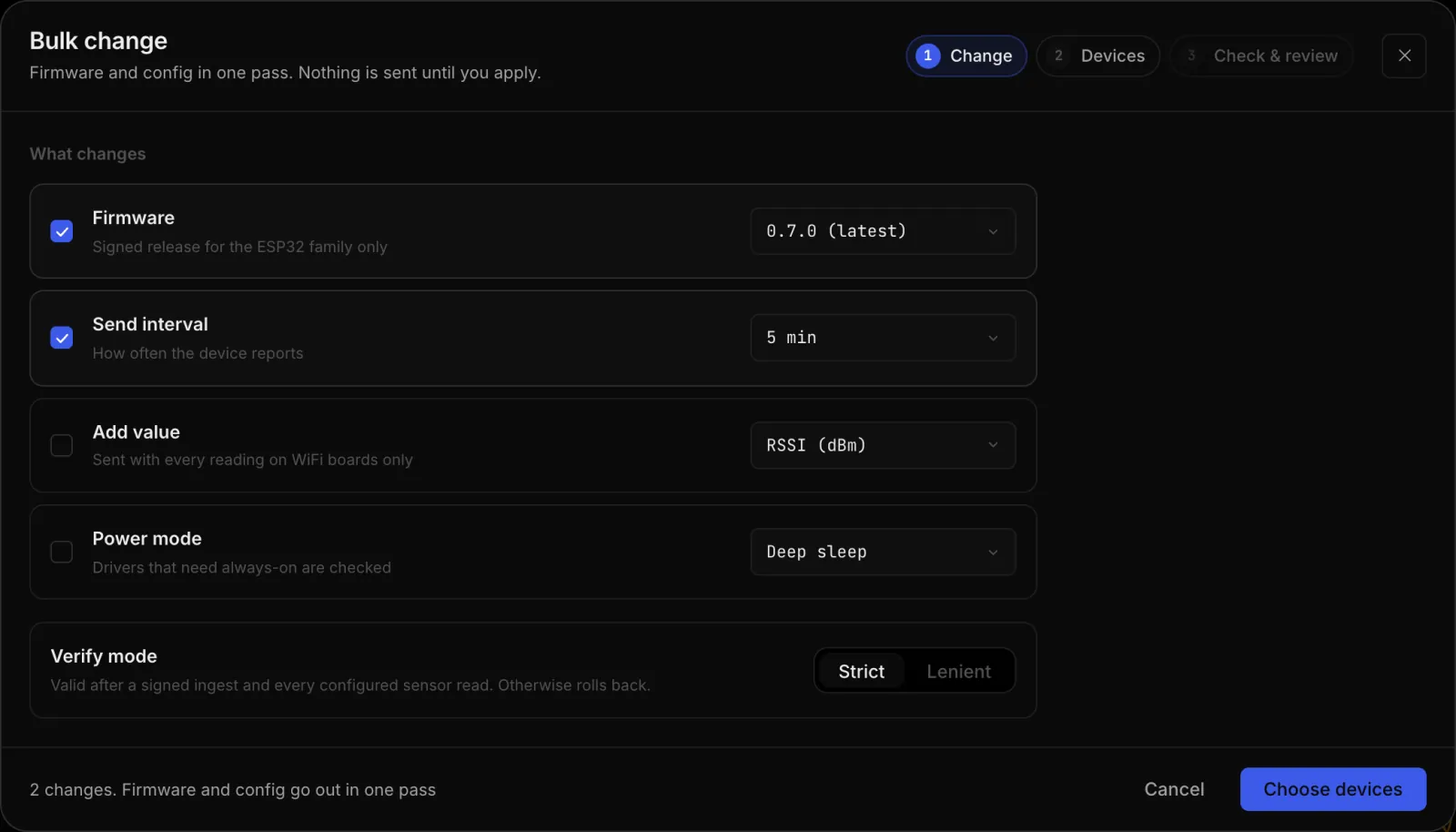
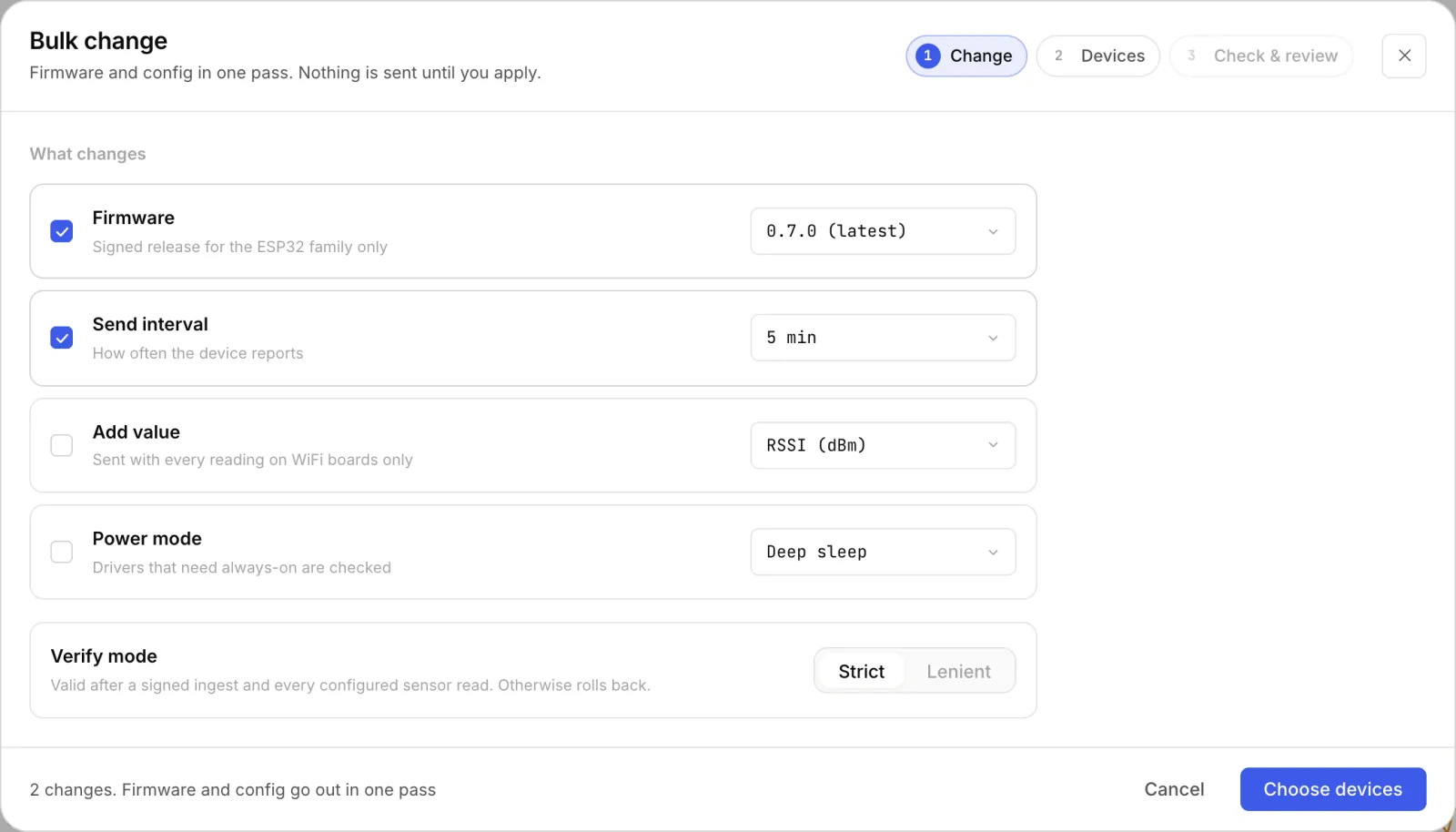
Bulk change at the top right, or tick devices in the list and press Bulk change… in the bar at the bottom. One device or forty, the same rules apply, and nothing goes out before you press Create jobs.
- ChangeFirmware, send interval, an extra value (such as the WiFi signal) or the power mode, plus the verify mode for this change.
- Pick devicesWhich boards get the change.
- CheckHydroNode runs every rule for every device. Yellow marks a device that starts from a different value than most.
How a job runs
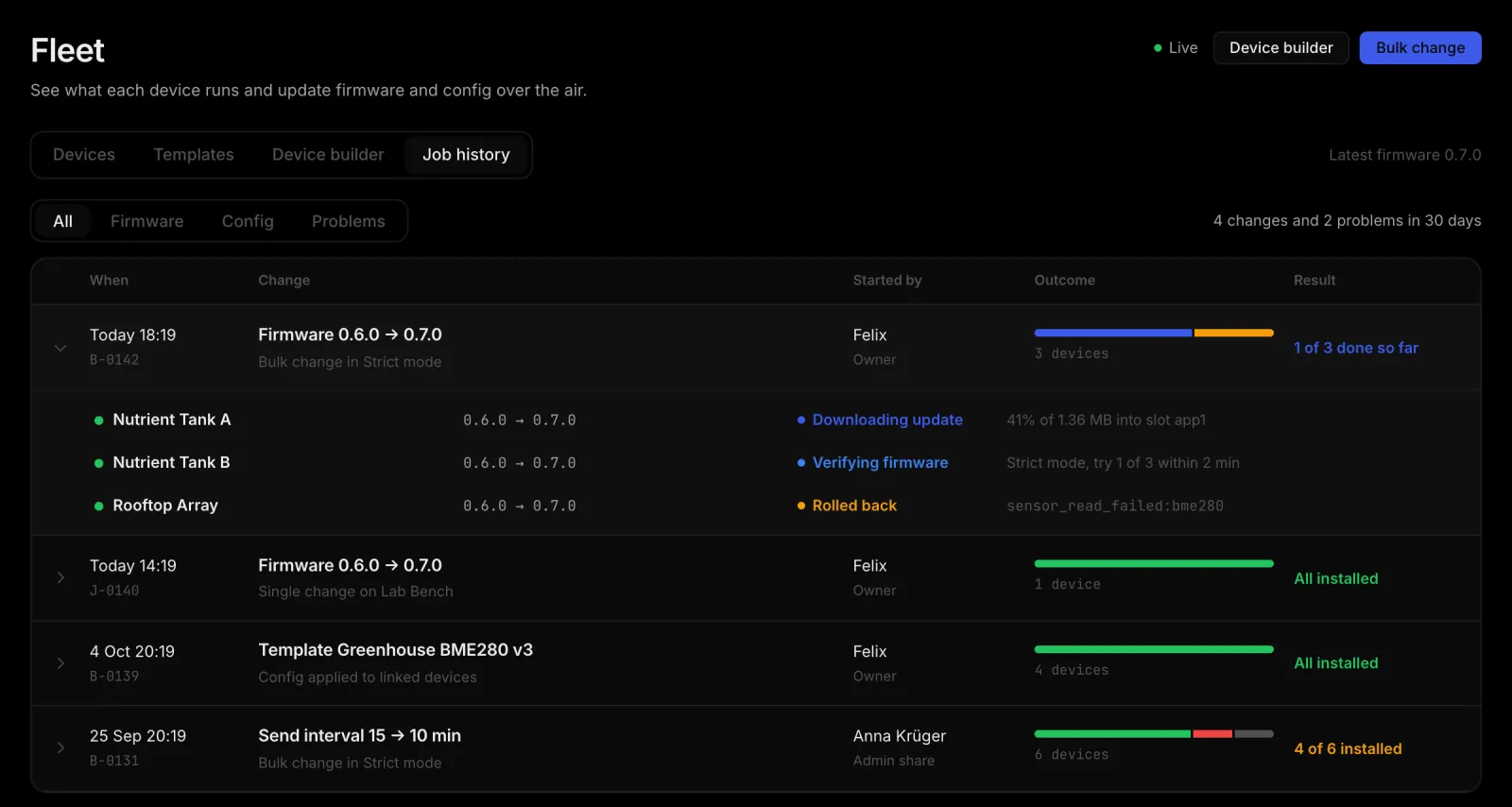
Every device in a change gets its own job. The board starts each step itself when it checks in; HydroNode never reaches into your network. A sleeping device therefore picks up its update with its next round.
- QueuedWaits for check-in
- OfferedWith the next answer
- DownloadSigned image
- VerifyStrict or Lenient
- InstalledOr rolled back
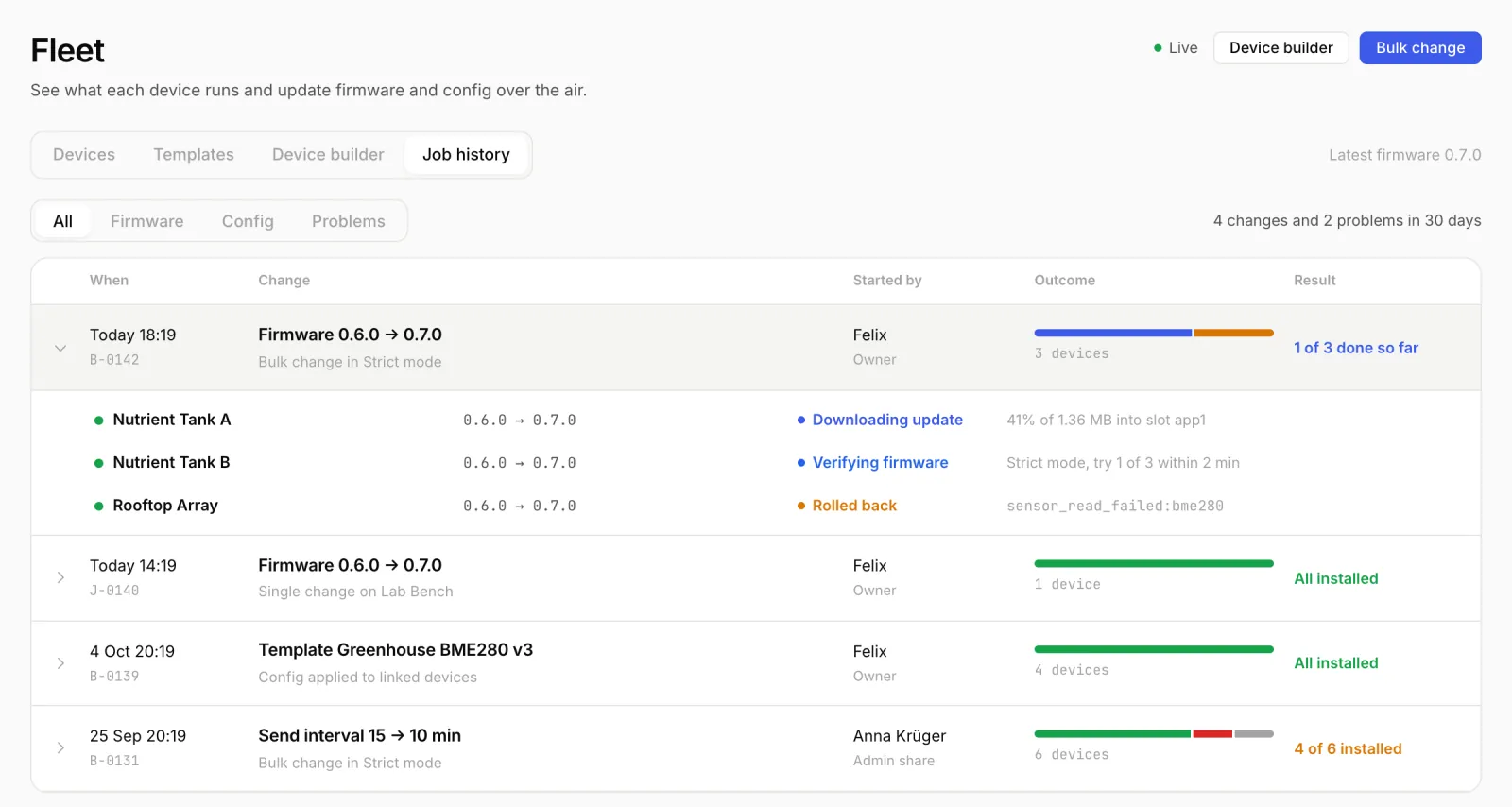
After the restart the board does not sleep but checks itself: up to three tries 15 seconds apart, two minutes at most. Until it passes, the old firmware and old config stay on the board. If it fails, it goes back on its own and reports why, for example sensor_read_failed:bme280.
| Verify mode | Good after | Use it for |
|---|---|---|
| Strict | An accepted signed reading and every configured sensor read | Almost everything. A sensor that stops answering after an update is caught. |
| Lenient | The first accepted signed reading | A device with a sensor that is already broken and would fail Strict every time. |
Templates for identical boards
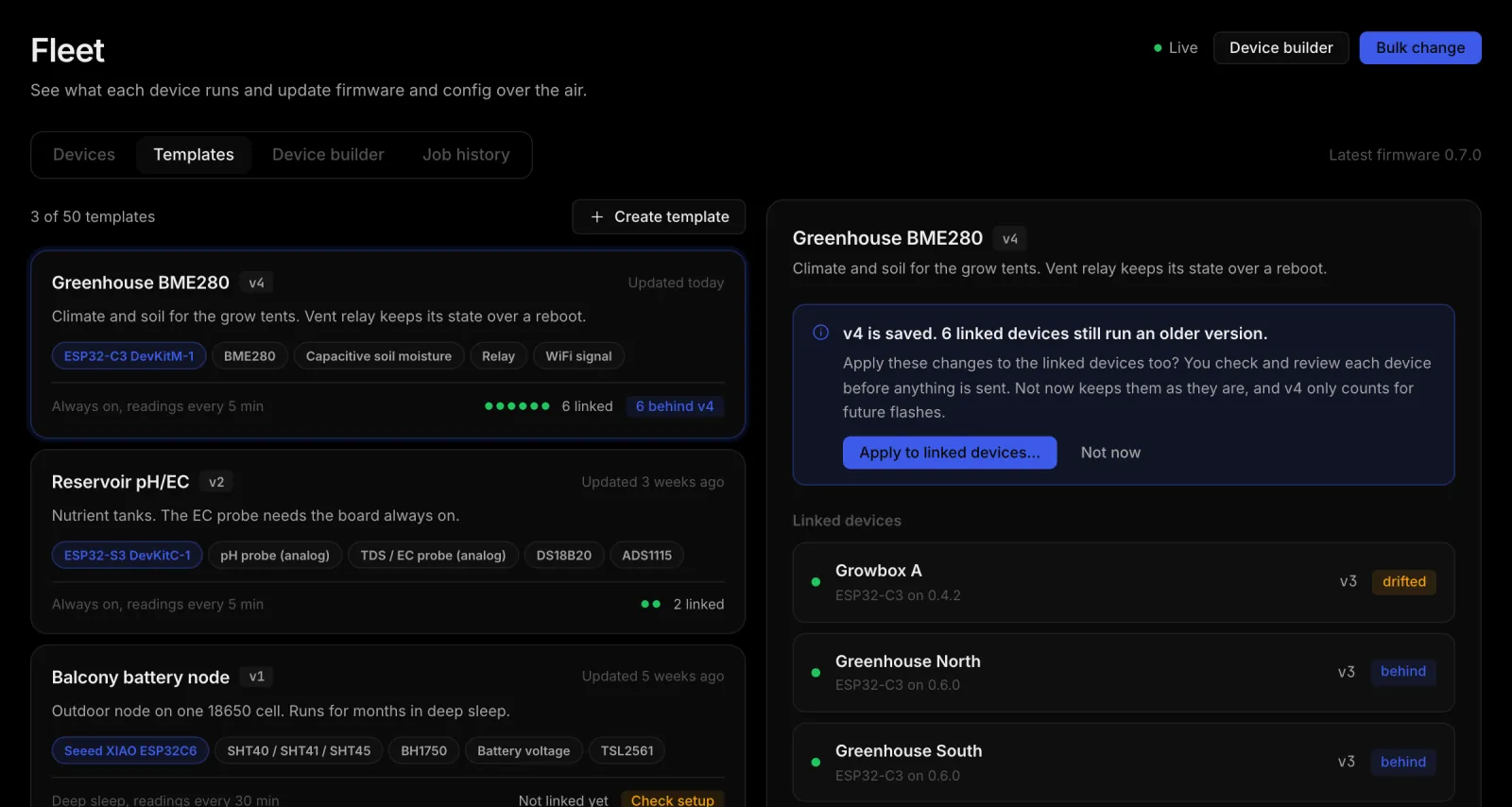
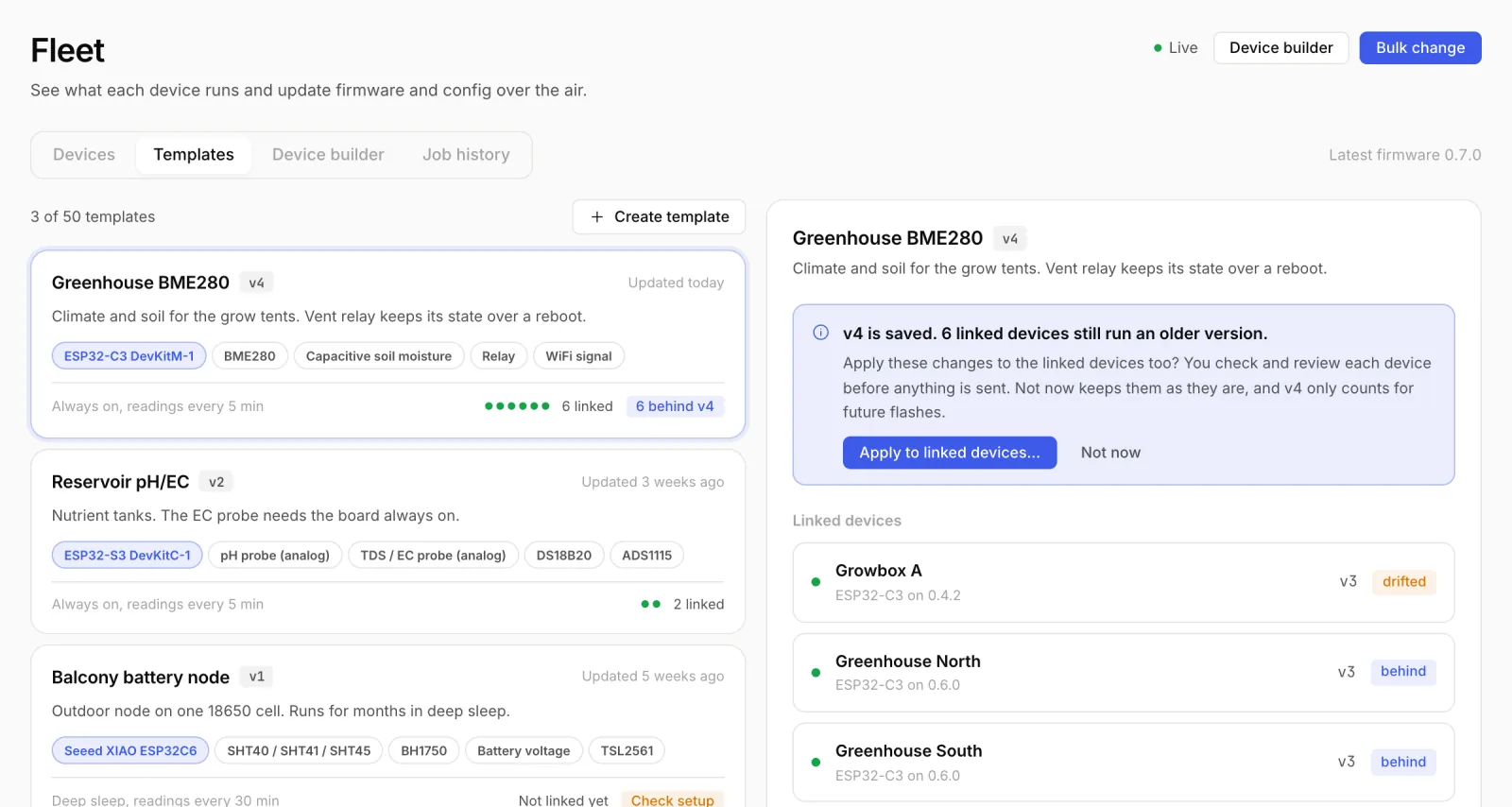
A template is a saved setup without a sensor and without WiFi: board, wiring, power and timing. Flash every identical board from it and change all of them later in one go. When you save a new version, Fleet shows which linked devices still run the old one, and Apply to linked devices… brings them up to date after the usual check.
The history
FleetJob history lists every change of the last 30 days with a number: J-0140 for one device, B-0142 for a bulk change. Filters for firmware, config and problems help you find things. Whoever started a change gets a push when all devices are done, and one right away on a rollback.
Security
- Every firmware image is signed with ECDSA P-256. The board checks the signature before it installs anything.
- The WiFi password and the secret are never part of an update.
- HydroNode never connects to your device. The device asks, HydroNode answers.
Read more
- Flash your first board: An ESP32-C3 sensor without code.
- Know when one of them drops out: Know when a sensor goes quiet.
- Every column and state: Fleet and OTA docs.