 HydroNode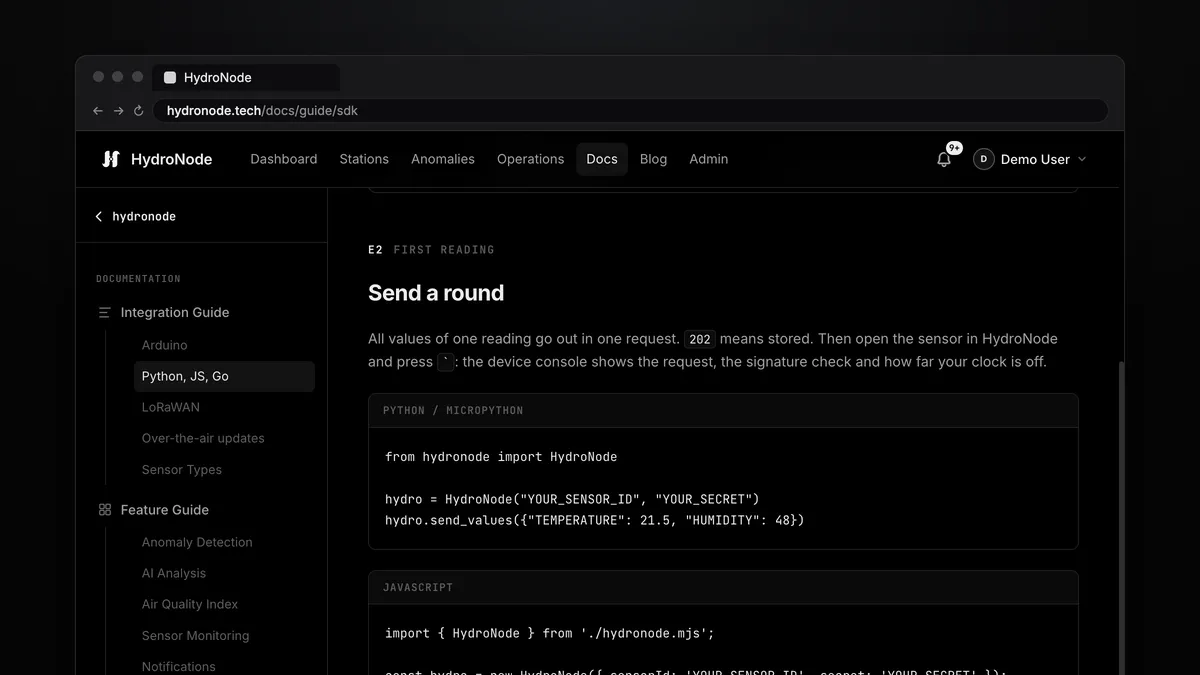
Not every sensor hangs off an ESP32. A Raspberry Pi in the greenhouse, a Pico W with MicroPython, a gateway that forwards values from another source, a cron job on a server. So they can send sensor data too, there is now the HydroNode SDK for Python, MicroPython, Node.js and Go: one file per language, no dependencies, with the same signature as the Arduino library.
One file per language
| You have | You copy | Needs |
|---|---|---|
| Raspberry Pi, Linux, macOS, Windows | python/hydronode.py | Python 3.8+ |
| ESP32, ESP8266, Pico W with MicroPython | python/hydronode.py and hydronode_roots.py | MicroPython 1.20+ |
| Node.js, Deno, Bun | node/hydronode.mjs | Node 18+ |
| Go | github.com/TexhFexLabs/hydronode-sdk/go | Go 1.21+ |
| A shell | shell/hydronode.sh | bash, curl, openssl |
Everything is on GitHub. You get the Sensor ID and secret as usual under SettingsConnection of the sensor.
The first reading
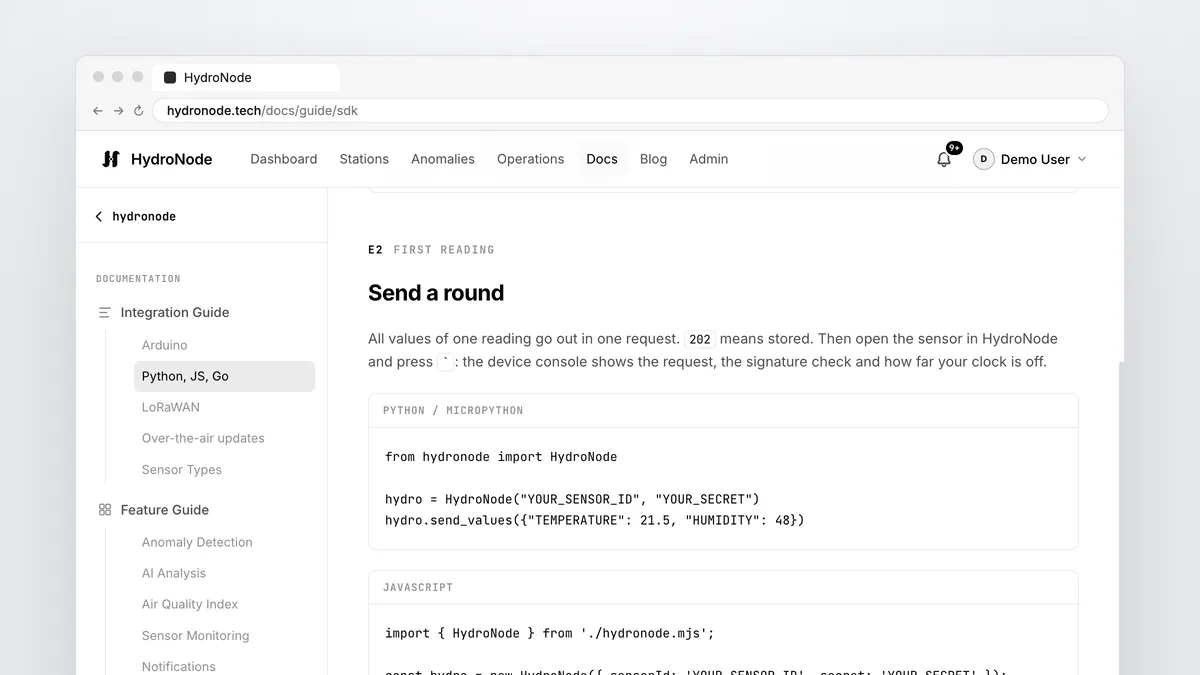
from hydronode import HydroNode

hydro = HydroNode("YOUR_SENSOR_ID", "YOUR_SECRET")
hydro.send_values({"TEMPERATURE": 21.5, "HUMIDITY": 48})import { HydroNode } from './hydronode.mjs';
const hydro = new HydroNode({ sensorId: 'YOUR_SENSOR_ID', secret: 'YOUR_SECRET' });
await hydro.sendValues({ TEMPERATURE: 21.5, HUMIDITY: 48 });client := hydronode.New("YOUR_SENSOR_ID", "YOUR_SECRET")
client.SendValues(ctx, hydronode.Values{{"TEMPERATURE", 21.5}, {"HUMIDITY", 48}})SENSOR_ID=... SECRET=... ./hydronode.sh send TEMPERATURE=21.5 HUMIDITY=48
# what would be signed, without sending
SENSOR_ID=... SECRET=... ./hydronode.sh dry-run TEMPERATURE=21.5202 means accepted. Then open the sensor page and press `: the console shows the request, the signature check and how far your computer's clock is off.
- Your codePython, Node, Go, shell
- SignedHMAC-SHA256 over the values
- 202Stored and charted
- CommandsArrive with the answer
MicroPython on ESP32 and Pico W
The same file runs under MicroPython. It computes the HMAC itself, because MicroPython has no hmac module, and formats values exactly, even though MicroPython only has 32-bit numbers on these boards. With ca=ROOTS it checks the server certificate too.
import network, ntptime, time
from hydronode import HydroNode
from hydronode_roots import ROOTS

wlan = network.WLAN(network.STA_IF)
wlan.active(True)
wlan.connect("YOUR_WIFI", "YOUR_PASSWORD")
while not wlan.isconnected():
    time.sleep(0.5)
ntptime.settime()                     # the signature carries the time

hydro = HydroNode("YOUR_SENSOR_ID", "YOUR_SECRET", ca=ROOTS)  # checks the certificate
while True:
    hydro.send_values([("TEMPERATURE", 21.5), ("HUMIDITY", 48)])
time.sleep(60)ca=ROOTS MicroPython does not check the server. The signature still keeps your values from being forged, but someone in between could read them or send you false commands. Keep the check on wherever the board has the memory for it, that is on ESP32 and Pico W. Collect offline, send later
record() keeps a reading with its time, flush() sends everything collected in one request, up to 100 rounds and seven days back. The example raspberry_pi_offline_safe.py keeps the buffer in a file, so not even a restart costs a reading. A reading that arrives twice is stored once.
hydro.load_buffer("buffer.json")       # what waited before a restart

hydro.record({"TEMPERATURE": read_cpu_temperature()})
hydro.save_buffer("buffer.json")

try:
    hydro.flush()                      # every stored reading, each with its own time
except OSError:
    pass                               # offline: they stay for the next try
Commands from the app
Commands work as on the ESP32: name, type, value. The SDK confirms every command before your handler runs and declines what has no handler or the wrong type. The app then shows Confirmed or the reason.
def run_pump(ms):
    ms = min(ms, 10000)                # never trust a network value
    pump_on(ms)

hydro.on("pump", run_pump, "UINT32")
hydro.on("lamp", lambda on: relay(on), "BOOL")
hydro.send_values({"WATER_LEVEL": 72})  # commands arrive with this answer
Any other language
If your platform can do HTTPS and HMAC-SHA256, it can talk to HydroNode. The whole protocol is in PROTOCOL.md: every endpoint, every answer, every limit. In short:
X-Sensor-Id:  <sensor id>
X-Timestamp:  <Unix seconds>
X-Signature:  Base64(HMAC-SHA256(secret, canonical + X-Timestamp))

canonical = {"sensorId":"<id>","timestamp":1730638800,"values":[{"type":"TEMPERATURE","value":21.50}]}21.125 becomes 21.13, not the 21.12 that printf gives. The file vectors/signature-vectors.json holds exactly such cases with the expected signatures. The HydroNode server, the Arduino library and every SDK test against this one file. If your own client passes it, it works. Where to go next
- The short version with every file is in the SDK guide.
- Rather Arduino, without WiFi too: ESP32 over LTE-M, NB-IoT and Ethernet.
- More from the same readings: Dew point and VPD without new hardware.