 HydroNode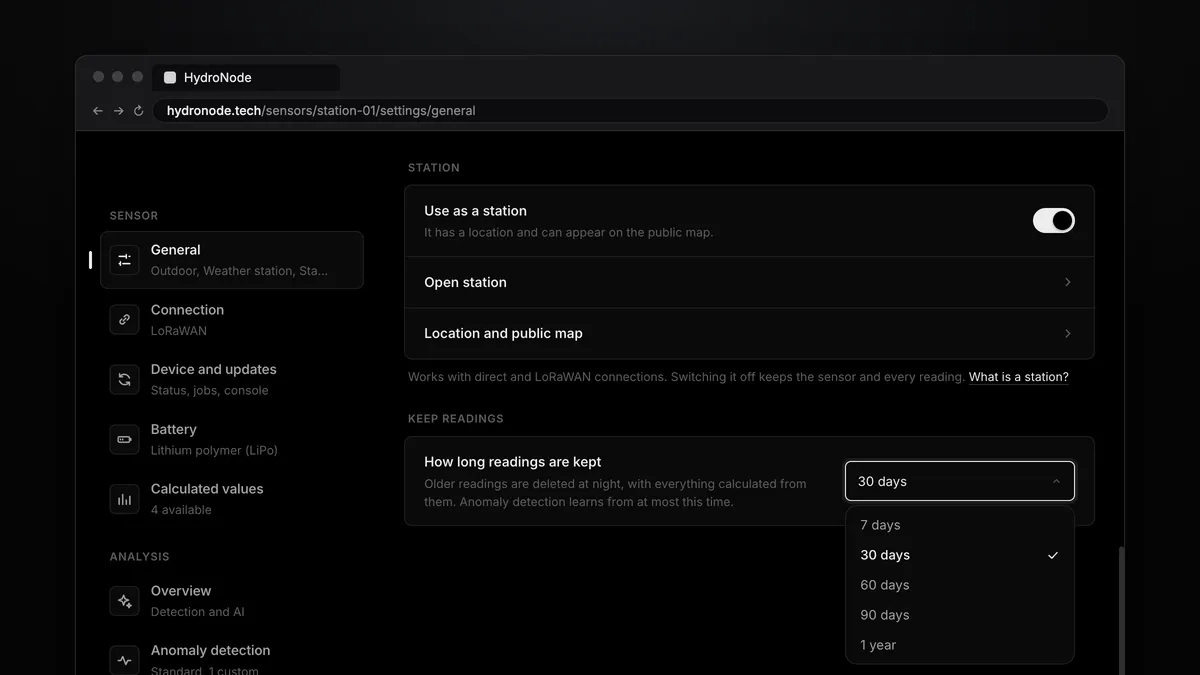
Every sensor now has a retention period of its own. You choose how long HydroNode keeps its readings: 7, 30, 60 or 90 days, or a year. Without a choice it is 30 days. Whatever is older, HydroNode deletes every night. Here is what exactly goes, what stays, and which period fits which sensor.
Set it
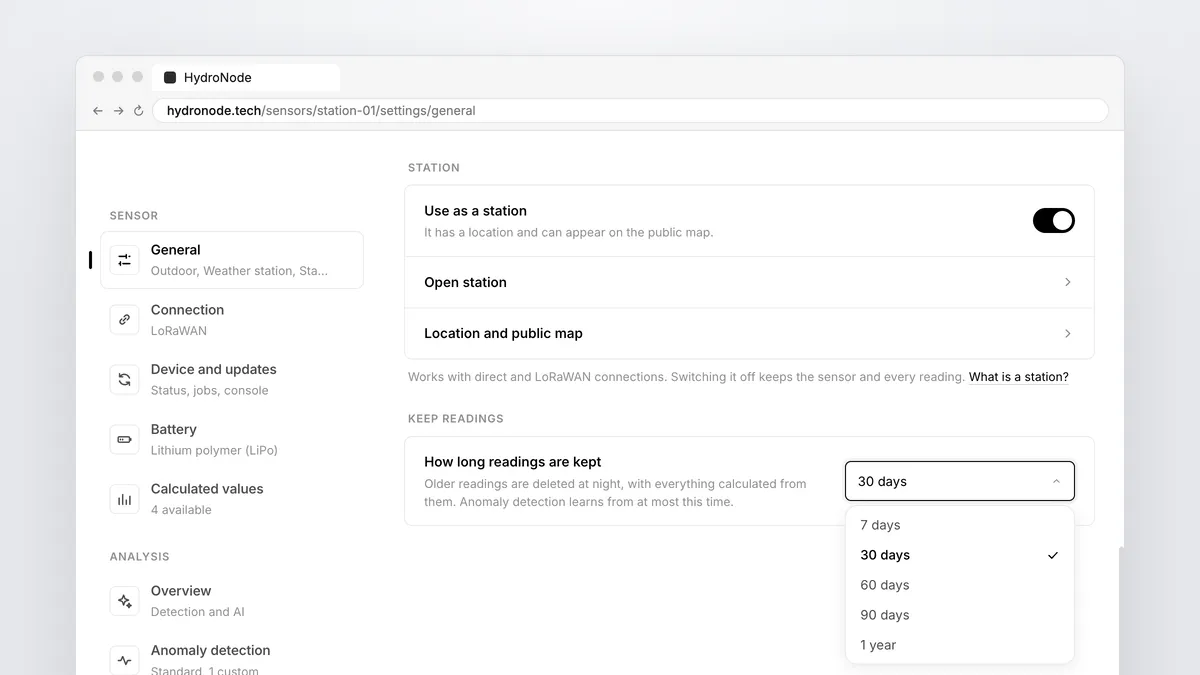
- Open the settingsOn the sensor page press Settings at the top right, then General.
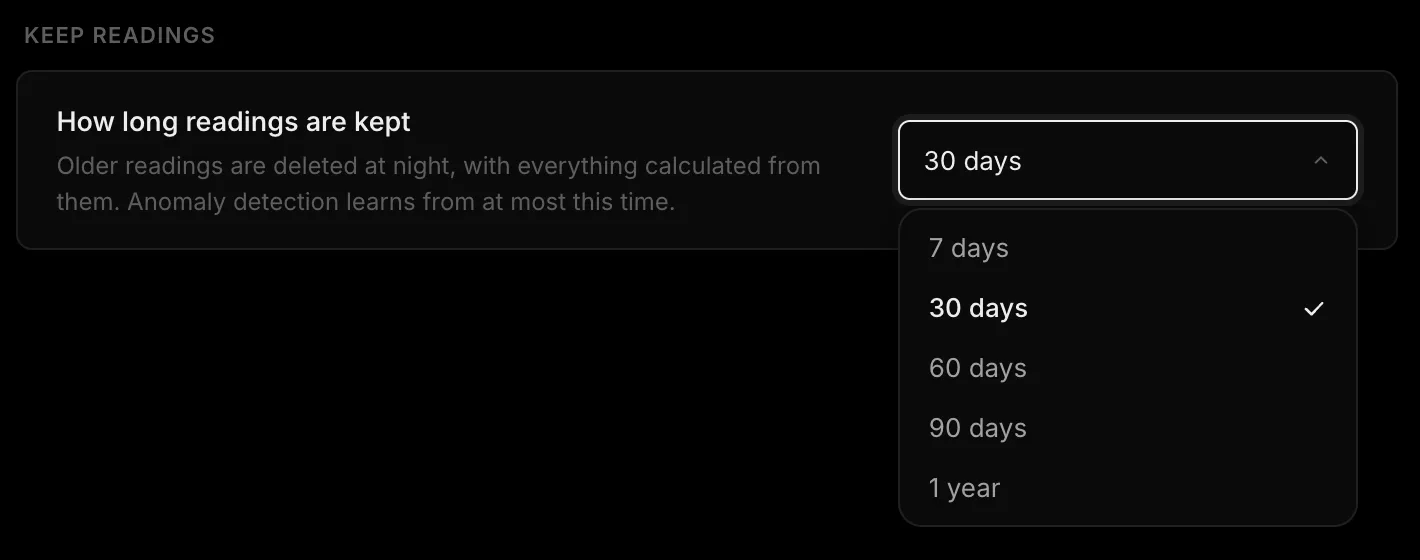
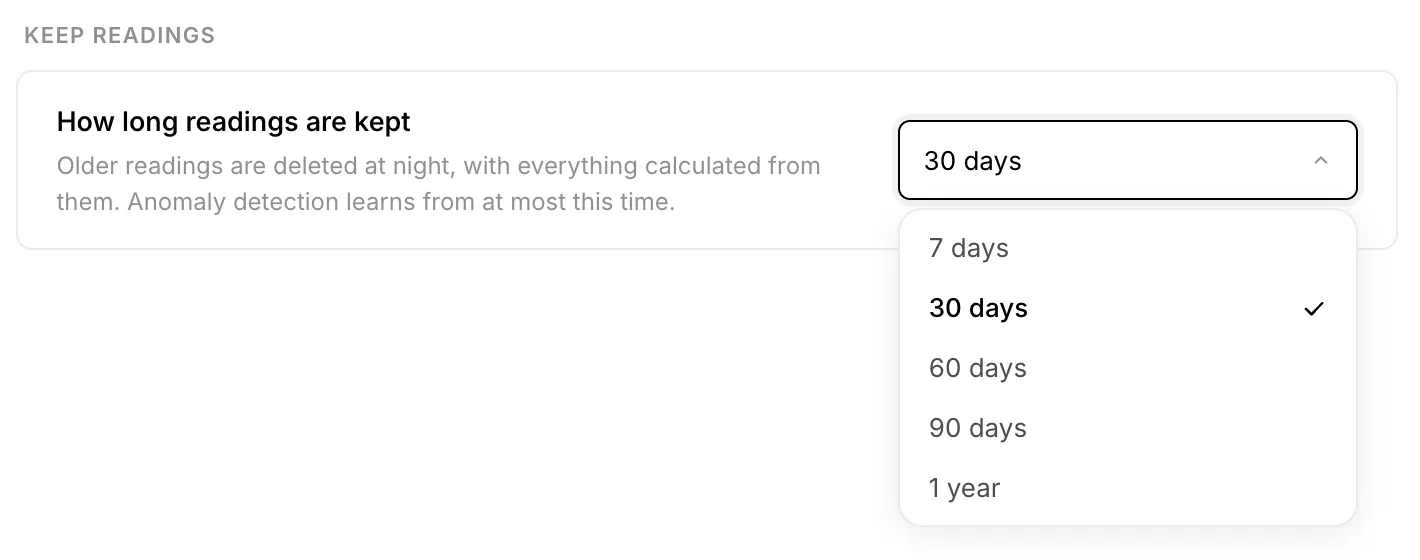
- Pick the periodAt the bottom, under Keep readings, is How long readings are kept. Pick 7, 30, 60, 90 days or 1 year.
- SaveThe bar with Save changes shows at the bottom. A shorter period asks first, because deleted readings do not come back.
What happens every night
- ReadingsArrive and are stored
- KeptFor the period you chose
- NightOlder ones are deleted
- ChartsSummaries follow
At night HydroNode deletes every reading older than the period you chose. The values calculated from them go with them, such as dew point or VPD, and so do the summaries long charts are drawn from. With a lot of old readings this takes a few nights, because HydroNode deletes only so much per night.
Which period fits
| Period | Fits |
|---|---|
| 7 days | Test setups on the desk and devices where only the current value counts. |
| 30 days | The default. Enough for charts, alerts and anomaly detection with the full daily pattern. |
| 60 or 90 days | Greenhouses, grow cycles, water tanks: anything you follow through a season. |
| 1 year | Weather stations and rooms you want to compare with last year. |
Sensors from before
For sensors that existed before this setting, HydroNode deletes nothing for the first 30 days. A message lands in your inbox, and when readings would be lost, a mail follows seven days before the end. Below the choice it says until when nothing goes. To keep more than 30 days, pick a longer period in that time and no reading is lost.
Calculated values and the past
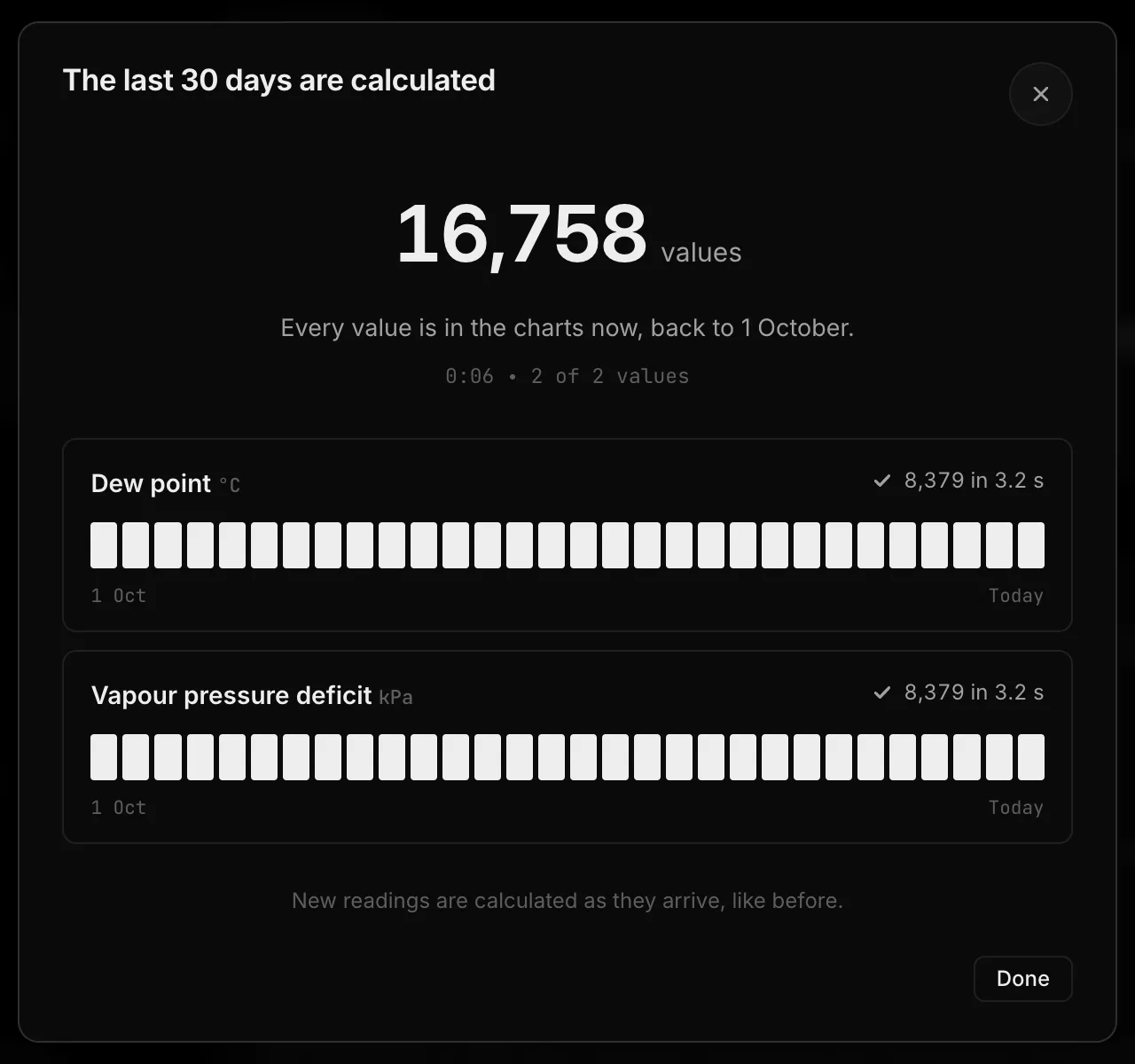
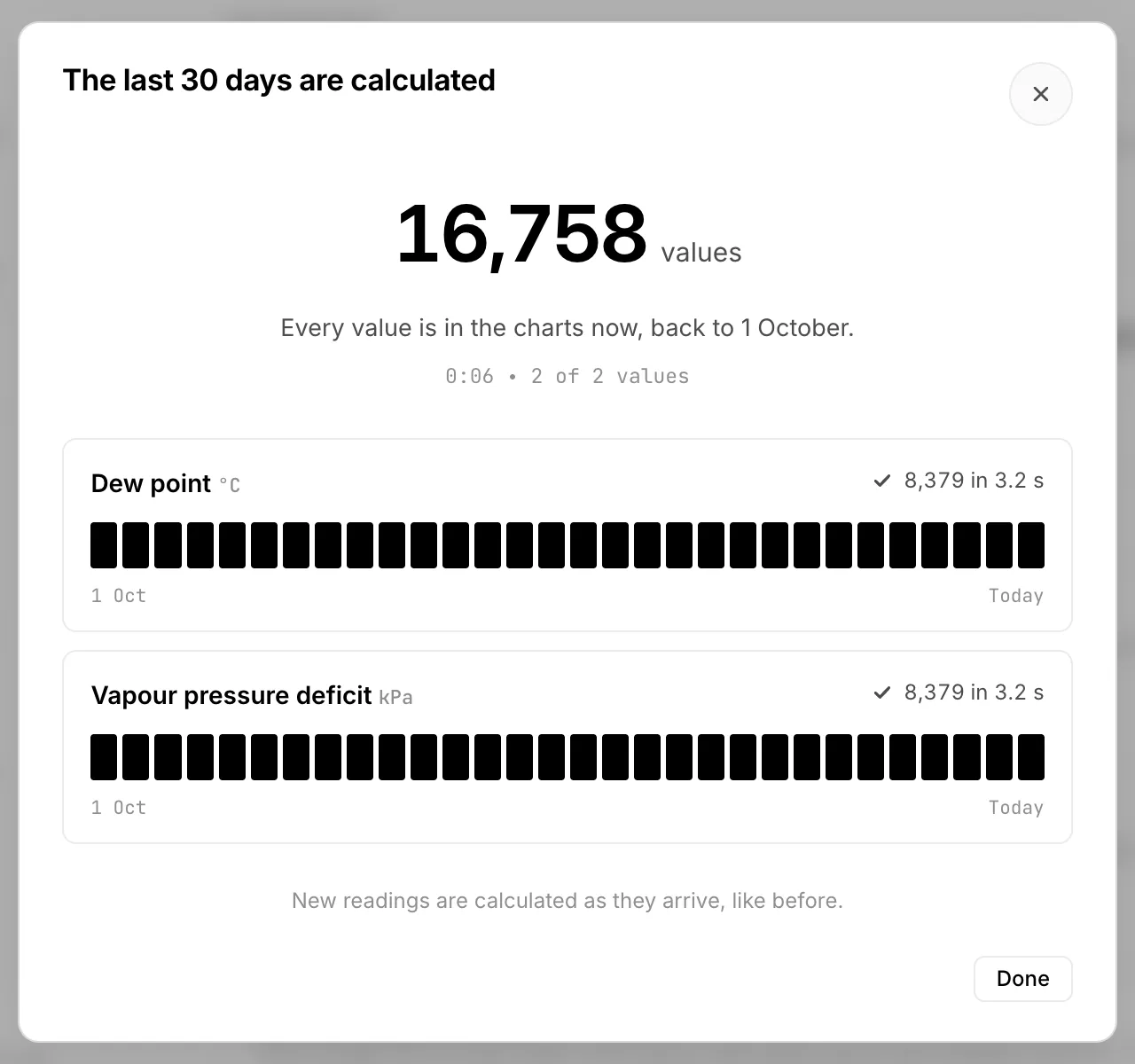
When you switch a calculated value on, HydroNode calculates it for the last 30 days. Never further back than the sensor keeps its readings: with 7 days it is 7 days. How that runs is in Calculate dew point and VPD.
Where to go next
- The short answers are in the FAQ under Setup & Stations and Data & Account.
- To keep readings locally as well, bring them into your own database with the Home Assistant integration.
- When a sensor fails you still know at once: Alerts when a sensor goes quiet.