 HydroNode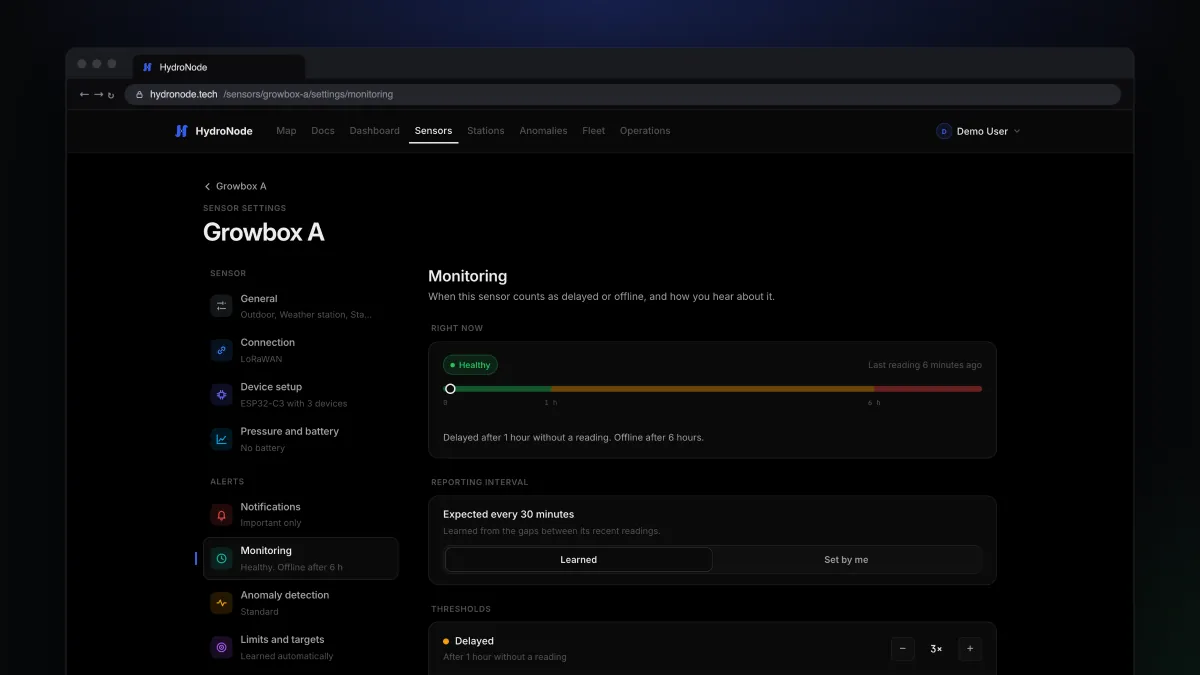
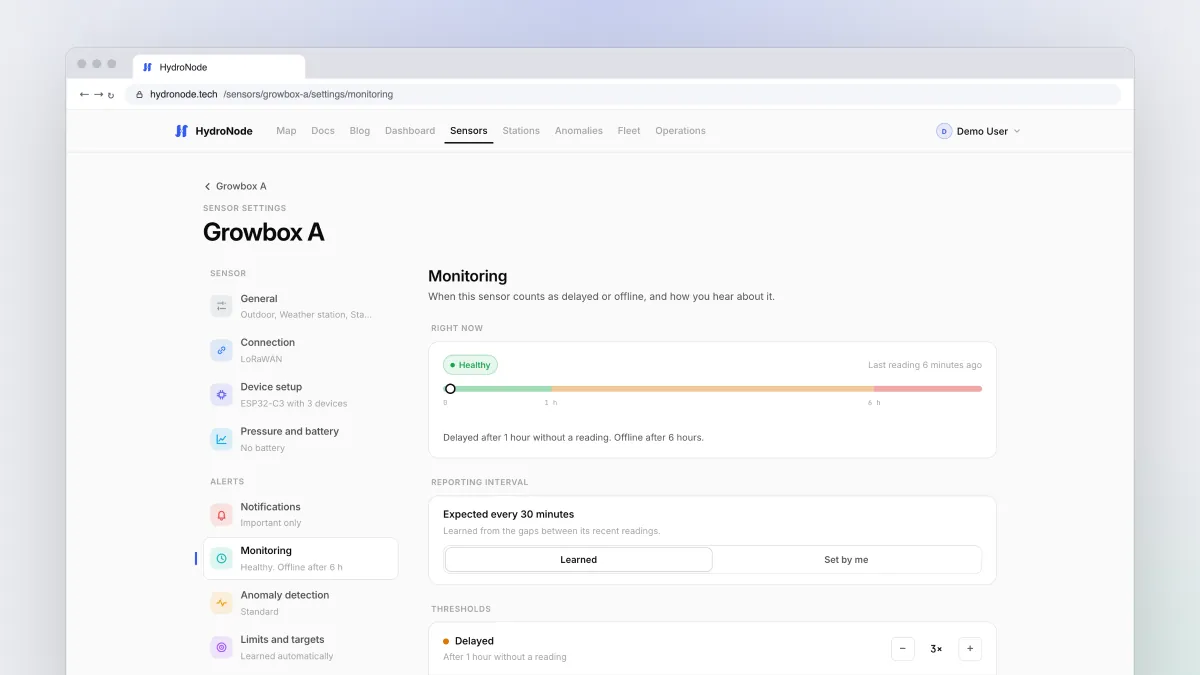
The nasty thing about a dead sensor: its chart looks calm. No spikes, no warnings, just nothing. Until you notice that the last value is three days old. HydroNode makes sure that does not happen to you, and learns the rhythm of every single sensor to do it.
Four states, one rule
Every sensor is Healthy, Delayed, Offline or has no data yet. Fleet, the sensor list, the widgets, automations and the alert email all read this one rule, so they always agree.
- HealthyReadings arrive on time
- DelayedAfter 3 missed intervals
- OfflineAfter 12 missed intervals
- Back onlineFirst reading after the outage
Set up monitoring
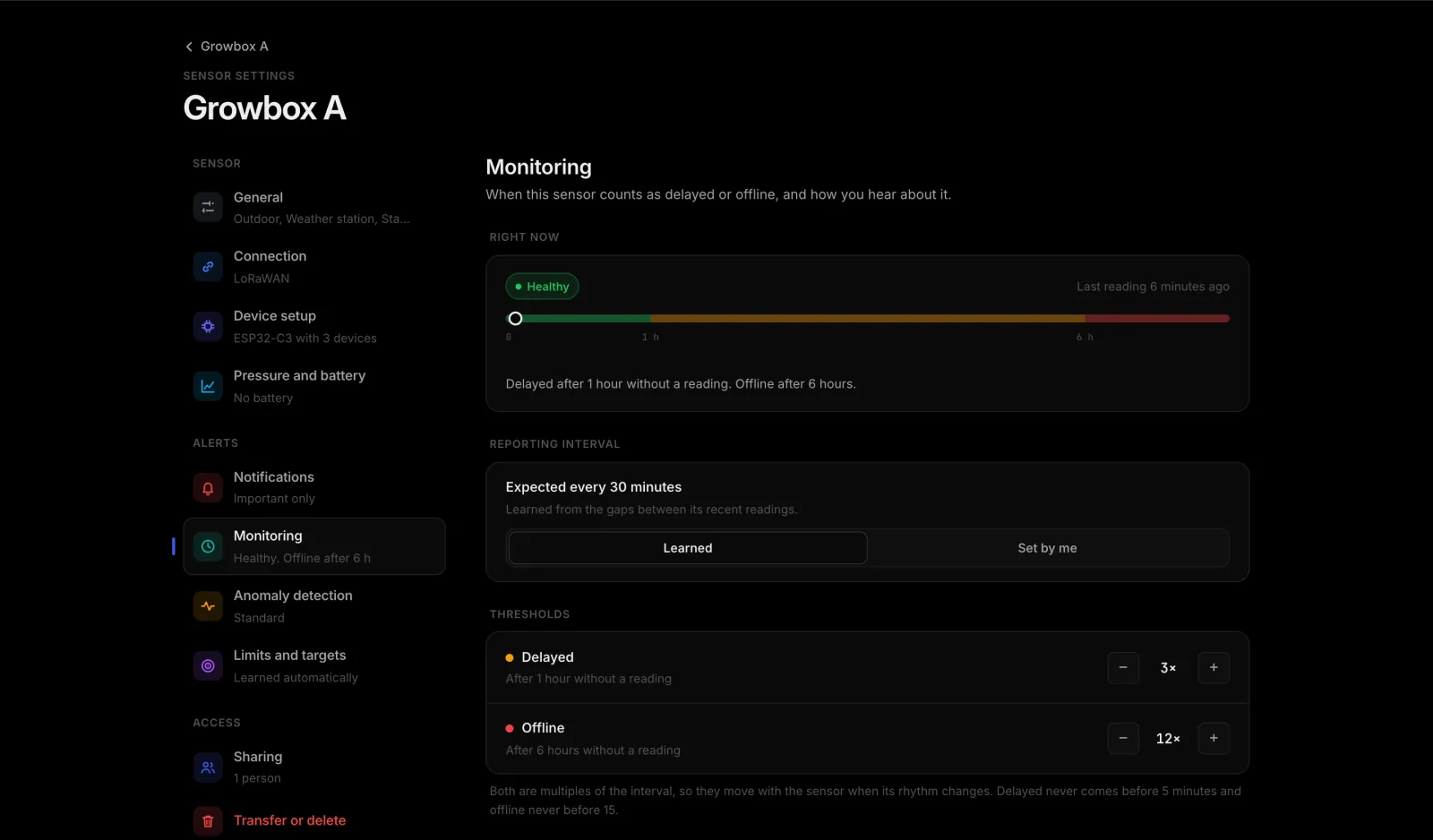
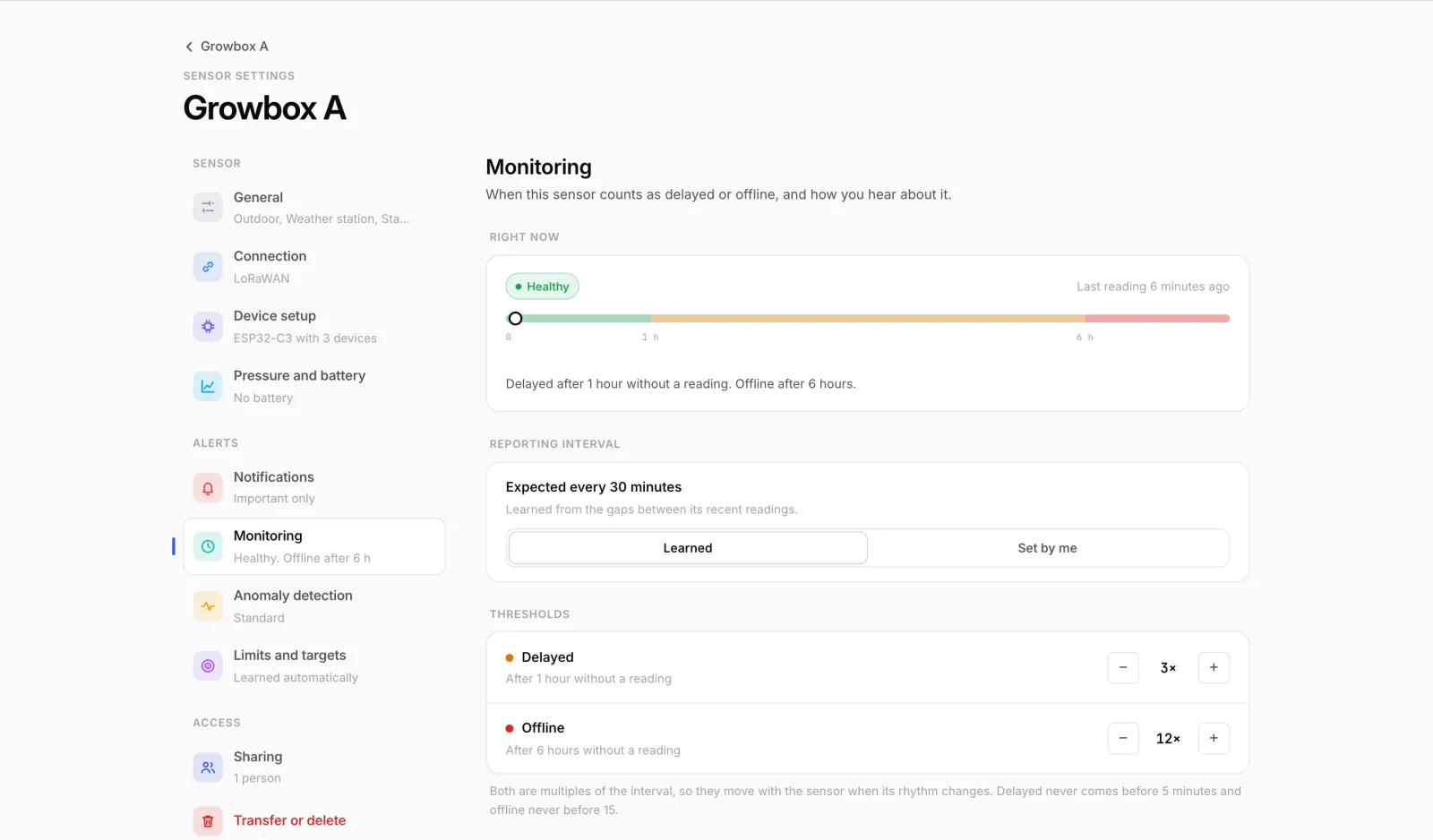
- Open the settingsSensor page, Settings, then Monitoring on the left. Right now at the top shows how the sensor is doing.
- Check the intervalUnder Reporting interval you see what HydroNode learned, for example
Expected every 30 minutes. If your device sends irregularly, switch to Set by me and enter the real value. - Adjust the thresholdsUnder Thresholds, change the multiple for delayed and offline with − and +. A device in deep sleep that sometimes misses a round is happier with a higher offline multiple.
- Pick the channelsUnder Tell me, switch push and email on or off per stage, plus Back online and Device faults.
Muted means muted
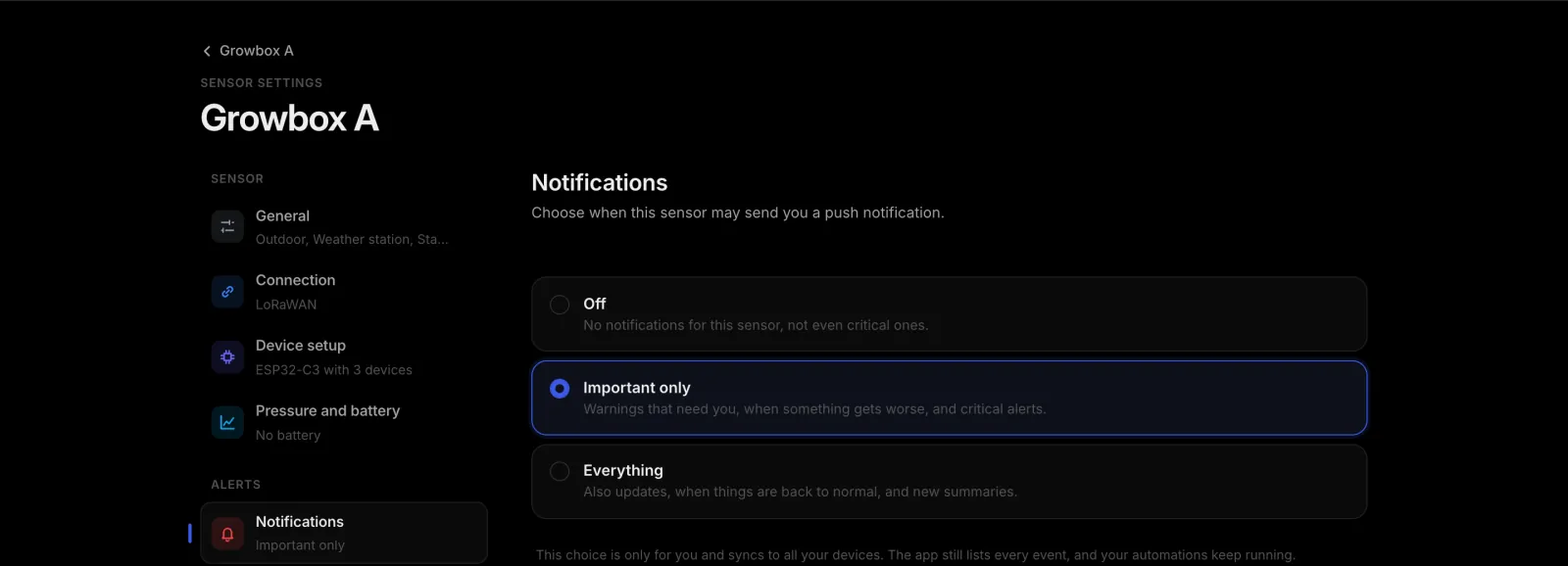
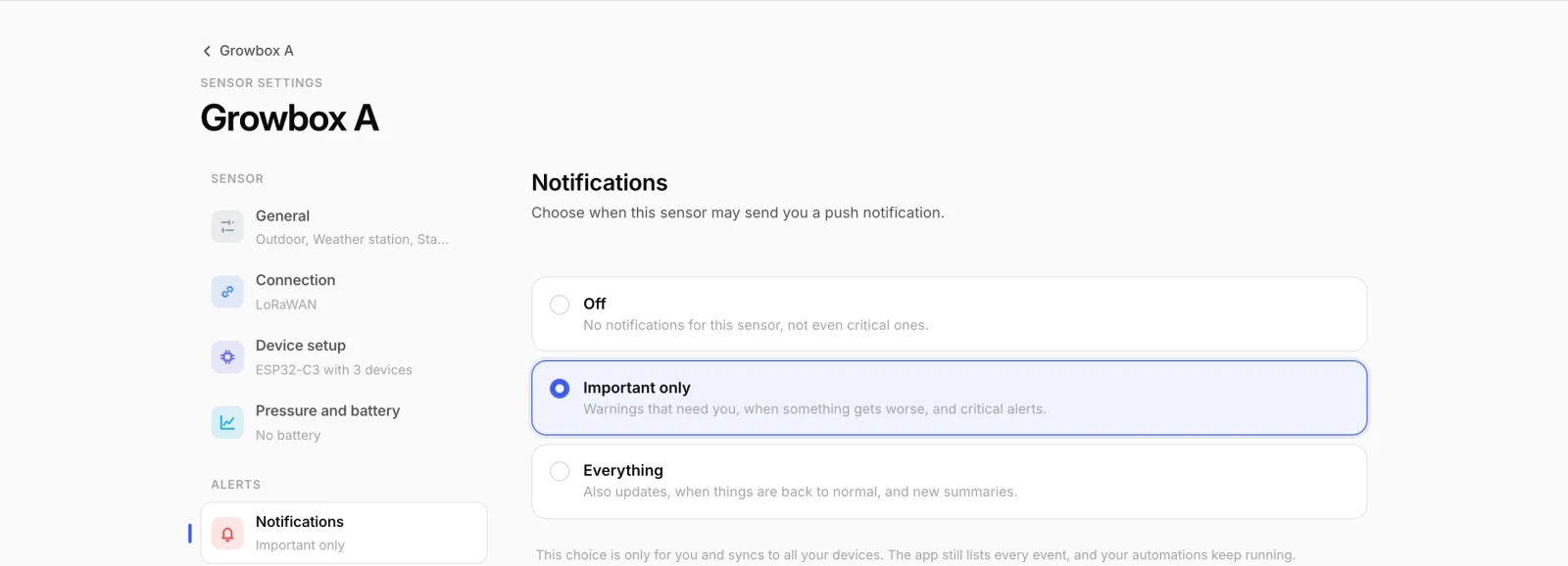
If a sensor is set to Off under SettingsNotifications, that covers monitoring pushes too. Handy for a test rig that gets unplugged a lot. The app still shows its state.
More than a message: automations
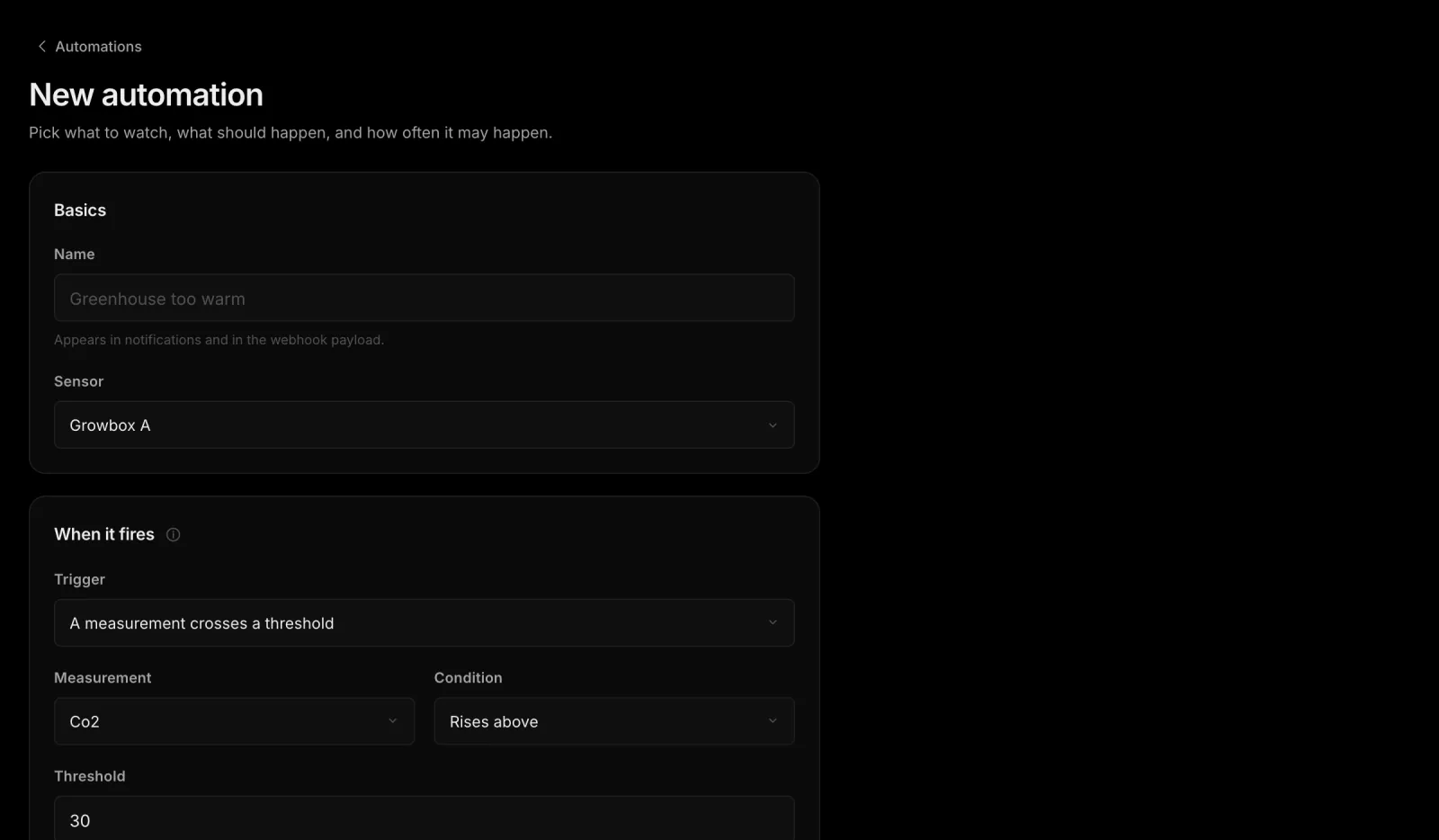
Sometimes a quiet sensor should make something happen, not just send a note. Create a rule for that under OperationsAutomations.
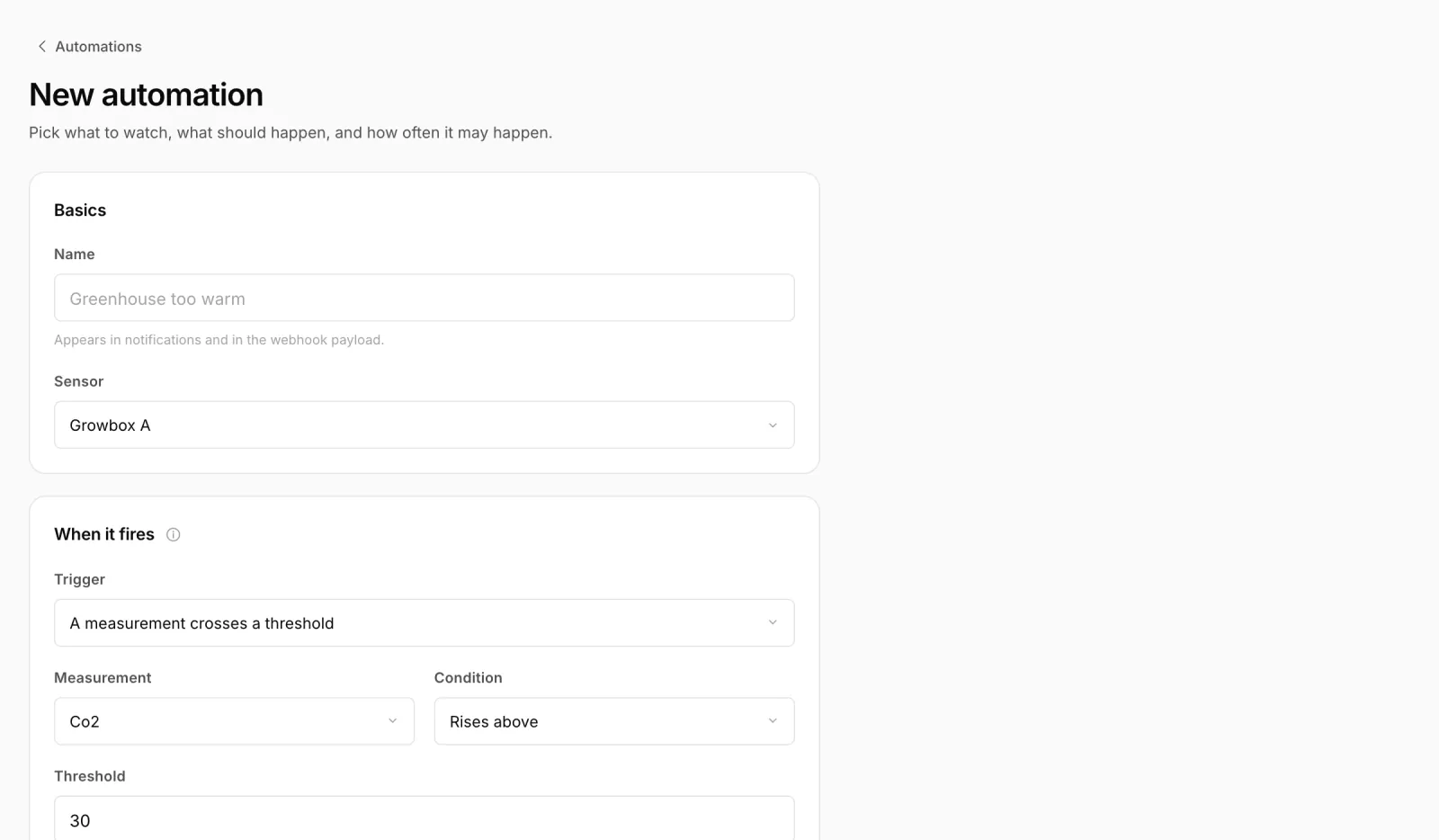
- New automationGive it a name and pick the sensor.
- TriggerUnder Trigger pick The sensor goes quiet, then Is delayed, Goes offline or Is back online.
- ActionSend a notification, Send a command to the device with a saved command template, or Call a webhook with a signed POST to your own HTTPS address.
- BrakeUnder Run at most set how often the rule may fire.
A real-world example: when the greenhouse sensor goes offline, a webhook tells your home automation to switch the irrigation to a fixed schedule until readings come back.
Read more
- Why a sensor went quiet is usually in the console: Debugging with the device console.
- Keep many devices in view: Fleet and updates over the air.
- Every detail: sensor monitoring docs.