Sensor and credentials
Every device sends to a sensor in HydroNode, and every request proves that it comes from that sensor. Create the sensor once, then pick up what your path needs: a Sensor ID and Secret, a webhook token, or nothing at all.
Your first sensor
In HydroNode a sensor is the identity of your device. HydroNode accepts no data for a sensor that does not exist. An account holds up to 20 sensors, free.
- 1Start on the DashboardPress Create sensor in the head of the device list.
- 2Name it and pick the environmentGive it a name such as
Growbox A. Choose Indoor for rooms, grow boxes and greenhouses, Outdoor for anything outside. The environment decides what counts as normal, and only outdoor sensors can become a station on the map. - 3Keep the credentialsAfter Create sensor HydroNode shows the Sensor ID and the Secret. You find both again any time, see below.
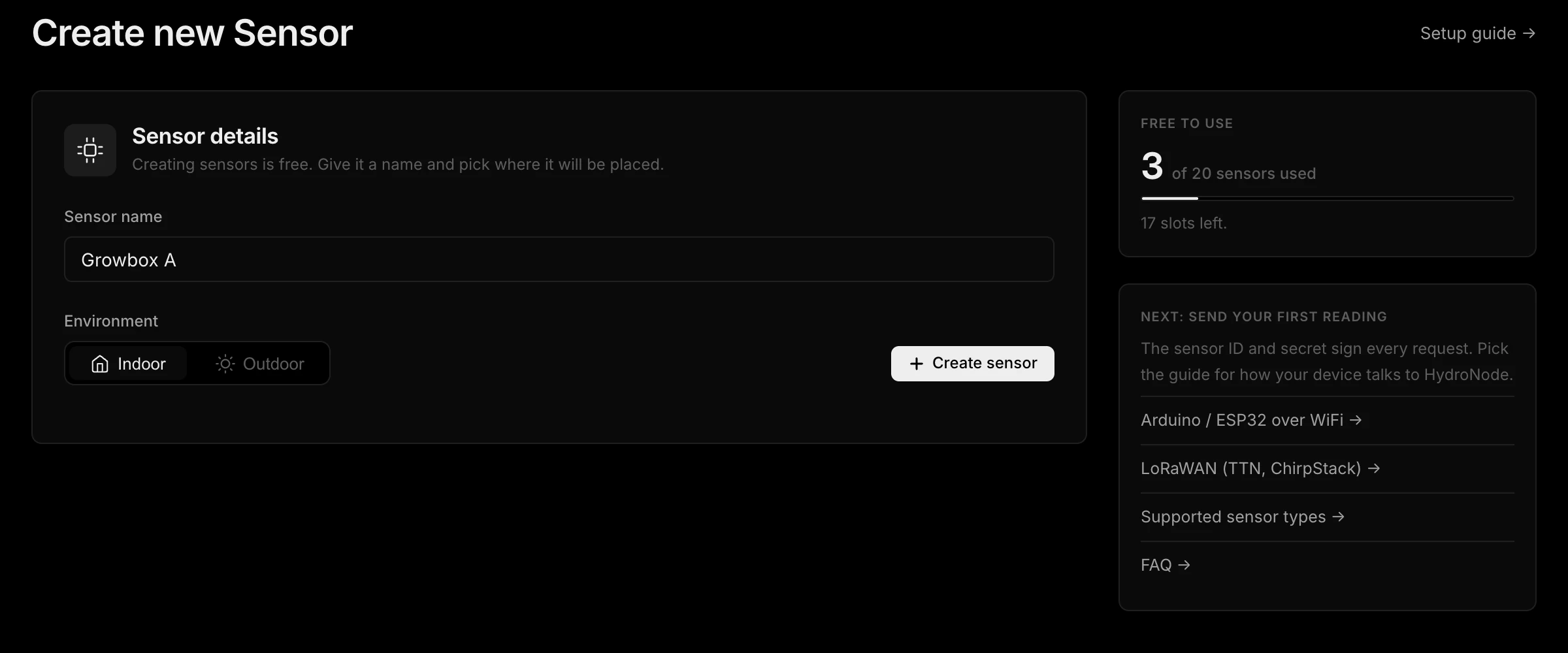
Using the Device Builder? It creates the sensor for you if you like and writes the credentials onto the board itself. You can skip the rest of this page.
What each path needs
| Path | Needs | Where you find it |
|---|---|---|
| Device Builder | Nothing to copy | The builder writes the credentials onto the board. |
| Arduino library | Sensor ID and Secret | Settings, Connection. Into the sketch. |
| LoRaWAN | Webhook token and DevEUI | Token in your profile, DevEUI on the device. No Secret. |
| ESPHome | Sensor ID and Secret | Settings, Connection. Into secrets.yaml. |
| SDK (Python, Node.js, Go) | Sensor ID and Secret | Settings, Connection. Into your program. |
| Home Assistant | API token | Profile, API Tokens. Reads, it does not send. |
Copy them from the settings
- 1Open the sensorOn the Dashboard, click the sensor's name in the device list.
- 2Open its settingsPress Settings at the top right, then Connection on the left.
- 3Copy bothUnder Direct connection you find the Sensor ID and the Secret, each with a copy button.
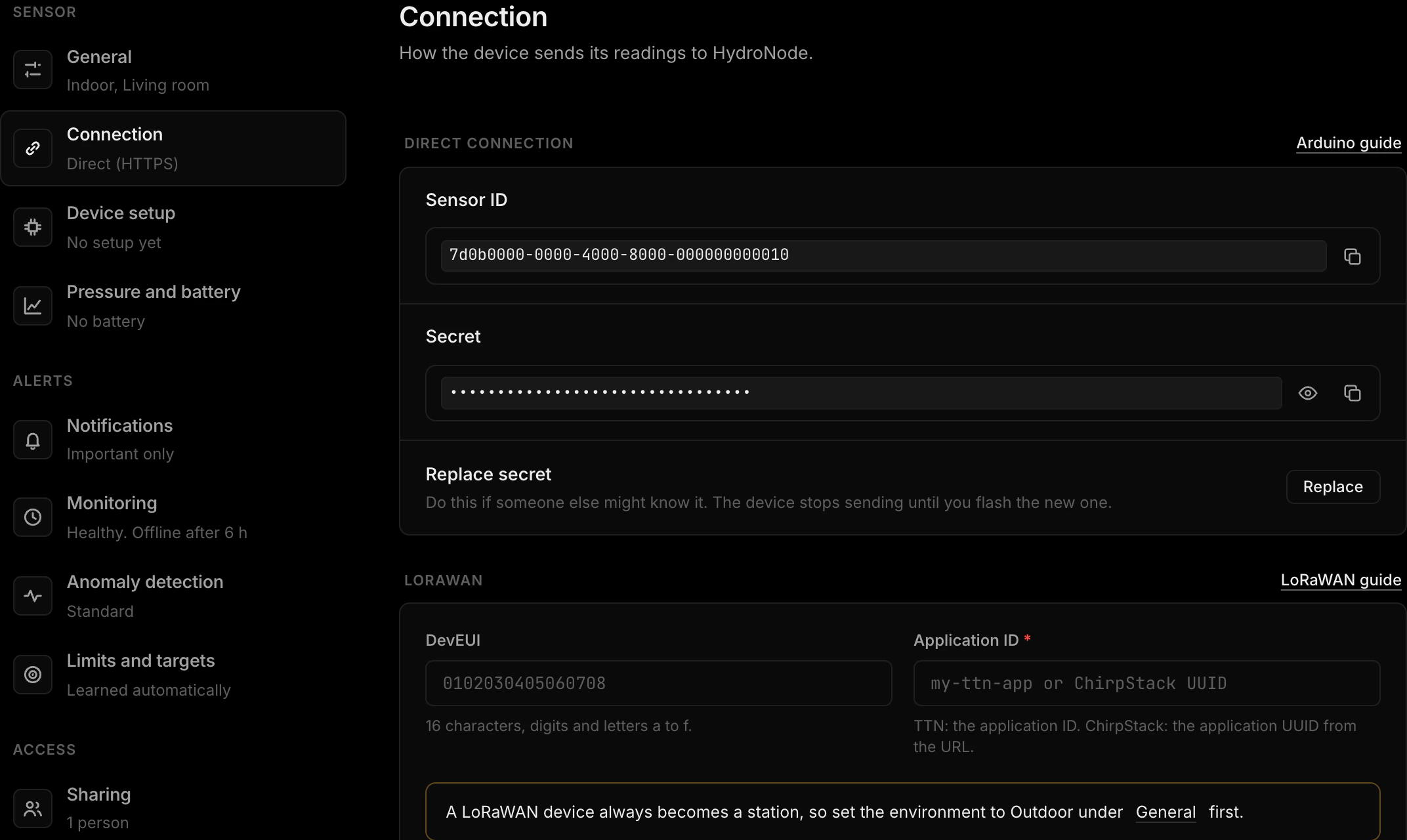
The Sensor ID names the sensor and is not secret. The Secret signs every request (HMAC-SHA256), so HydroNode knows the reading really comes from your device and was not changed on the way. It never travels over the network itself.
If the Secret leaks
- Keep the Secret on the device. Never publish it and never commit it to a repository.
- In ESPHome put it in
secrets.yaml, in Python or Node.js read it from an environment variable, in a sketch keep it in a header file that is not in Git. - Someone else might know it? Press Replace secret under Settings, Connection. The old one stops working at once, so the device stops sending until it gets the new one.