 HydroNode
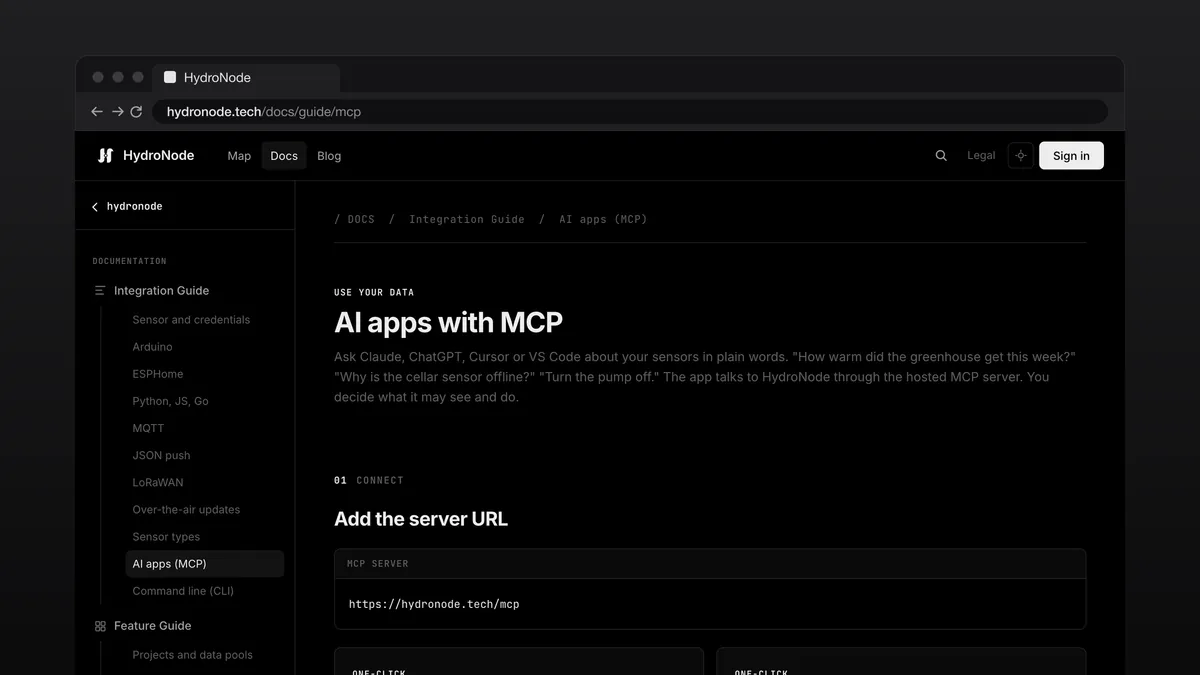
Sometimes you want to ask a question instead of opening a chart: Which sensor went offline overnight, how did greenhouse VPD move since Monday, or turn the pump on for ten minutes. That is what the hosted HydroNode MCP server for AI assistants and the hydronode CLI for your terminal are built for.
MCP in Claude, ChatGPT, Cursor and VS Code
https://hydronode.tech/mcp with no local process required.In Claude, ChatGPT or Claude Code you enter the server URL. For Cursor and VS Code, the MCP guide includes one-click install buttons. For Claude Desktop and Claude Code there is also a plugin that installs the connector together with skills that show Claude how to use HydroNode well. On first use HydroNode opens in your browser so you can verify the app name and choose whether it sees all projects or only selected projects.
Read by default, write when you enable it
Every connected app starts with read-only access (hydronode:read). Your assistant can answer questions about current readings, aggregated history, active anomalies, weather stations, automations and fleet devices without flooding the context window with raw points.
Only when you tick Switch and send commands on the consent screen does the app receive hydronode:write to switch outputs, send device commands, log manual readings, mark messages and turn automations on or off. New automations need a separate permission. For write access you sign in again if your sign-in is older than five minutes. Every write is recorded with the app name and tool.
The HydroNode CLI for terminals and scripts
- InstallOn macOS and Linux run
brew install texhfexlabs/tap/hydronodeor the install script, on Linux also the Snap, on Windows the PowerShell script from the CLI guide. - Sign in
hydronode loginopens your browser, headless servers usehydronode login --device, and CI pipelines pass an API token withhydronode login --with-token. - RunEvery command prints clean tables in an interactive terminal and switches to structured JSON with
--jsonor when piped tojq.
hydronode login
hydronode status
hydronode values <sensor-id>/temperature --from 24h
hydronode set <sensor-id>/pump on
hydronode export --sensor <sensor-id> --from 7d --format parquet -o greenhouse.parquet
Follow live readings and export time series
hydronode watch opens a live terminal view, and --plain prints one line per reading for logs and pipes. For analysis in Python, R or DuckDB, hydronode export downloads any time range as CSV, JSON or Apache Parquet.
Full control under Connected apps
Under AccountSecurityConnected apps you see every connected MCP app with its allowed projects and last activity; the CLI shows up under Sessions as HydroNode CLI. You can change project access or edit permissions at any time, or press Revoke to cut off access immediately.
Where to go next
- Setup and all 19 tools: MCP server.
- Installation, sign-in and command reference: CLI.
- Claude plugin with connector and skills: hydronode-skills.
- Manage connected apps: Account, security and API tokens.
- Connect devices without a library: Interfaces: MQTT, JSON push and LoRaWAN.