Chapter 21
Account and security
How HydroNode looks for you, what your account uses and where you are signed in. Open the menu under your avatar and pick Account settings.
01Pages
Account settings
| Page | Holds |
|---|---|
| General | Theme, clock, date format, dialog background and Public profile (whether people you share with see your name and picture). |
| Alerts | Push and email for delayed, offline and faults that new sensors start with. |
| The weekly report and the alert emails per sensor. | |
| Usage & limits | Sensors you own of 20, and the AI analyses of this month and day. |
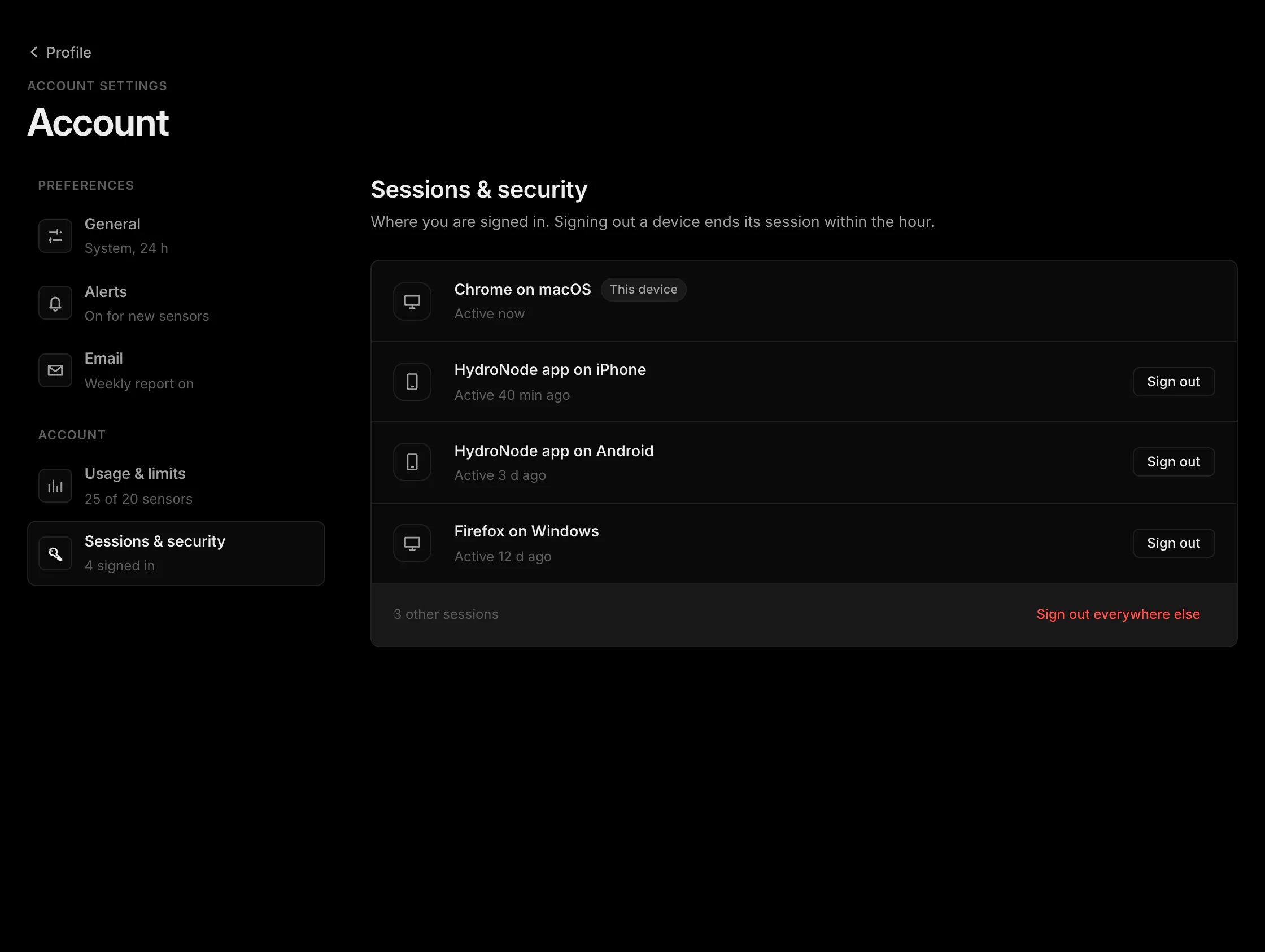
| Sessions & security | Signed-in devices, connected AI apps (MCP), passkeys and the WiFi vault. |
02Sessions
Where you are signed in and connected apps
Each sign-in on a phone, in a browser or with the HydroNode CLI is one session, shown with its app or browser and when it was last active. Sign out ends one, Sign out everywhere else ends all but This device. A session ends by itself after 30 days without use and after one year at the latest. Below the sessions, Connected apps lists every AI app connected via MCP with its permissions, projects and last use, plus Edit access and Revoke.
03Delete
Delete your account
Profile › Danger Zone › Delete account deletes your account with your sensors, readings, projects and links. Without access to the app, follow Account deletion.