Controls
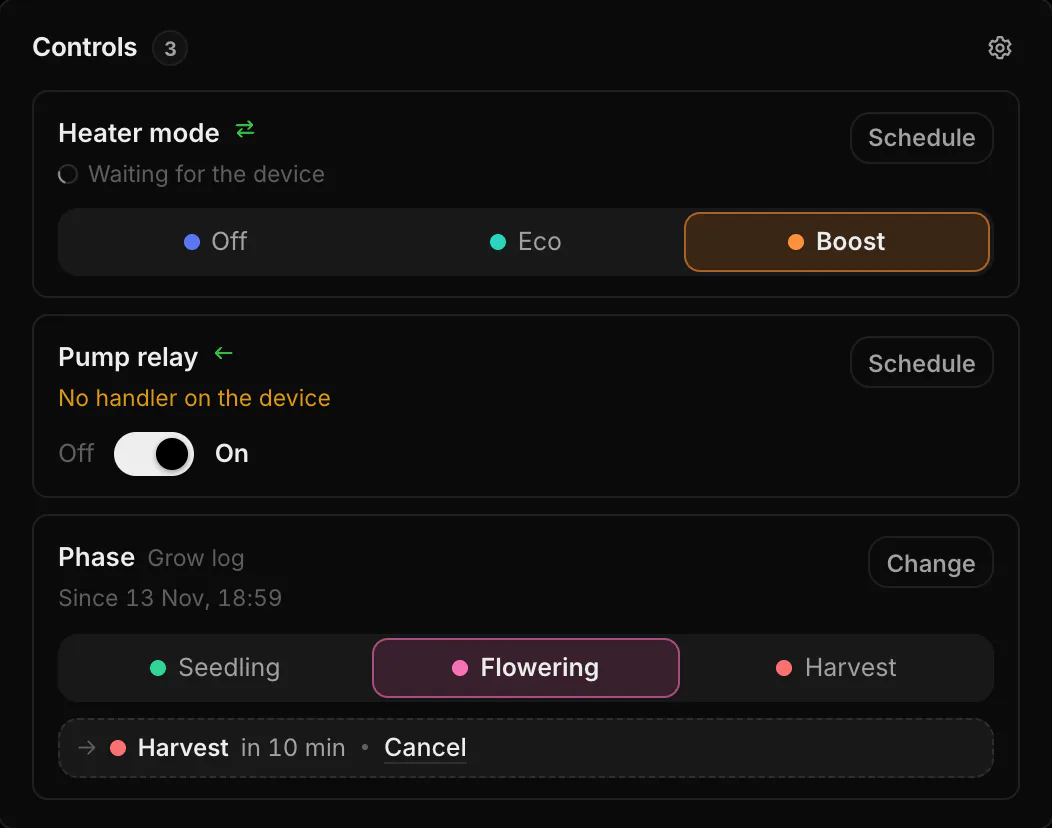
Switch a pump, pick a heater mode or move a crop to its next phase. Controls show the state a value really has and the one you asked for, until the device confirms it.
Controls on the sensor page
A sensor with values you can set shows Controls on its page, right under the chart across the full width, up to three side by side. The column on the right holds only the anomalies. Each state has its current value and buttons for the others. With a target profile the phase is a state of its own, Phase. The band under the chart only shows when which state was on.
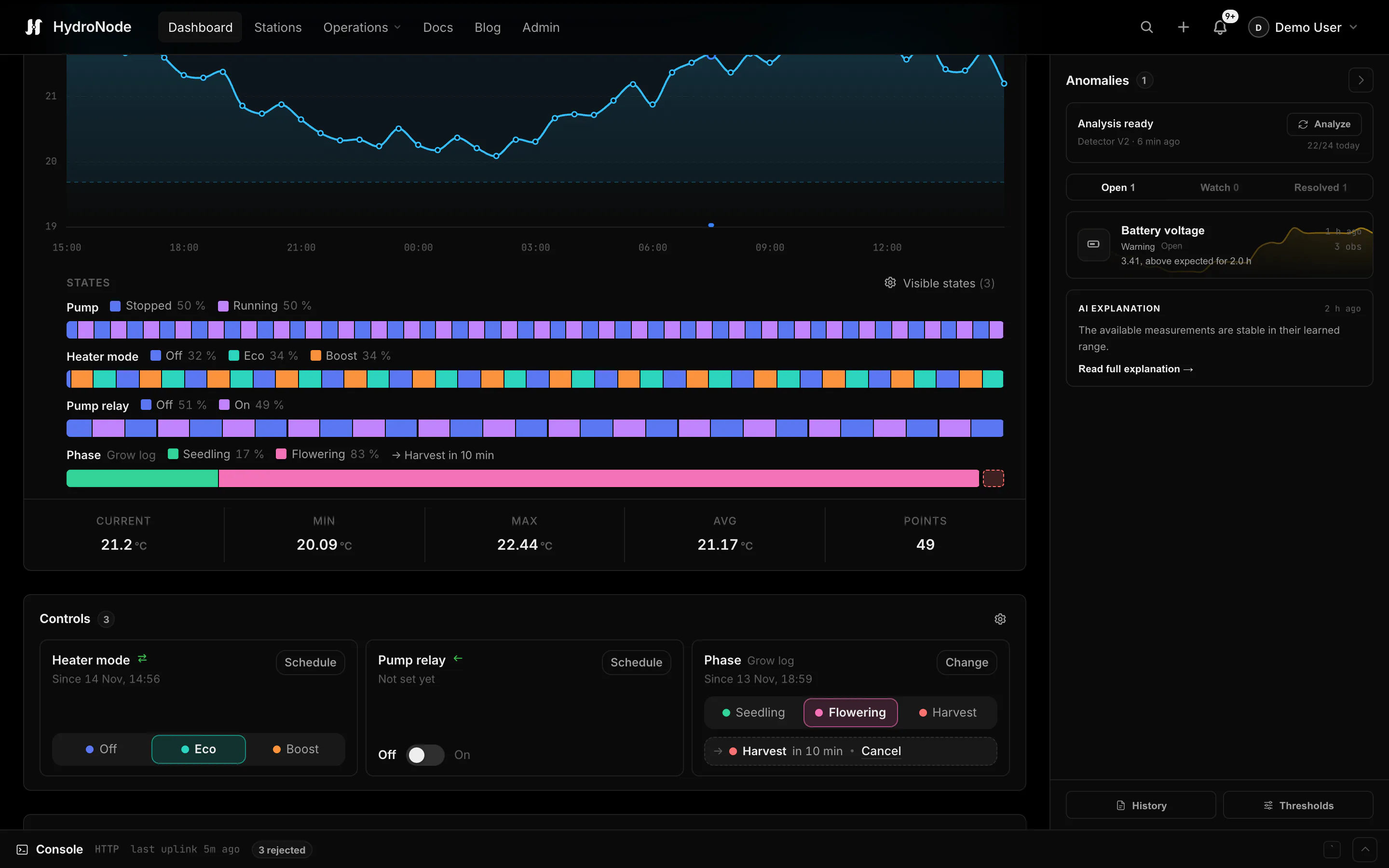
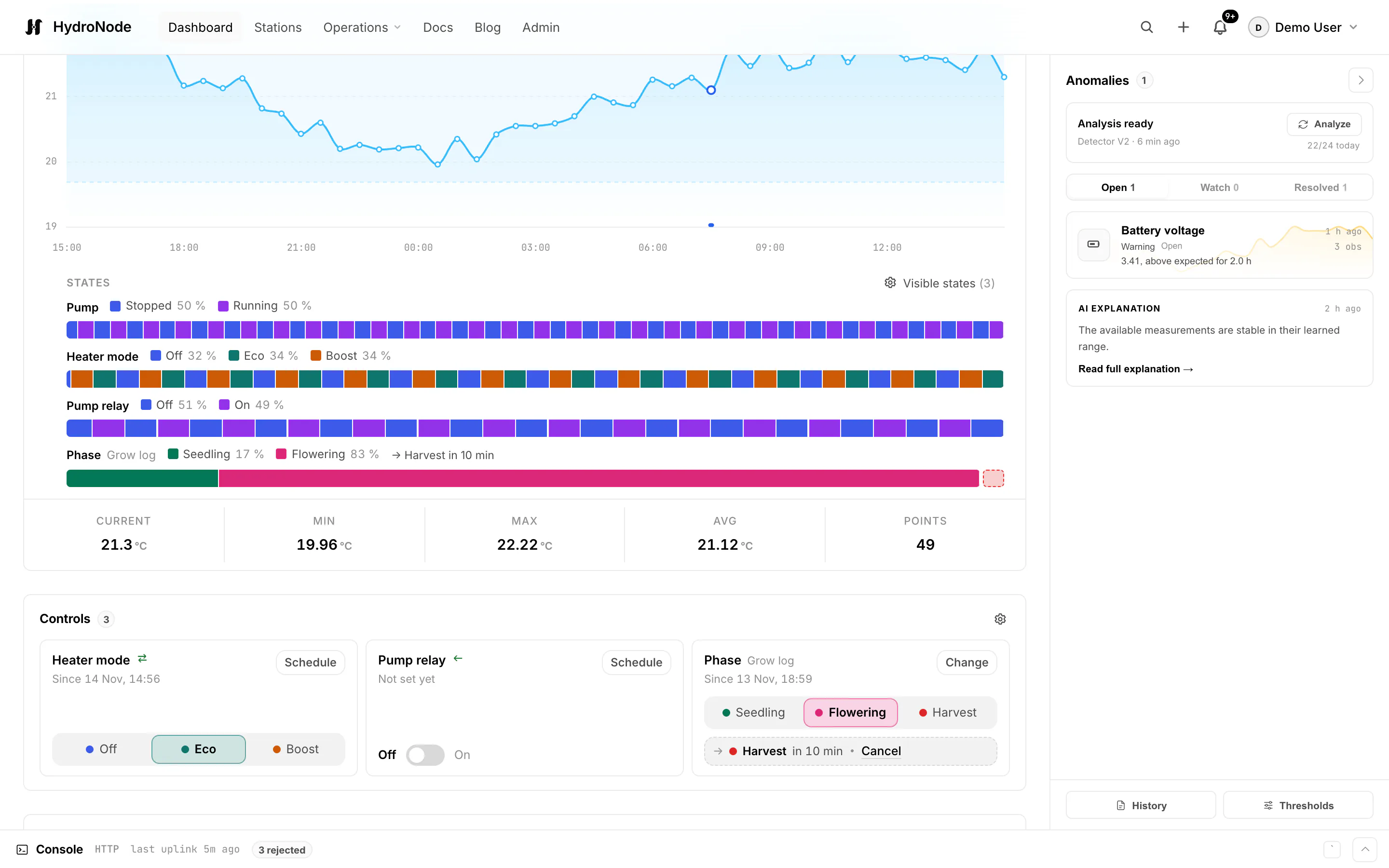
The gear of Controls picks which ones show and their order, switches to Compact view and opens Data point settings. Under Add from the pool you add values of other sensors in the pool, a grow log for example. This browser keeps the choice, apart from Visible states of the band. Setting needs Edit on the sensor; with View the panel reads View only.
Now or later
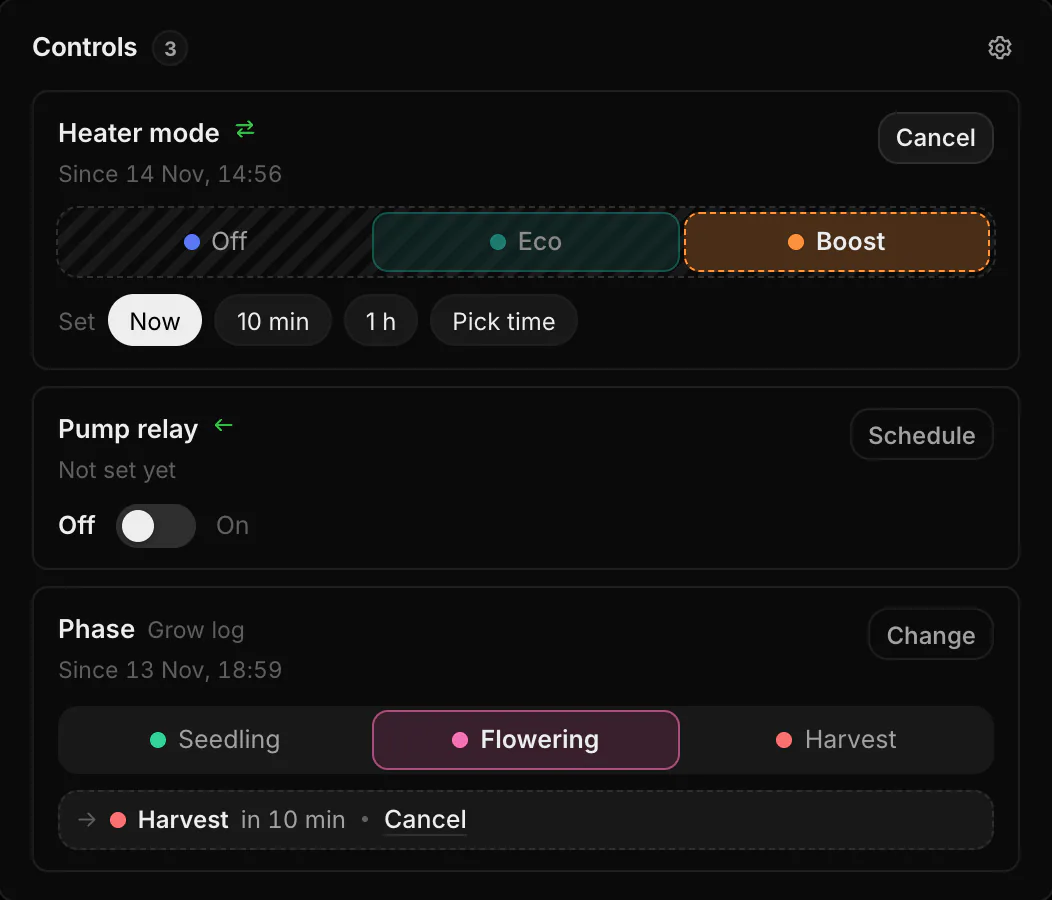
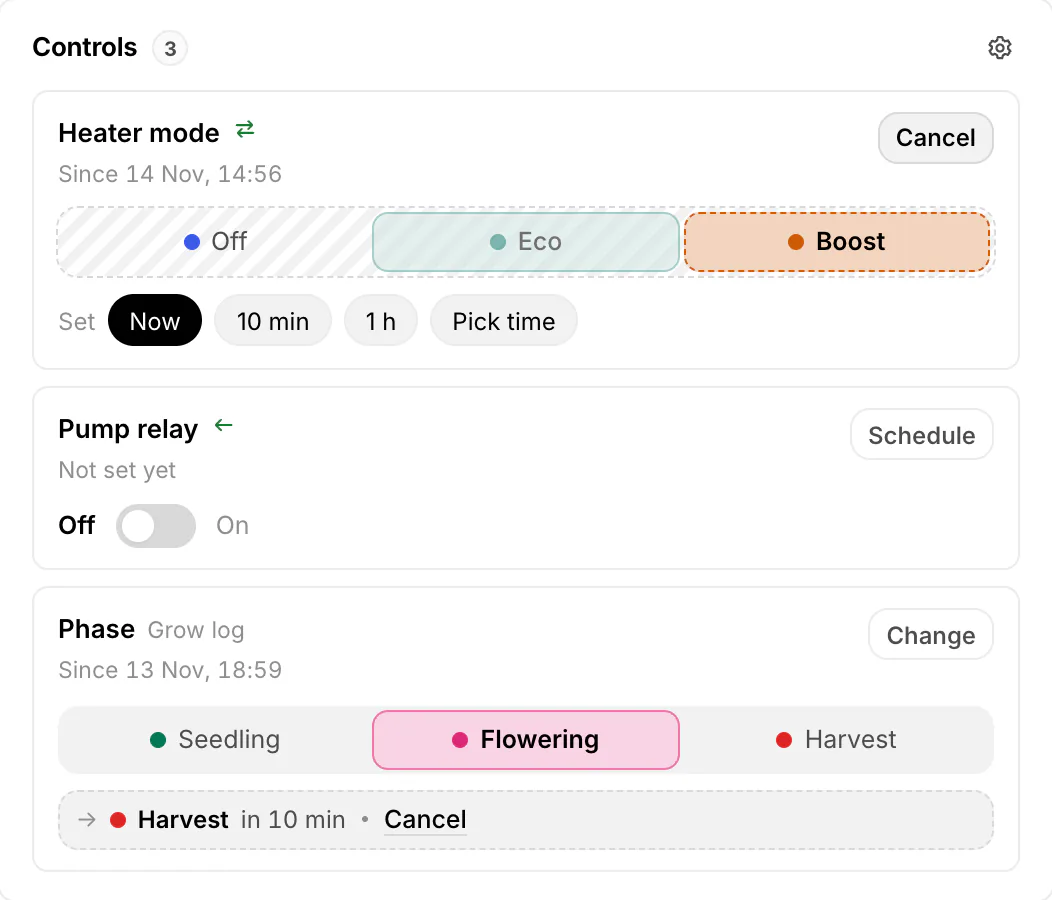
Tap the new state, then pick when: Now, in 10 min, in 1 h or Pick time, up to 30 days ahead. Up to ten planned changes wait per data point and can be cancelled until they run. A planned change runs as the person who planned it, so it fails if that person lost the right to switch.
Waiting, confirmed, not switched
After a tap the state reads Waiting for the device until the device reports the new value or acknowledges the command. If it does not, the old value stays and the reason shows:
| Shown | Why |
|---|---|
| Declined by the device | The device answered that it cannot take the value. |
| No handler on the device | The sketch or firmware has no command with this name. |
| Type does not match | The device expects another value type for this command. |
| The device did not pick it up in time | A command waits 24 hours. A device that does not ask for it in that time never gets it. |
| The device did not report the new state | MQTT: no message with the new value came within 2 minutes. |
Four ways to a control
| Device | How |
|---|---|
| Your own sketch or ESPHome | The device reports its state as a value and listens to a command of the same name. In the data point settings, turn on Send a command when it is set. |
| MQTT (Zigbee2MQTT, Tasmota, Shelly, Home Assistant) | Known switches are settable as soon as you add them. Otherwise turn on Publish over MQTT when it is set and give the topic and the payloads. |
| A relay without a reported state | Add › Actuator: a value HydroNode only sends. It shows the last confirmed command. |
| Nothing, a value you set | A manual data point of a virtual sensor, such as a mode or a grow log. |
Automations can set the same values, see Automations.