Target profiles and phases
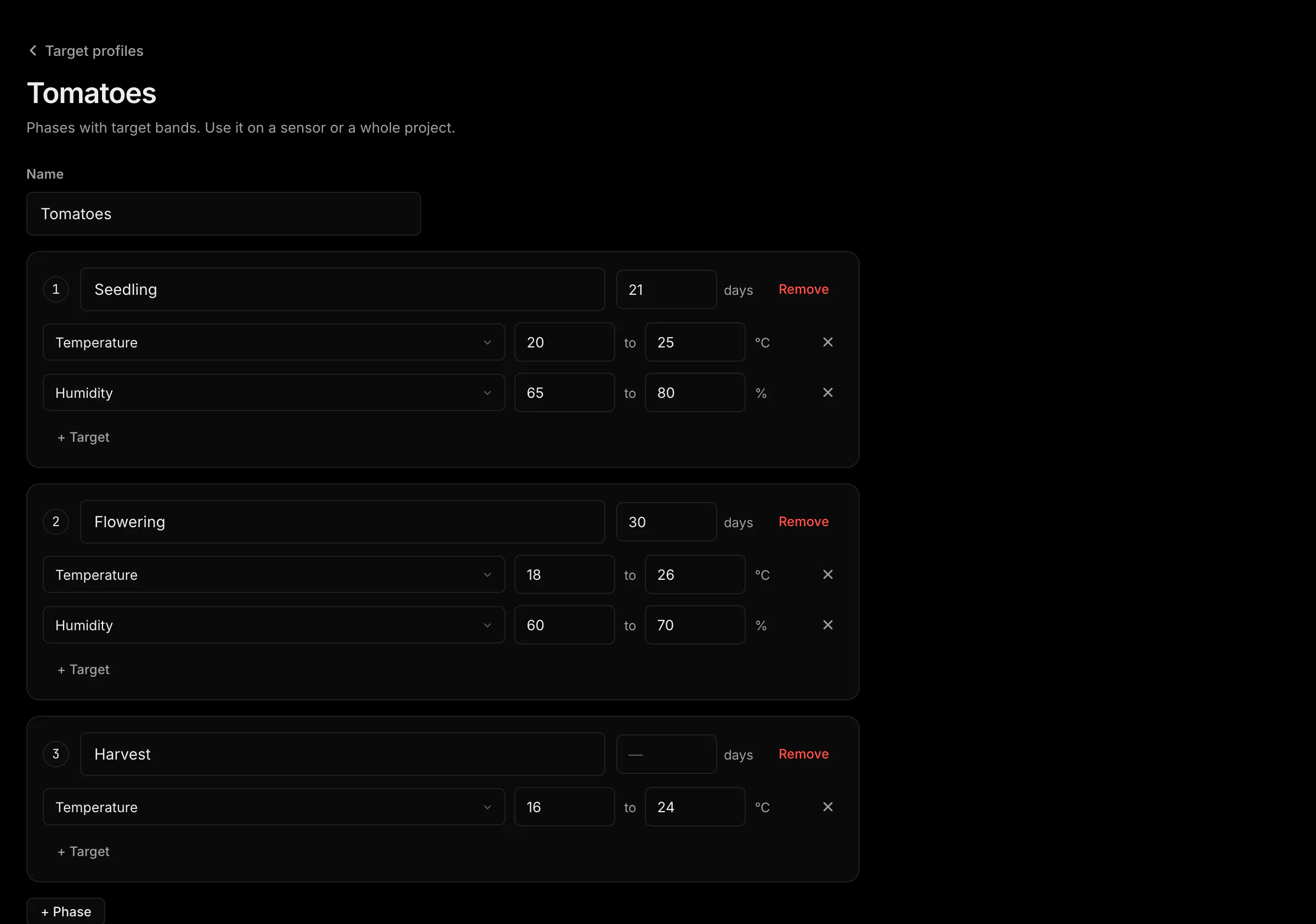
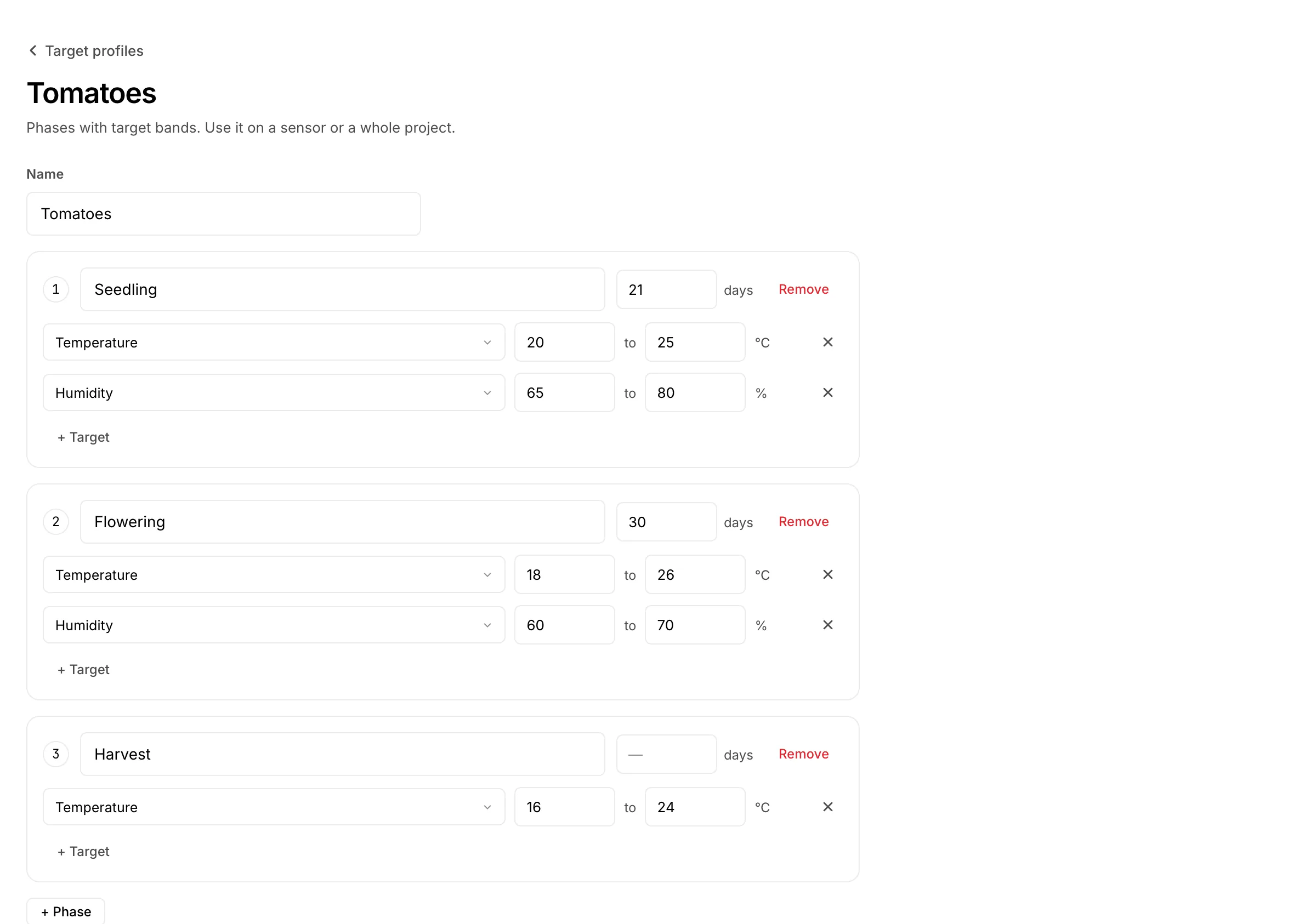
A target profile is a set of target ranges for one crop or use, split into phases: “Tomatoes, seedling: 20 to 25 °C, 65 to 80 % humidity”. Give it to a sensor or a whole project and the ranges become the target bands of the chart, the anomaly detection and the environment score.
Phases with ranges and days
Open Operations › Target profiles and press Add profile. A profile has 1 to 10 phases, each with up to 20 ranges (one per measurement) and a number of days. When the days have passed, the next phase starts by itself. A phase without days stays until you change it. Up to 20 profiles per account.
On a sensor or a project
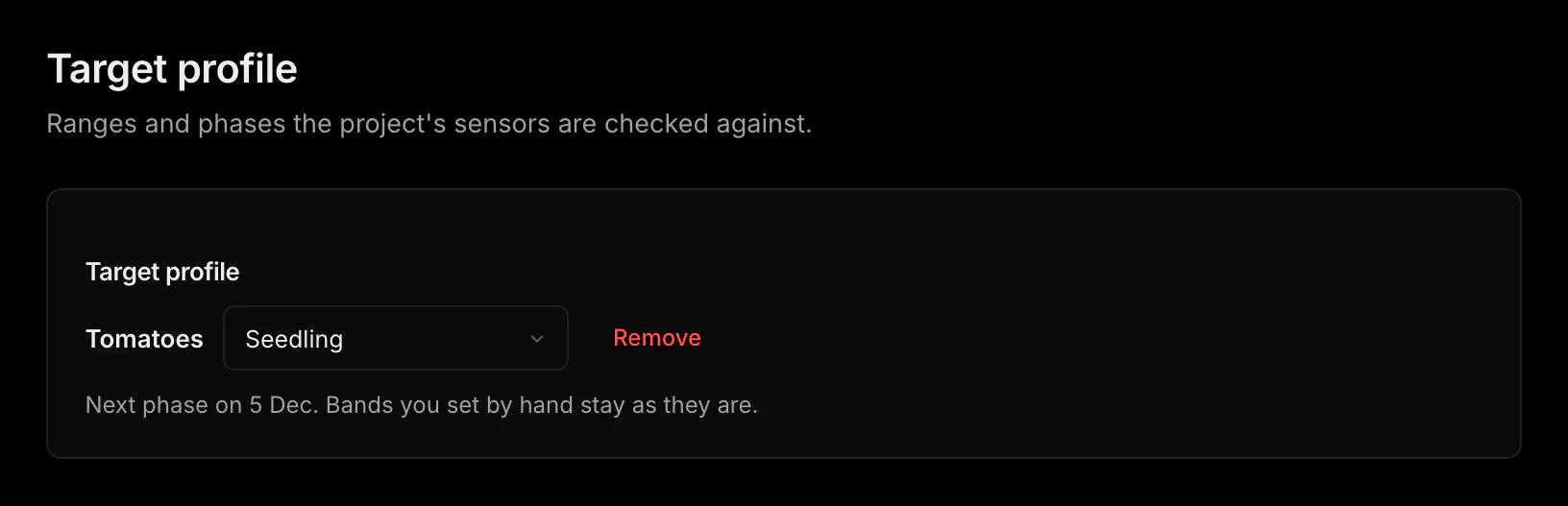
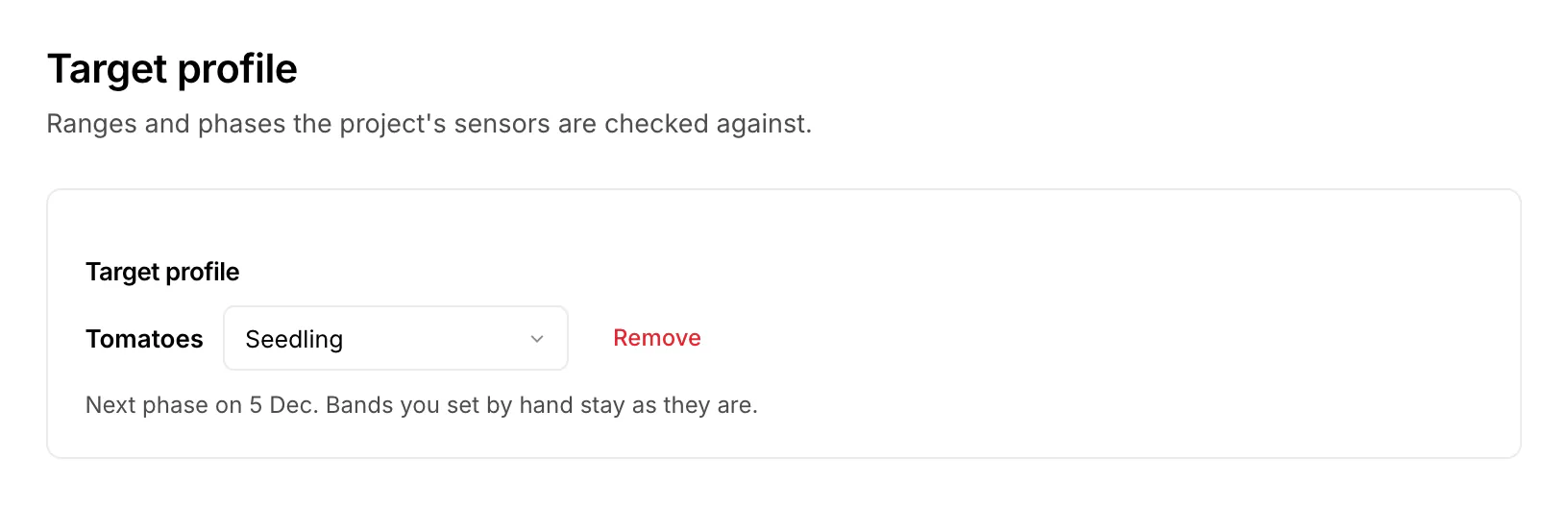
On a sensor: Settings › Limits and targets › Use profile (needs Manage on the sensor). On a project: project Settings › Target profile (owner of the project). A project profile covers every sensor in the project, also sensors added later. A profile on the sensor itself wins over the project's.
The phase is a state you can switch
The sensor page shows the phase in Controls as Phase, in the phases' colours, with “Project: Garden” when it comes from the project. Switch it now or plan it like any other state, see Controls. The band under the chart shows which phase was on when.