Data points
A data point is one named value of a sensor: a temperature, a relay state, a mode, a note. A sensor has up to 30. Each one has a value type, a unit, a direction and its own settings.
Number, on or off, choice, text
| Type | What it is |
|---|---|
| Number | A measurement such as 21.4 °C. Line chart, anomaly detection, calculated values. |
| On or off | Two states, named Off and On unless you rename them (Closed, Open). Drawn as steps. |
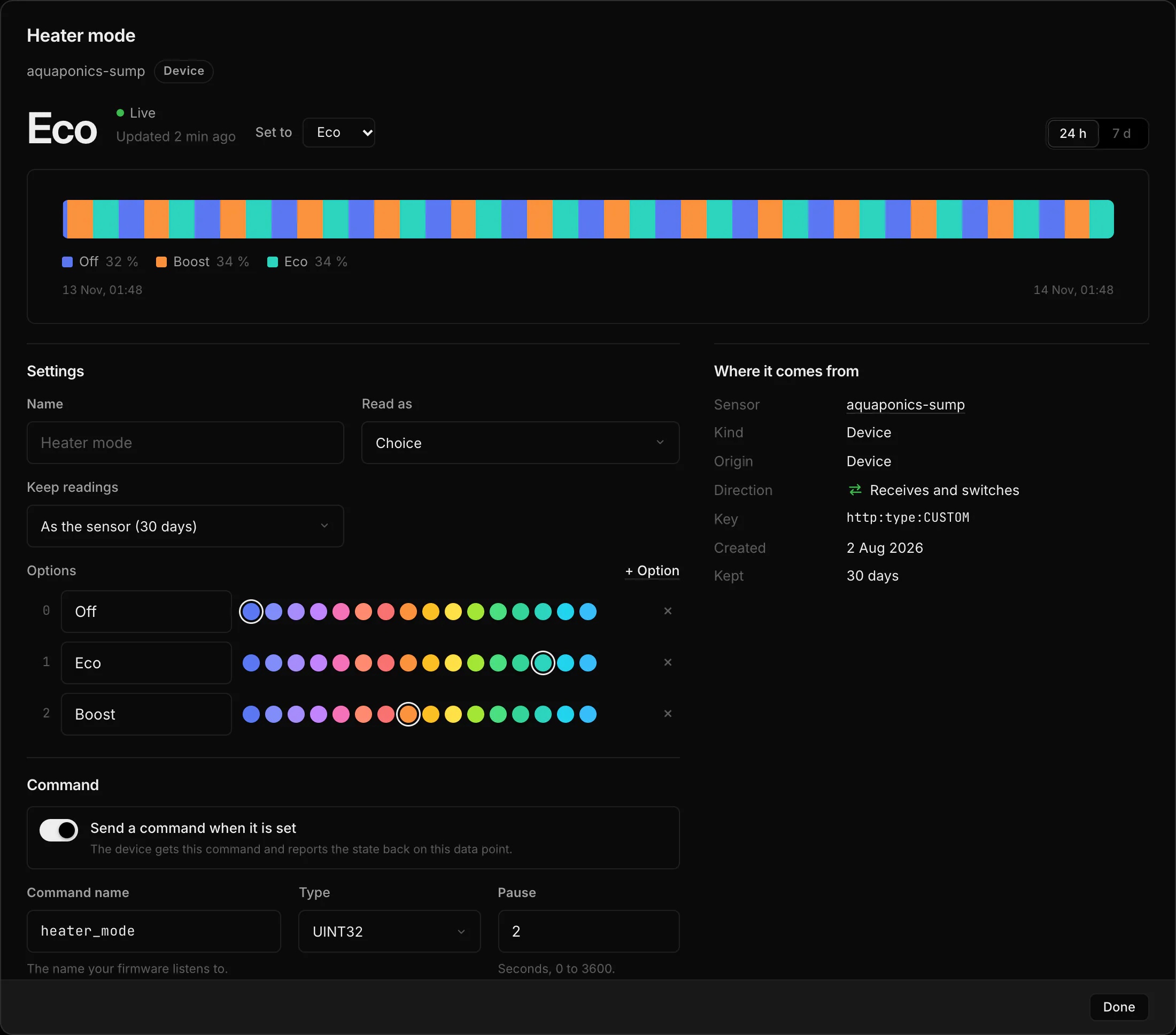
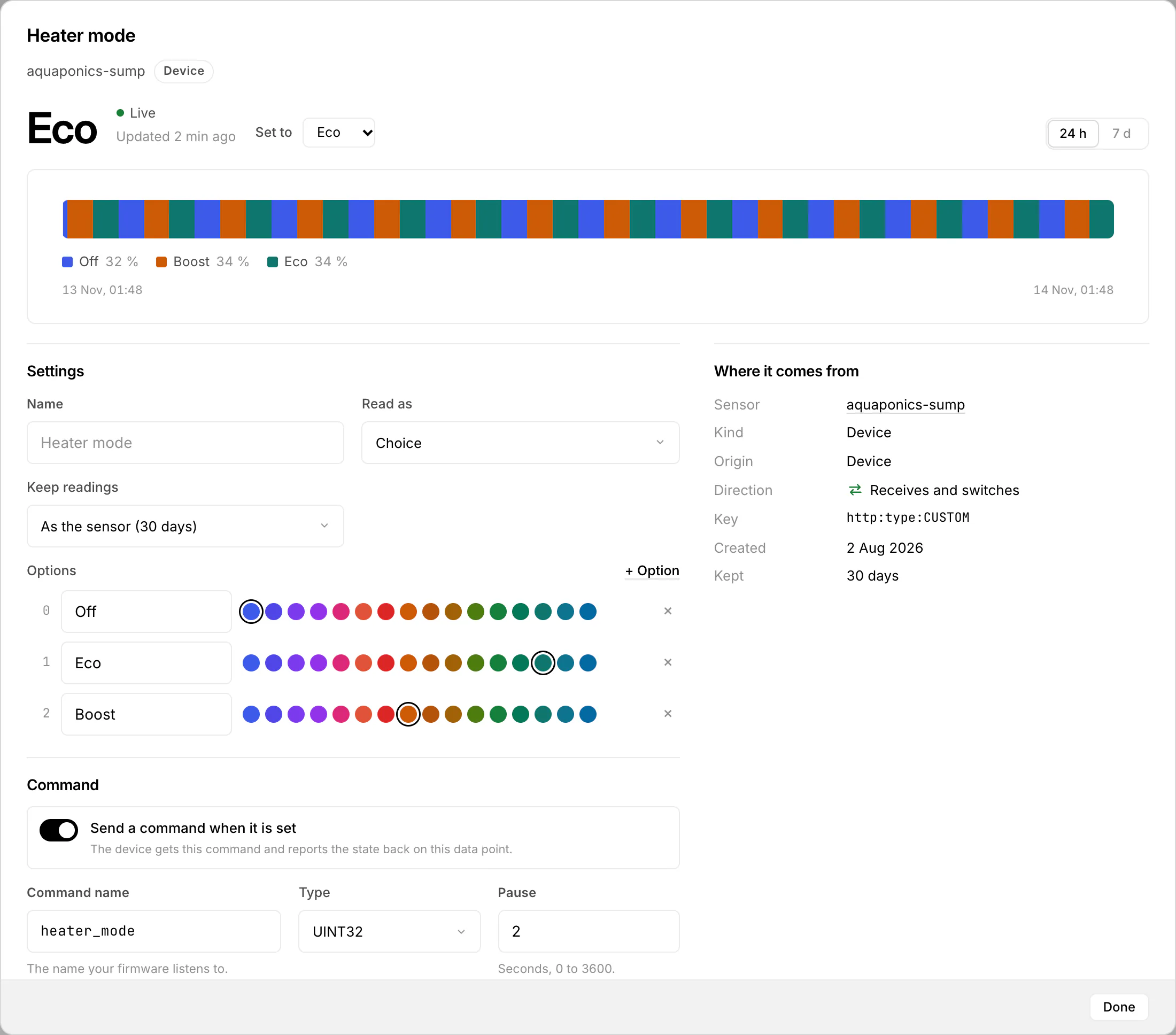
| Choice | 2 to 32 named options, such as Off, Eco, Boost. Drawn as a band in the options’ colours. |
| Text | Up to 500 characters, stored only when it changes. Shown as markers on the chart. |
Devices always send numbers. Under Read as you can show a device value as On or off (0 and 1) or as a Choice (a number per option). Nothing is stored differently, and anomaly detection pauses for the data point while it is read that way. A device value never becomes text. Each option of a choice can get its own colour; the chart draws a choice as a band and on or off as steps.
Where you change a data point
Click a data point in the data pool of the project page. The window shows its latest values and chart, Where it comes from (sensor, origin, interface, direction), Used in (automations, virtual sensors, links) and its Settings: name, unit, decimals, Read as, Keep readings and for a value HydroNode can set, how it is sent. All data points of one sensor at once are under the sensor's settings, Data points.
The key of a data point (for example avg_temp) is set once and never changes. Renaming only changes the name, so automations, widgets and Home Assistant keep working.
Values show in one order everywhere: chart tabs, the data pool, sources, dashboard rows and stations. Numbers come by quantity (climate, air, light and weather, soil, water, energy, radio), a calculated value right after its quantity, then on/off and choices, text last; numbers HydroNode does not know come by name before the states. Move a data point up or down under the sensor's Data points and that order wins on its chart tabs, its sources and in the data pool.
Three levels: pool, sensor, data point
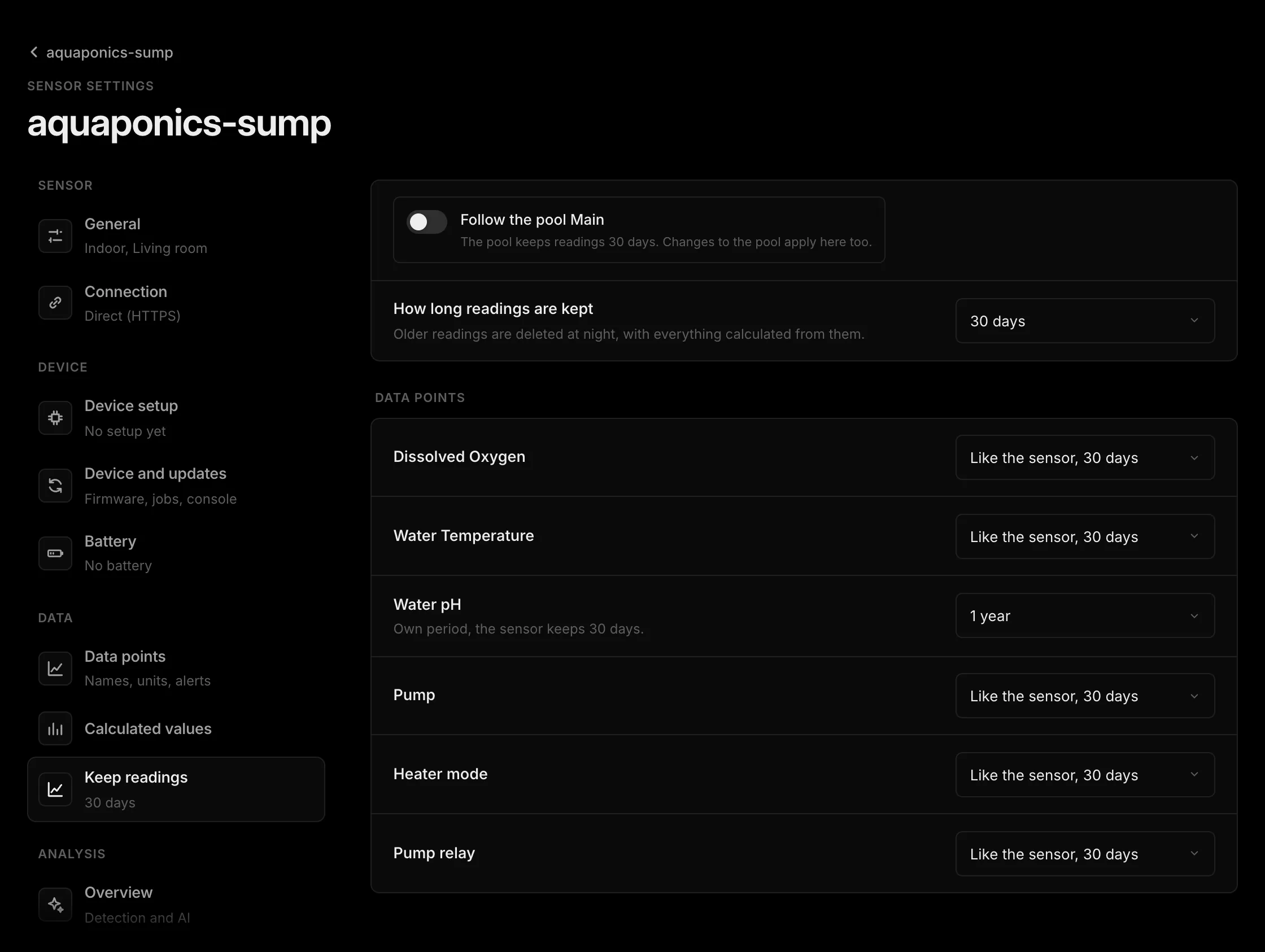
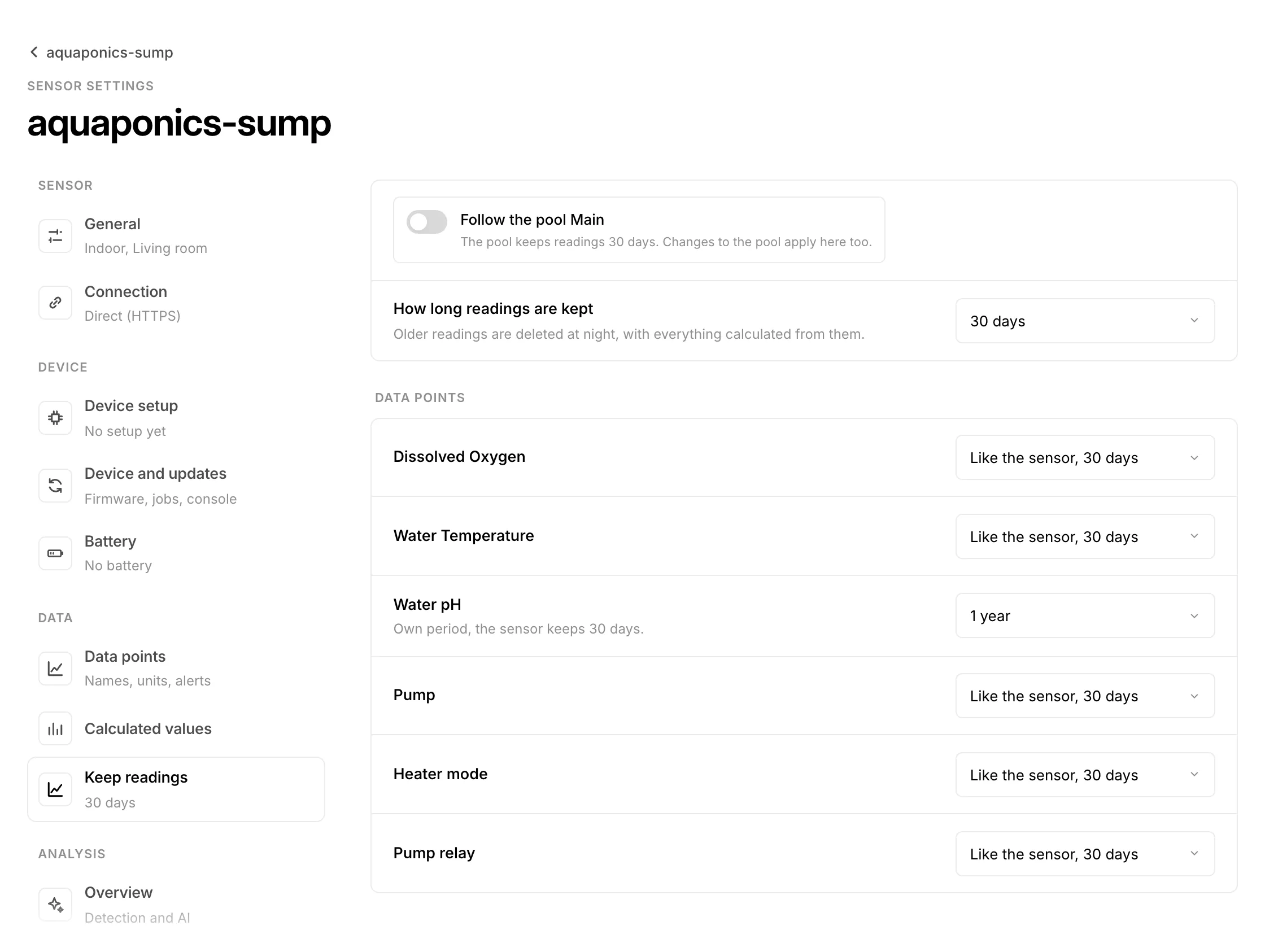
The pool gives the default, a sensor may follow it or keep its own, and a single data point may keep longer or shorter than its sensor. Choices everywhere: 7, 30, 60 or 90 days or 1 year. Every night HydroNode deletes what is older. Data points linked in from another pool follow their source.
Know when one value stops
HydroNode learns how often each data point arrives. In the sensor's Data points, Alert when this goes quiet offers Off, Automatic (after 12 times the learned interval, at least 15 minutes) or After a set time. Details in Monitoring.
Correct history of a choice you set
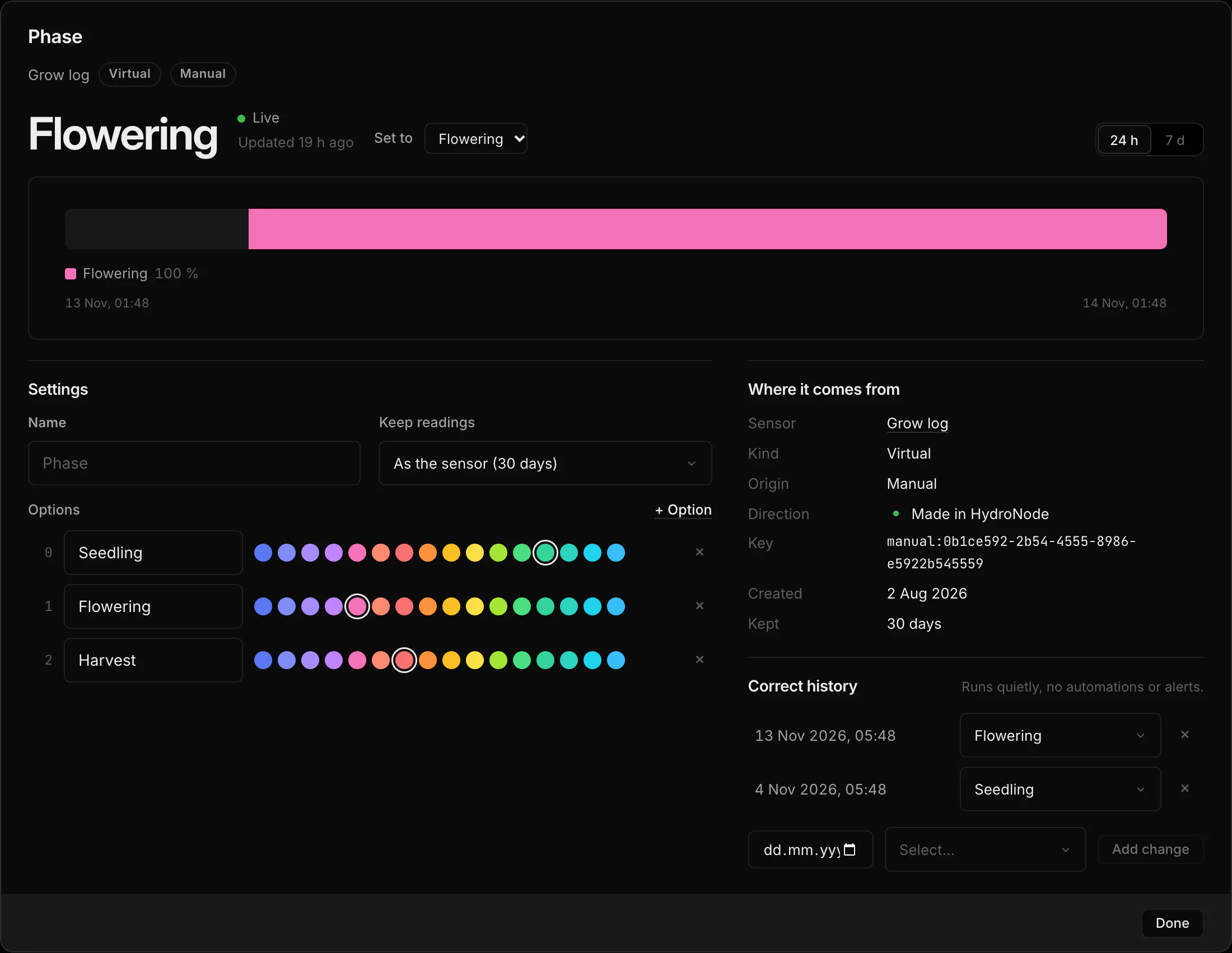
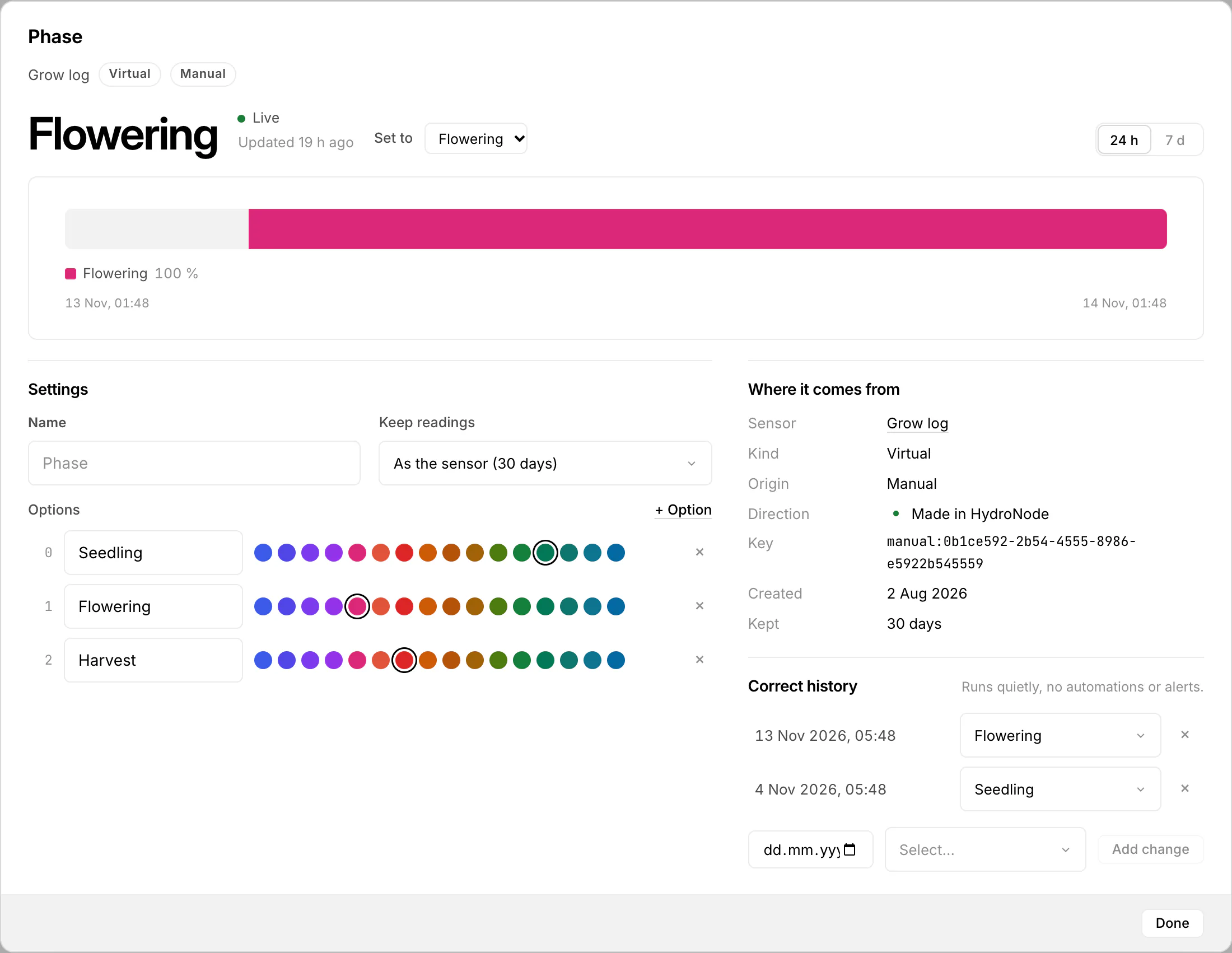
For a choice you set by hand (a manual data point of a virtual sensor, such as a grow log), the window has Correct history: add, change or remove past values, for example a phase you forgot to switch. These changes are quiet. No automation, alert or webhook reacts to them. Values that came from a device, MQTT or JSON push stay as they arrived.