Interfaces and discovered devices
An interface is one way in: an MQTT login, a JSON push URL or a LoRaWAN webhook. Devices send to it, HydroNode shows what arrived, and you add each device as a sensor with one click. Devices with the HydroNode library, firmware or SDK need no interface; they sign their readings with the sensor's secret.
Operations › Interfaces
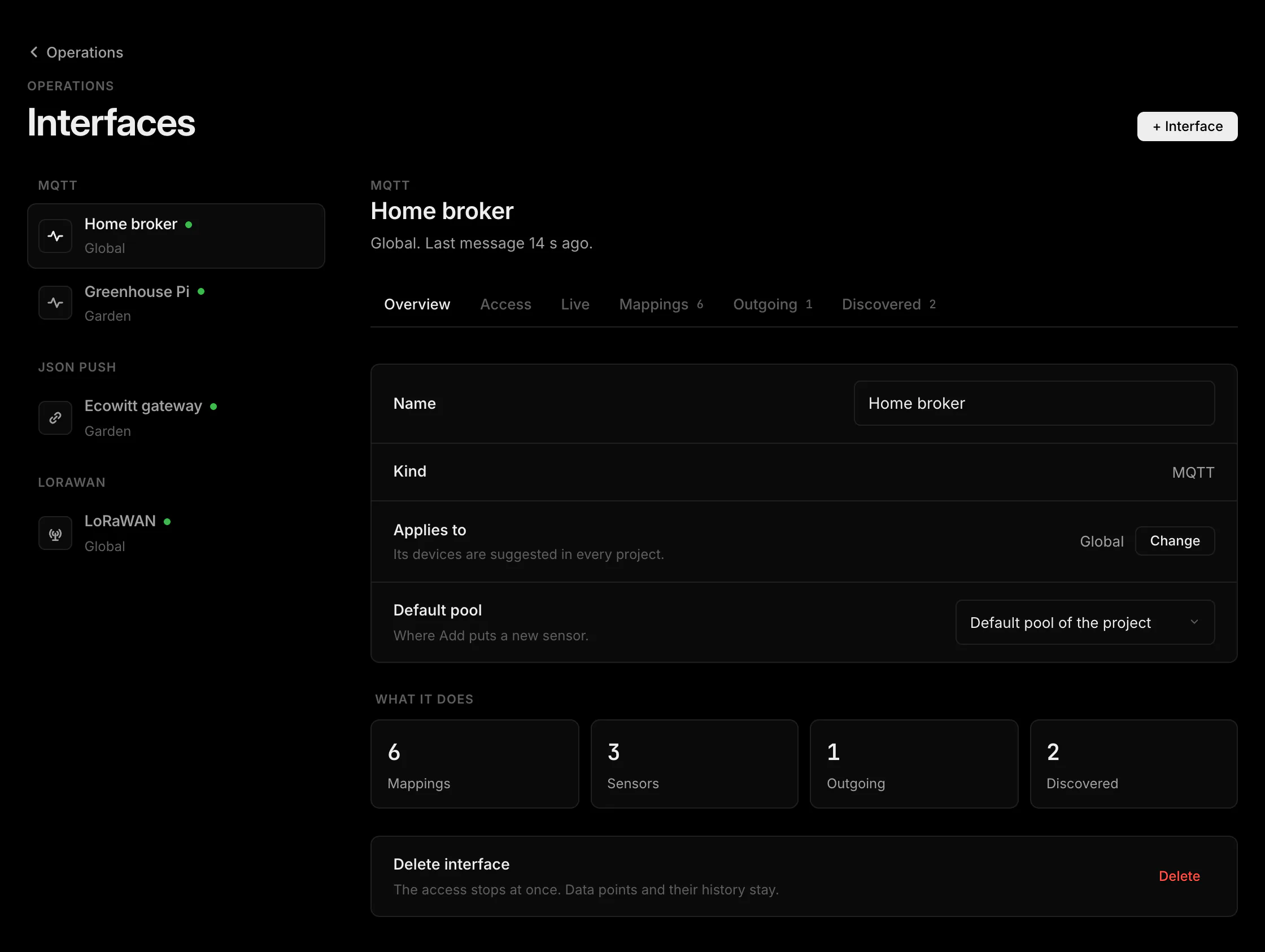
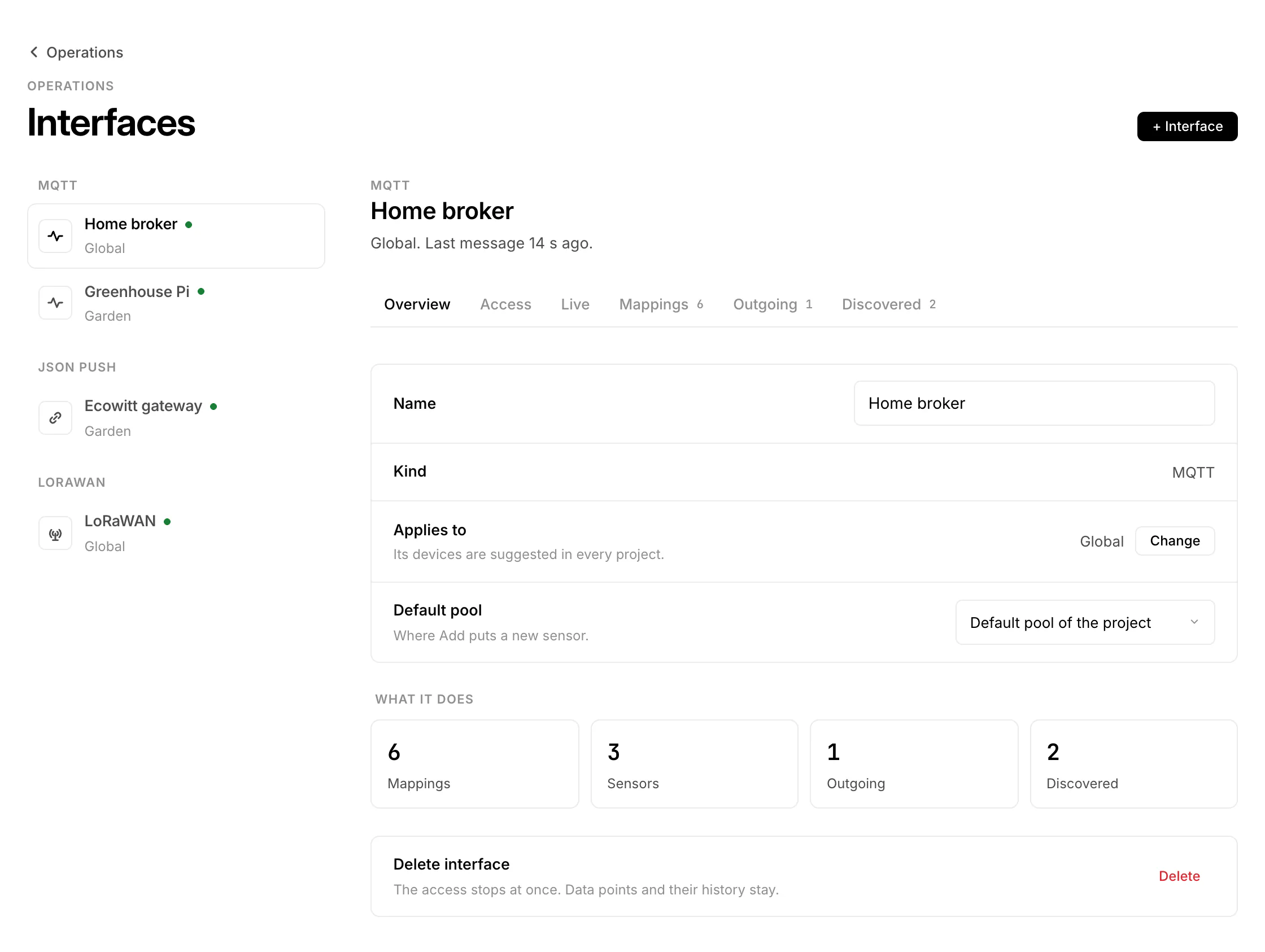
Open Operations and pick Interfaces, or press Interfaces on a project page to see the ones that apply there. Add one with + › Interface.
| Kind | Access | Limit |
|---|---|---|
| MQTT | Username and secret for mqtt.hydronode.tech, topics under your own area | 5 per account |
| JSON push | A URL with a token (hpi_), or the token in a header | 10 per account |
| LoRaWAN | A webhook URL with a token (wht_) for TTN, ChirpStack or Helium | Your account webhook plus 5 of their own |
The secret or token is shown once. New secret (MQTT) or New token (JSON push, LoRaWAN) replaces it; the old one stops at once.
Overview, Access, Live, Mappings, Outgoing, Downlinks, Discovered
| Section | Shows |
|---|---|
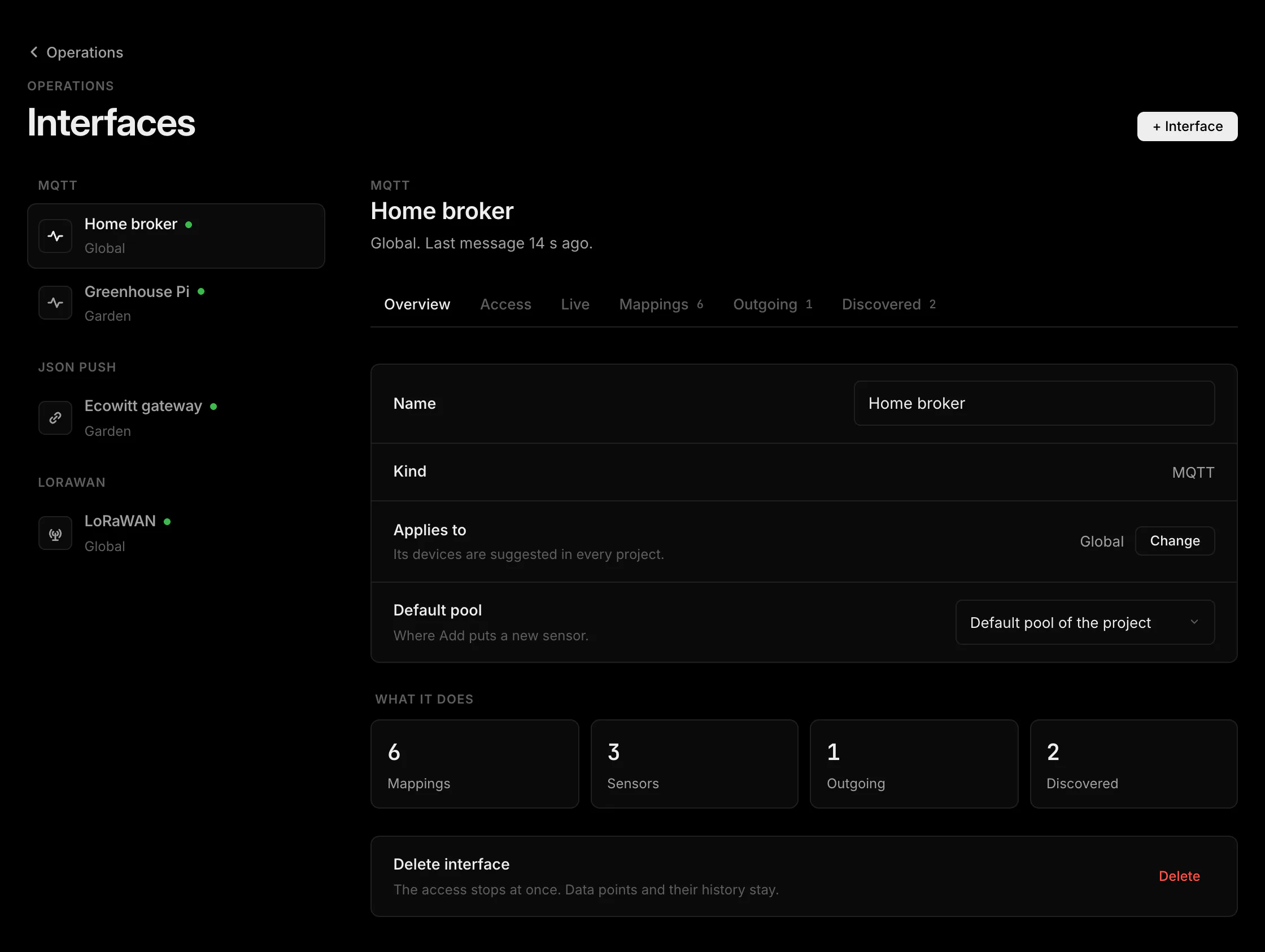
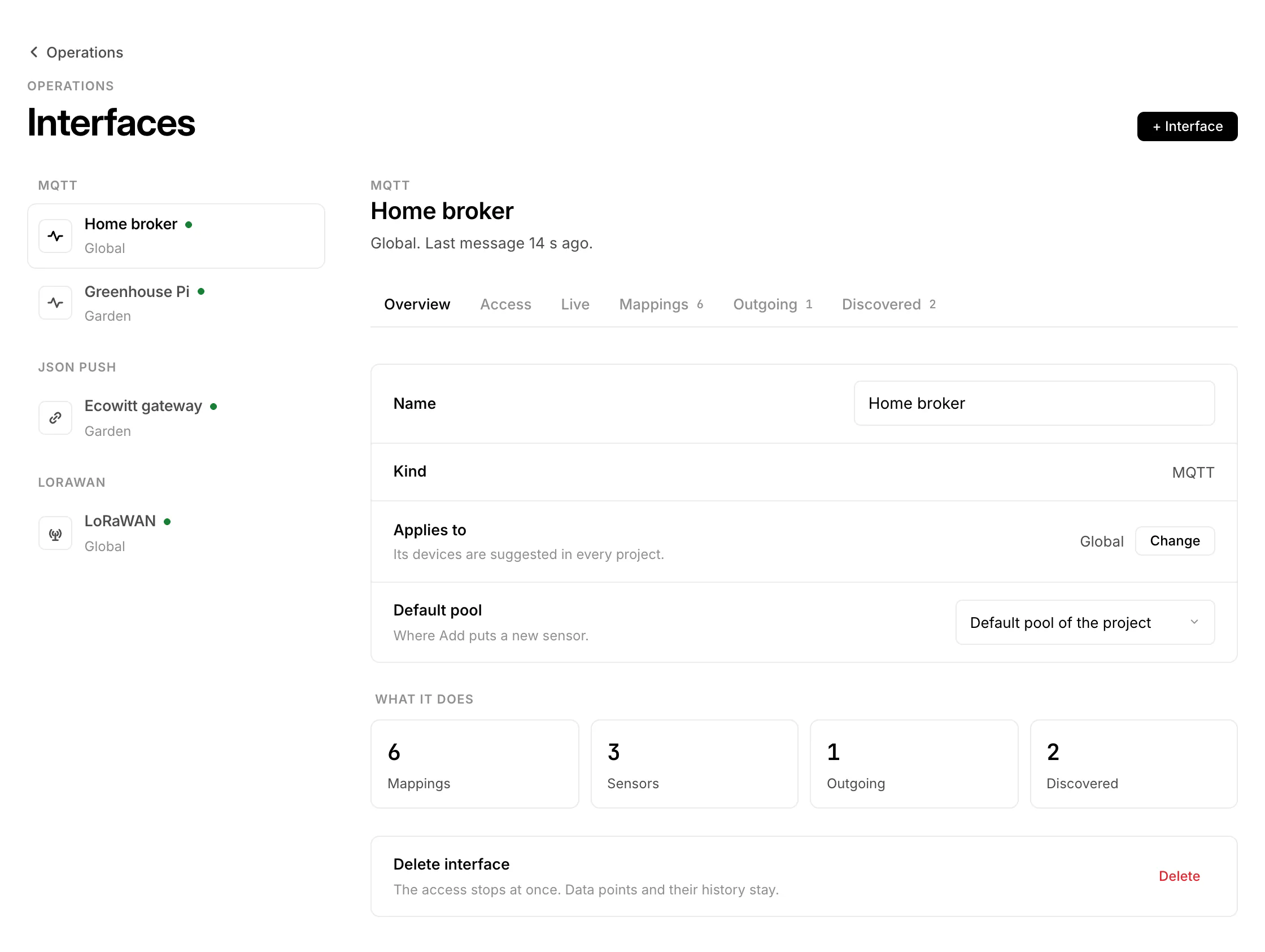
| Overview | Counts of mappings, sensors, outgoing values and discovered devices, the last message. |
| Access | Host, username or URL, New secret or New token, for MQTT the Mosquitto bridge. |
| Live | What arrived: MQTT topics with their last payload, the last JSON input, LoRaWAN uplinks. |
| Mappings | Which field fills which data point (MQTT and JSON push). |
| Outgoing | MQTT only: values HydroNode publishes when you switch them. |
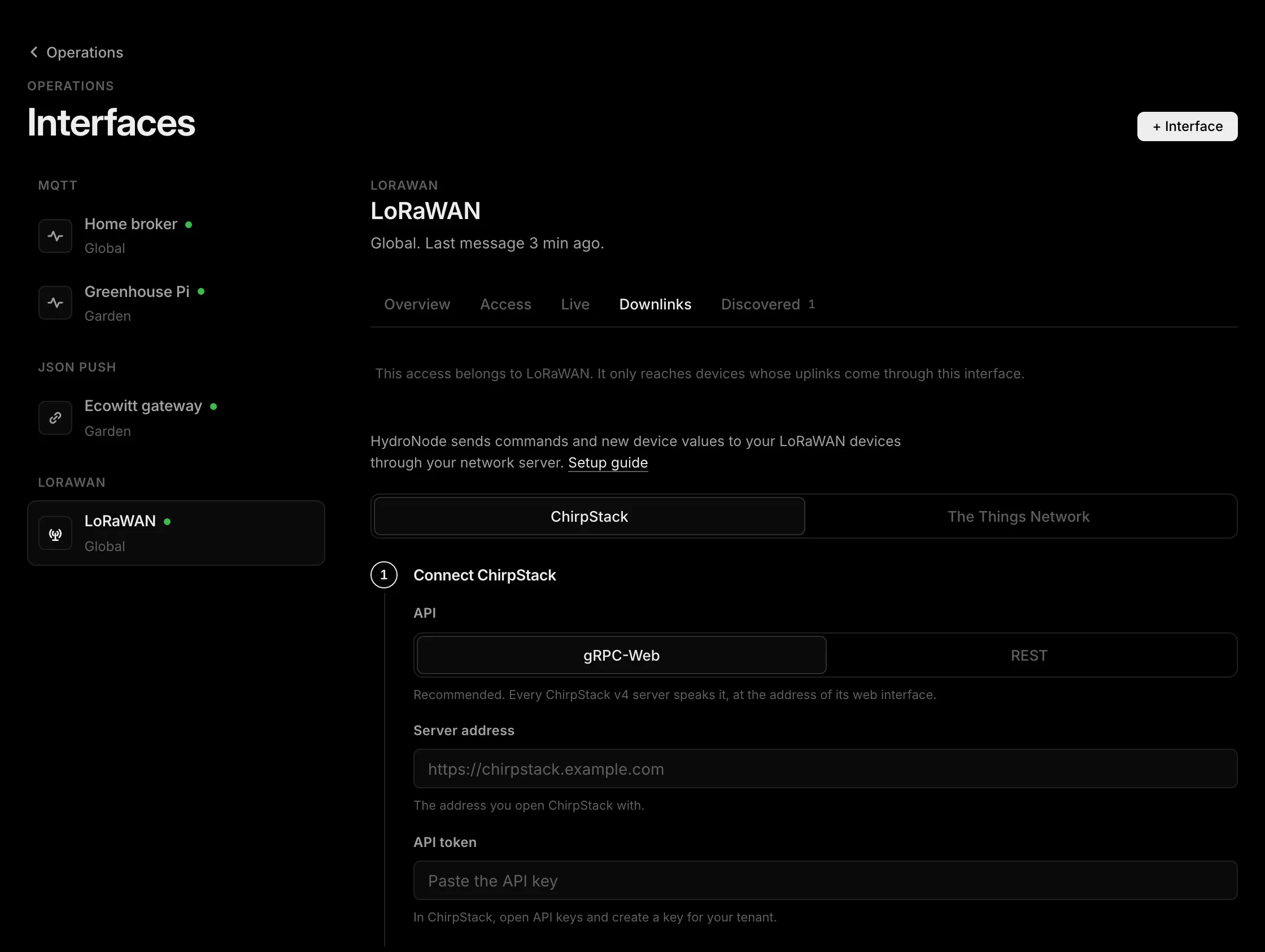
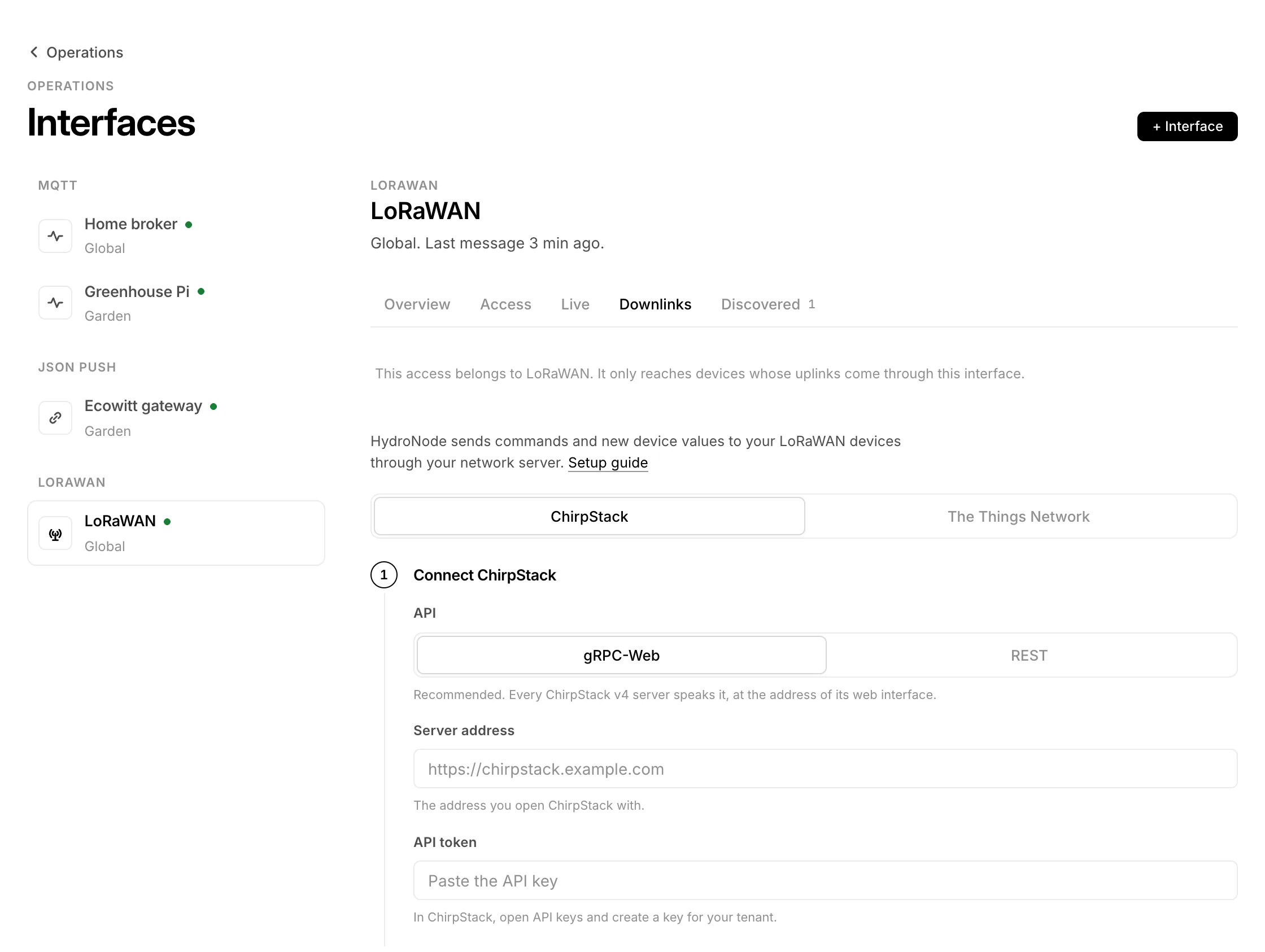
| Downlinks | LoRaWAN only: TTN or ChirpStack access for this interface. |
| Discovered | Devices without a sensor, also the ones ignored in a project. |
Global or one project
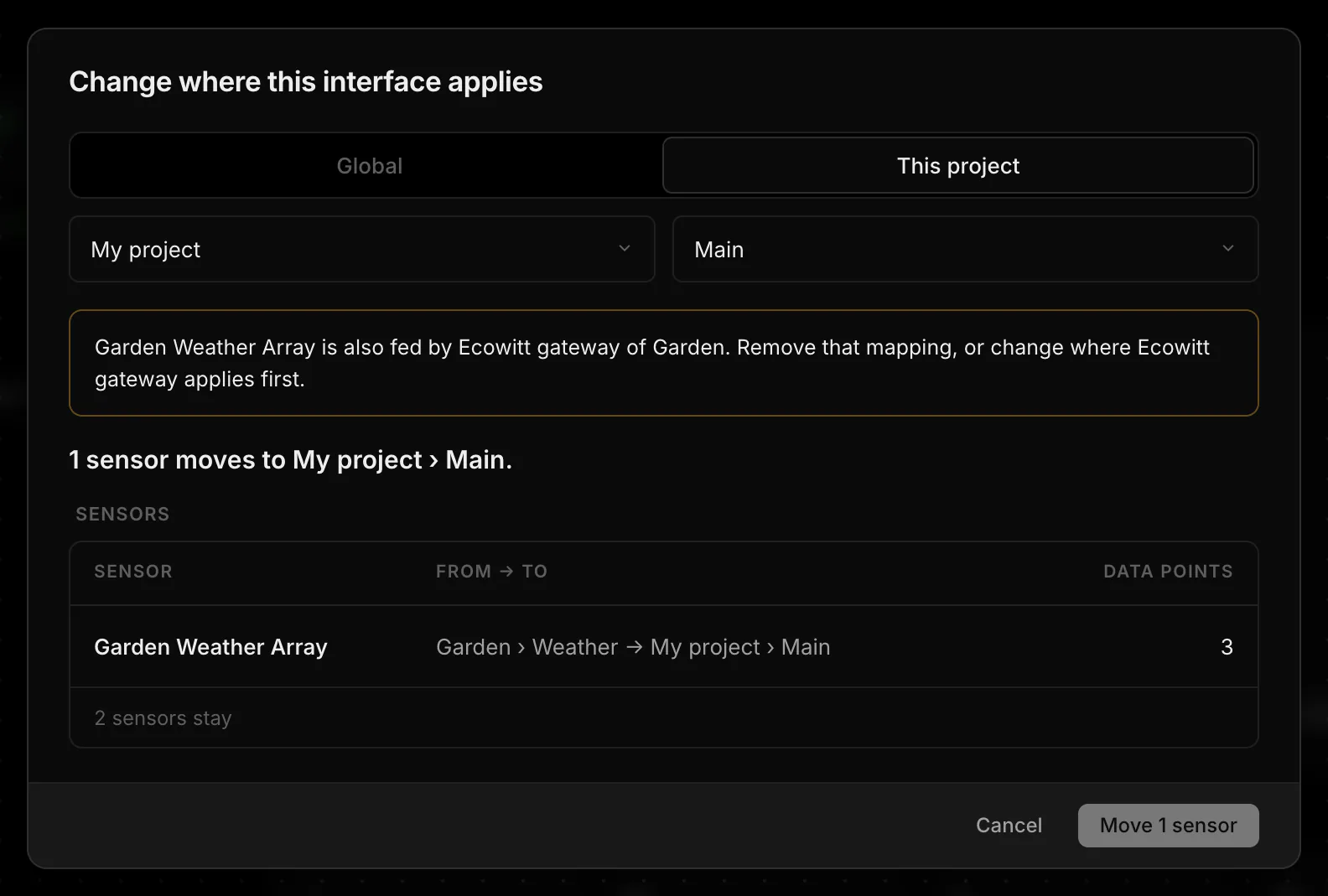
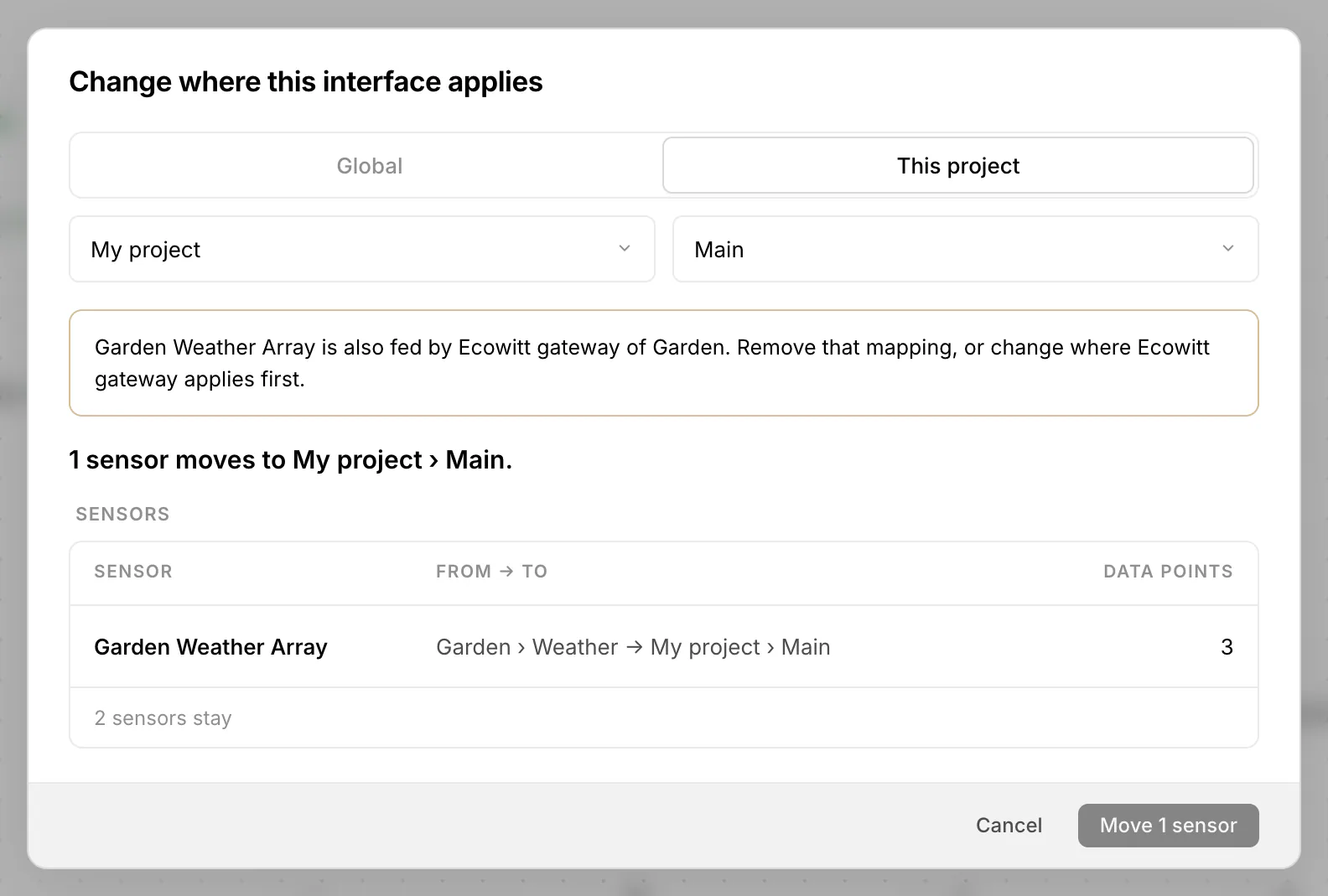
A global interface feeds sensors in every project of its owner, and its devices are suggested everywhere. A project interface feeds only that project; members with Manage there can see and change it. Default pool sets where Add puts a new sensor. Only the owner can change where an interface applies: Change shows first which sensors move, which links, virtual sensors and automations are affected and who gains or loses access, then applies it in one step.
Devices that show up by themselves
Whatever reaches an interface without a sensor becomes a discovered device: Zigbee2MQTT, Tasmota, Shelly and Home Assistant discovery are recognised, any other MQTT topic with a value or a JSON object counts too, a JSON push input once per value of its device field, and every unknown LoRaWAN DevEUI. They appear greyed at the top of the project's sensor list (for owners and Manage members) and under Discovered of the interface.
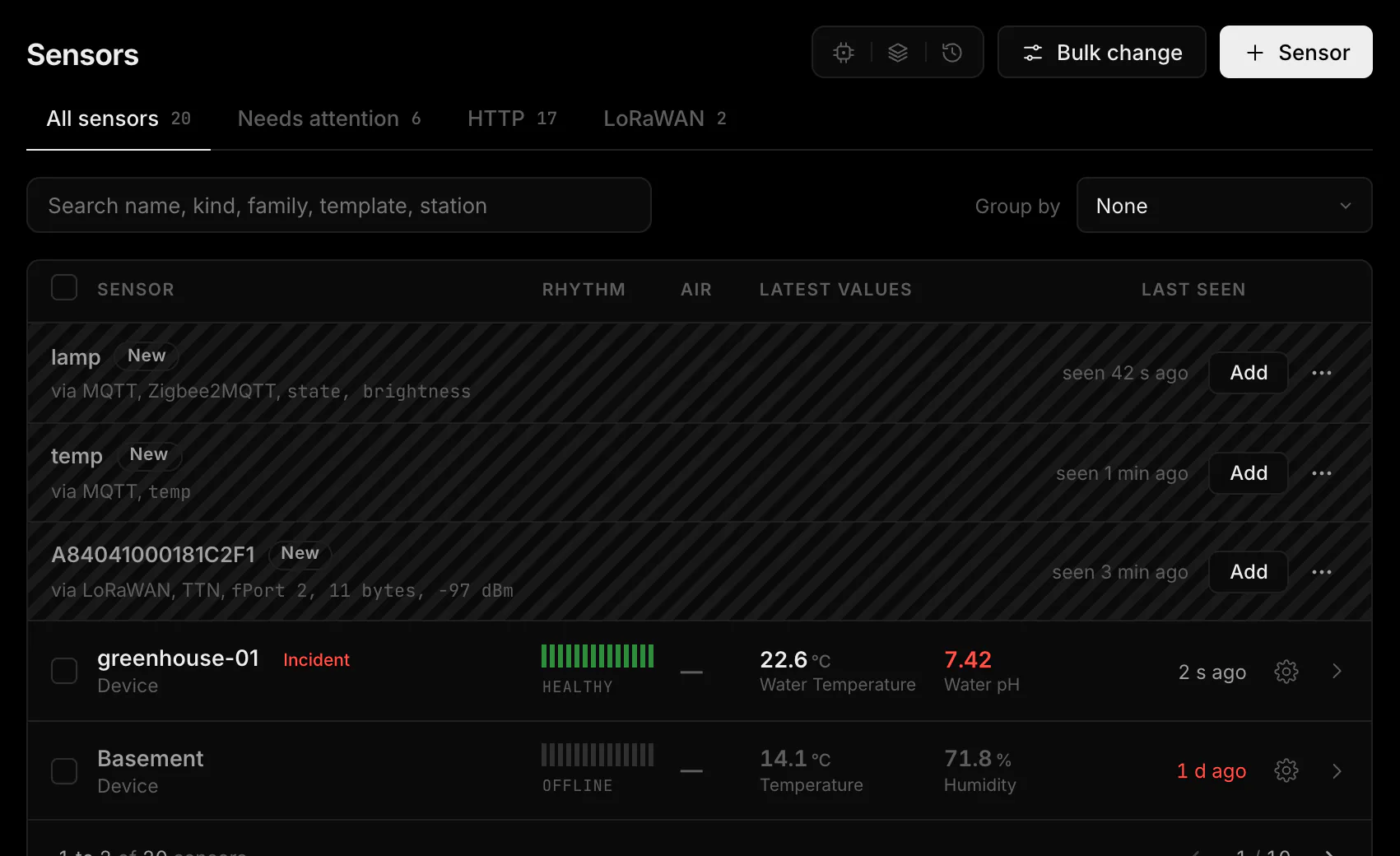
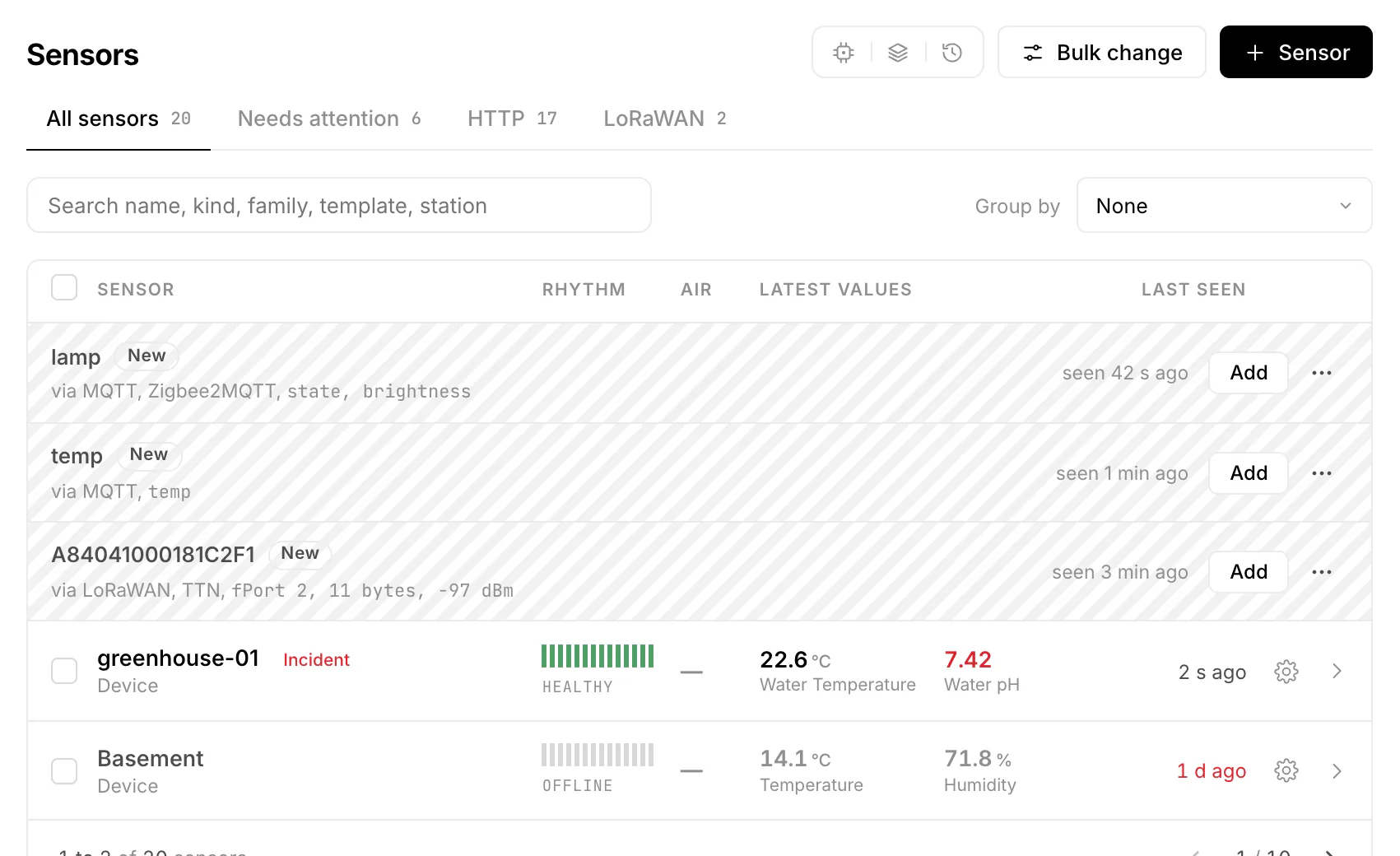
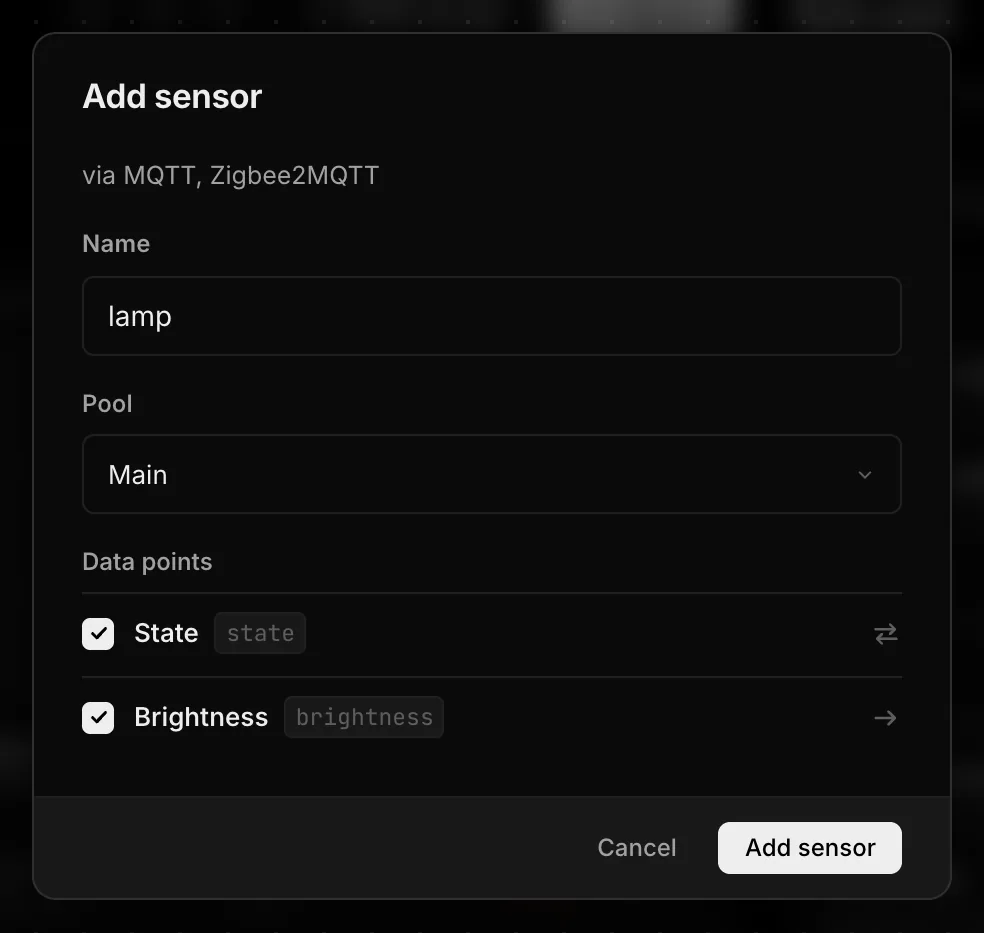
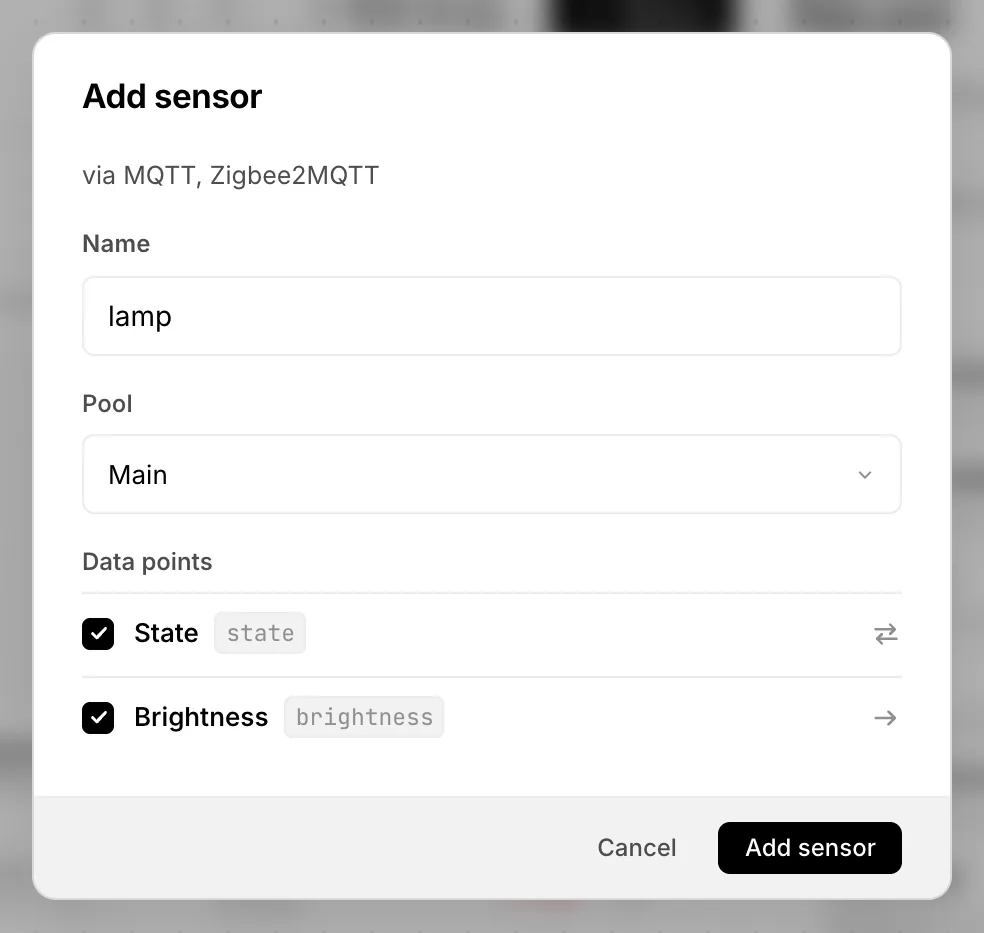
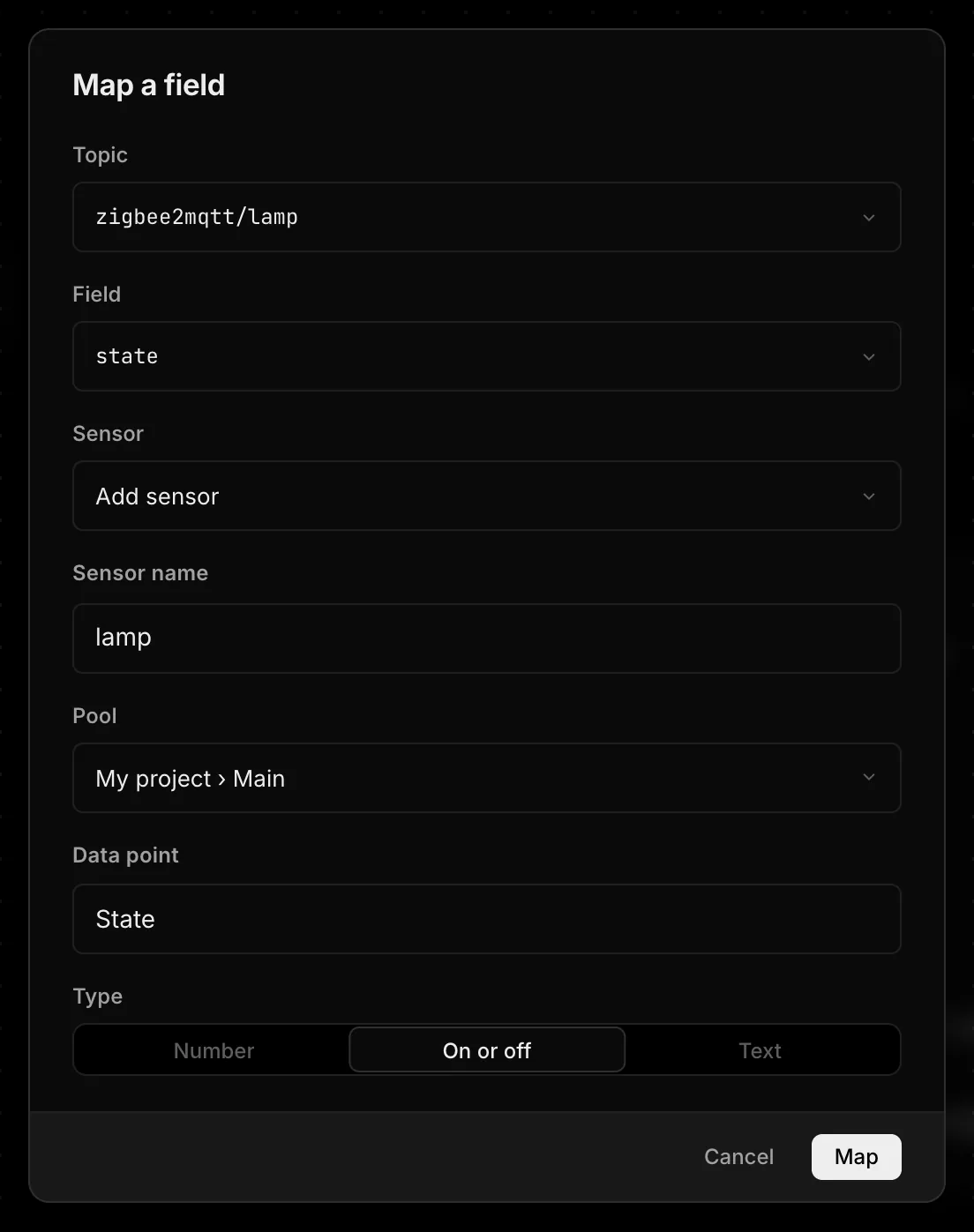
Add opens a small window: name, pool and the data points to take. Known switches are settable right away. LoRaWAN devices need their decoder afterwards. Ignore hides a device in this project only; Show brings it back. A device leaves the list once every field is mapped.
When a device shows up for the first time you get a message in the message center, one per interface that counts up: “3 new devices on Home broker”, with a push to the apps that support it. It goes to the owner and, for a project interface, to members with Manage.
One field, one data point
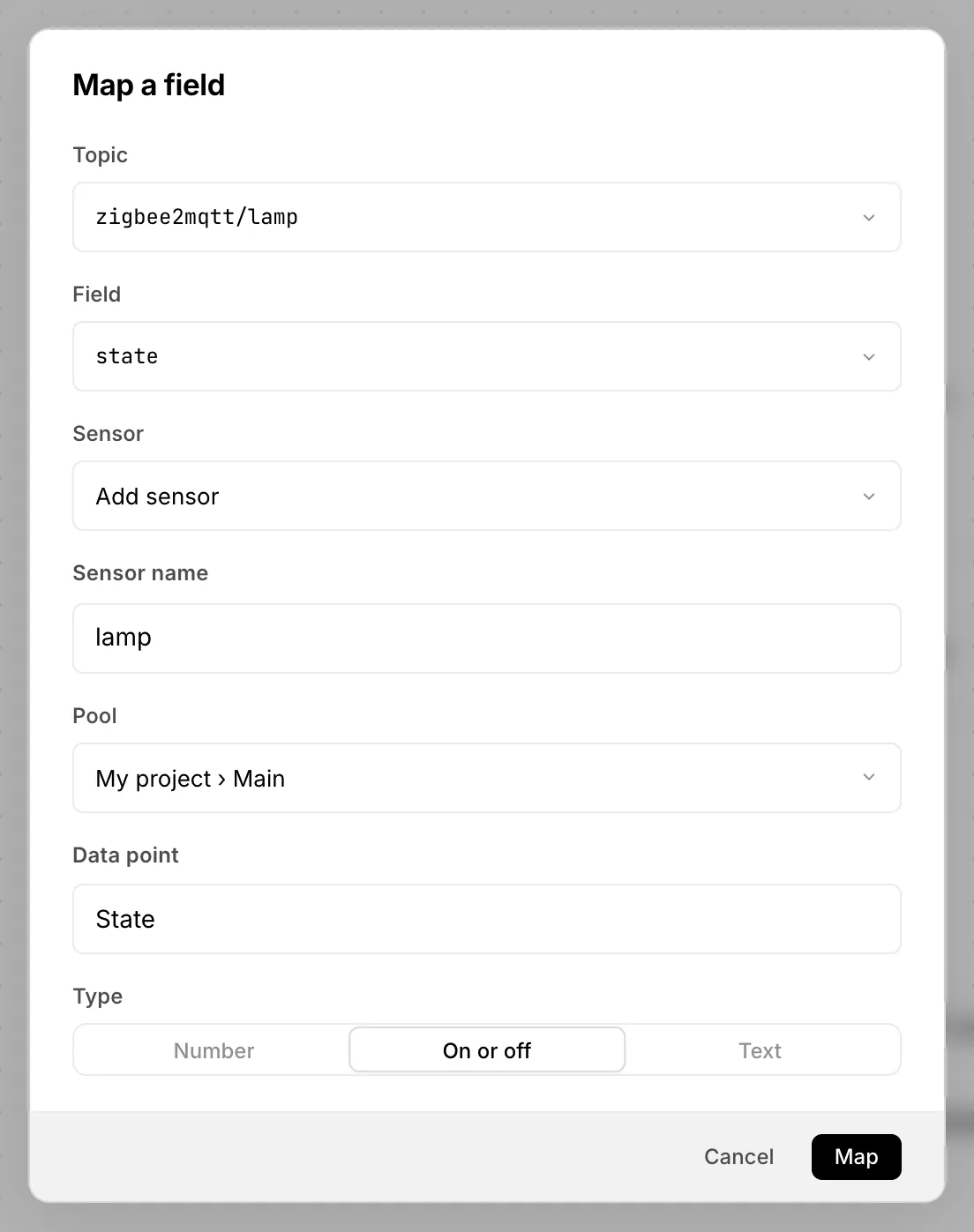
A mapping takes one field of an MQTT topic or a JSON input and writes it into one data point. A sensor may mix fields of several interfaces. A field that already fills a data point cannot fill a second one; the window names the sensor that has it. To show the same value in another place, use a reference of a virtual sensor. A sensor's settings list its interfaces and fields under Sources.
Webhook and downlinks per interface
A LoRaWAN interface has no mappings: its devices are sensors with an fPort decoder. Its Downlinks section connects The Things Network or ChirpStack, so settings and commands reach devices whose last uplink came through this interface. A key entered for one interface never reaches devices of another. Step by step in LoRaWAN and Downlinks.