Automations
A rule watches values or the clock and acts on its own: it notifies you, writes to Discord, switches a device, sets a data point or calls your server. Open Operations › Automations.
Every rule at a glance
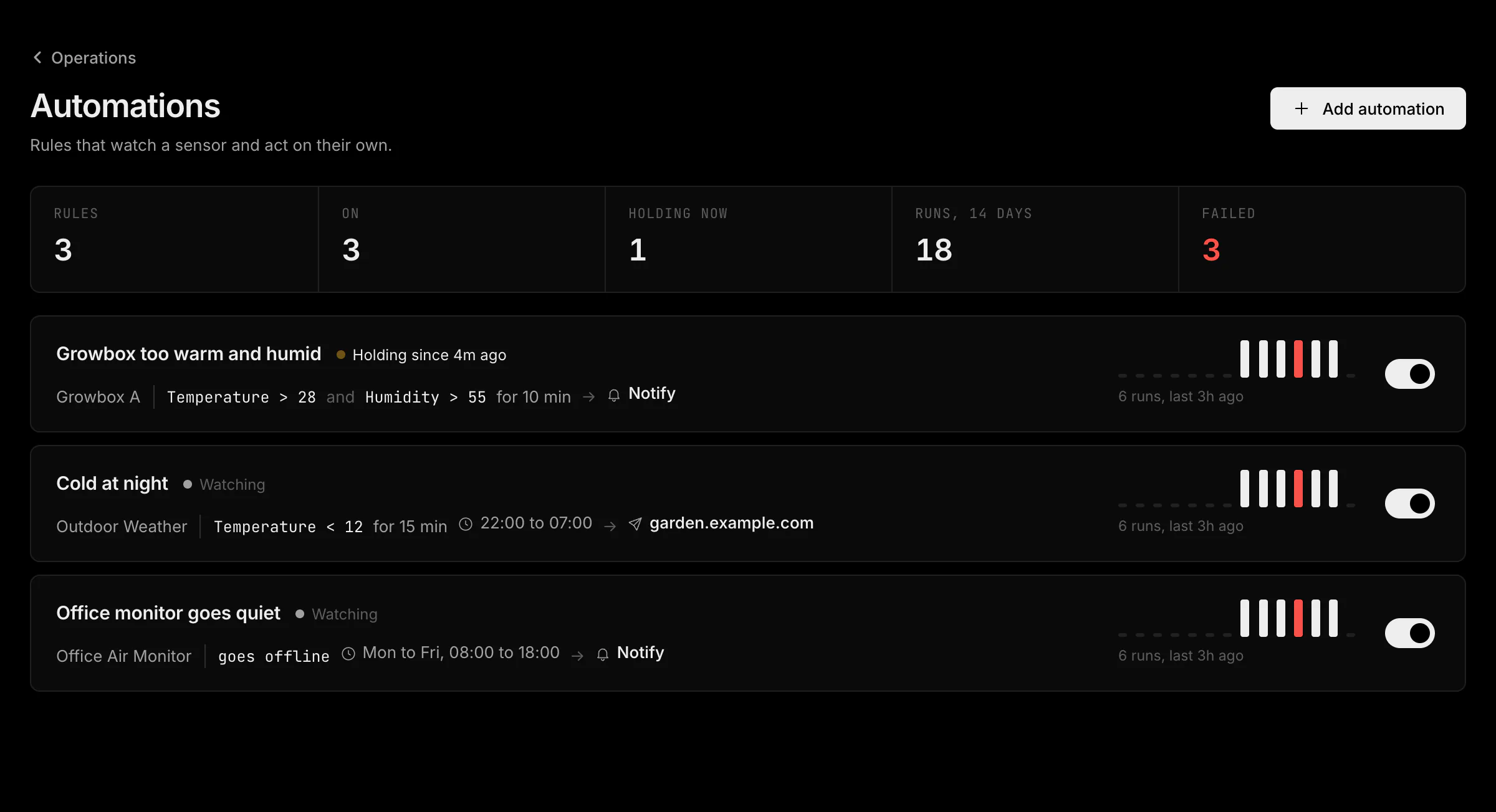
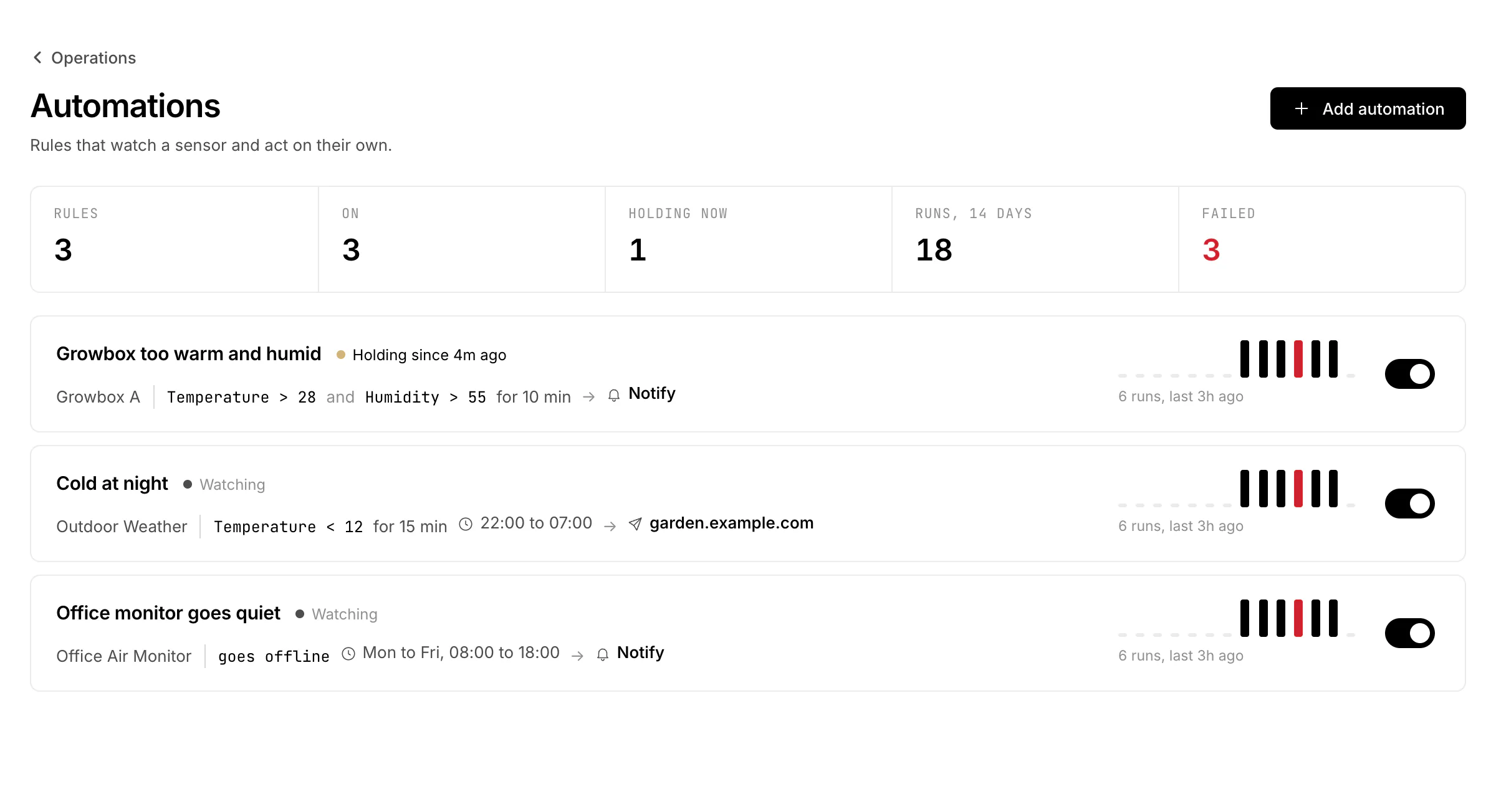
The list shows every rule with its condition, whether it is Watching or Holding right now, its recent runs and a switch to pause it.
Watch, when, timing, then
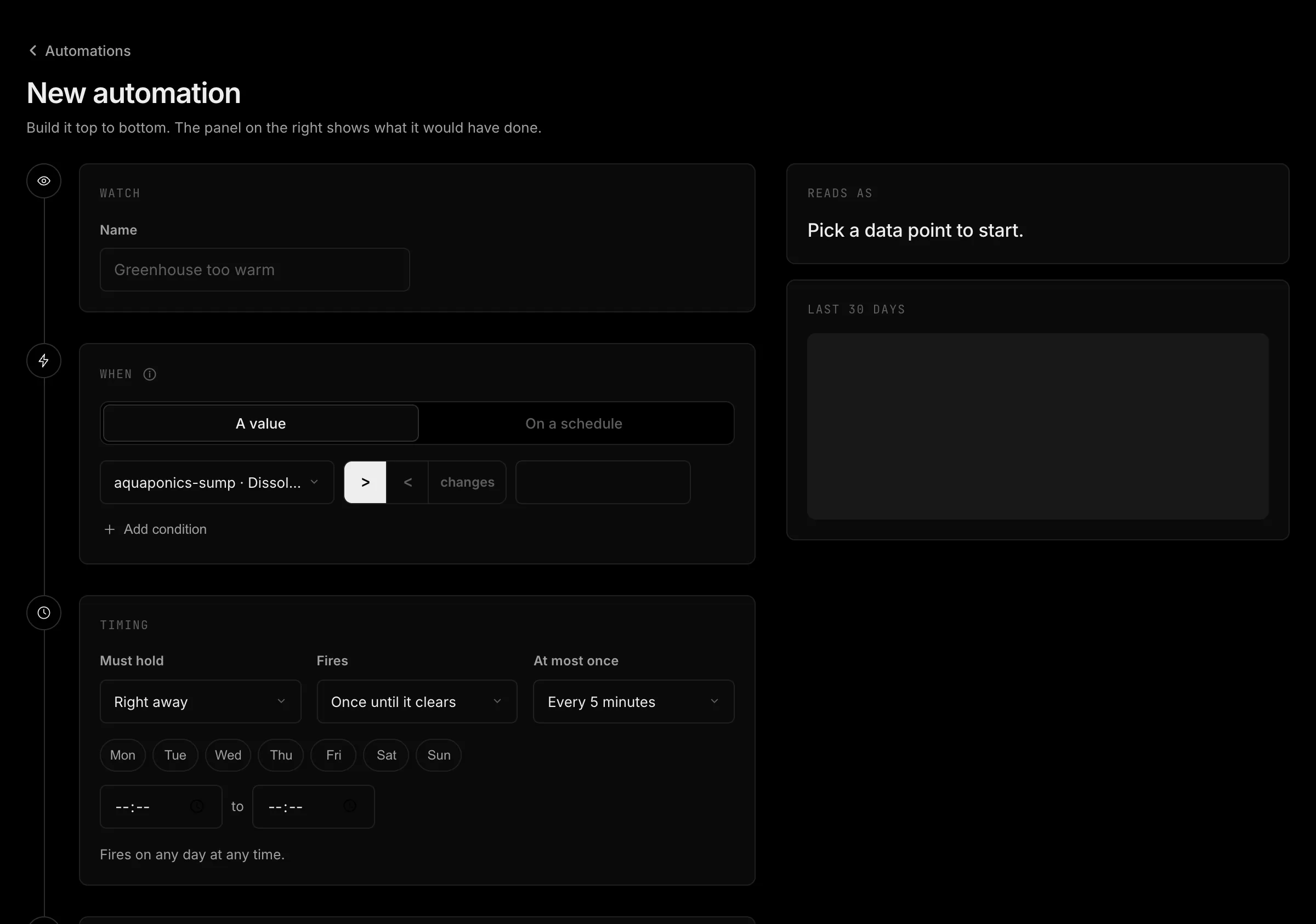
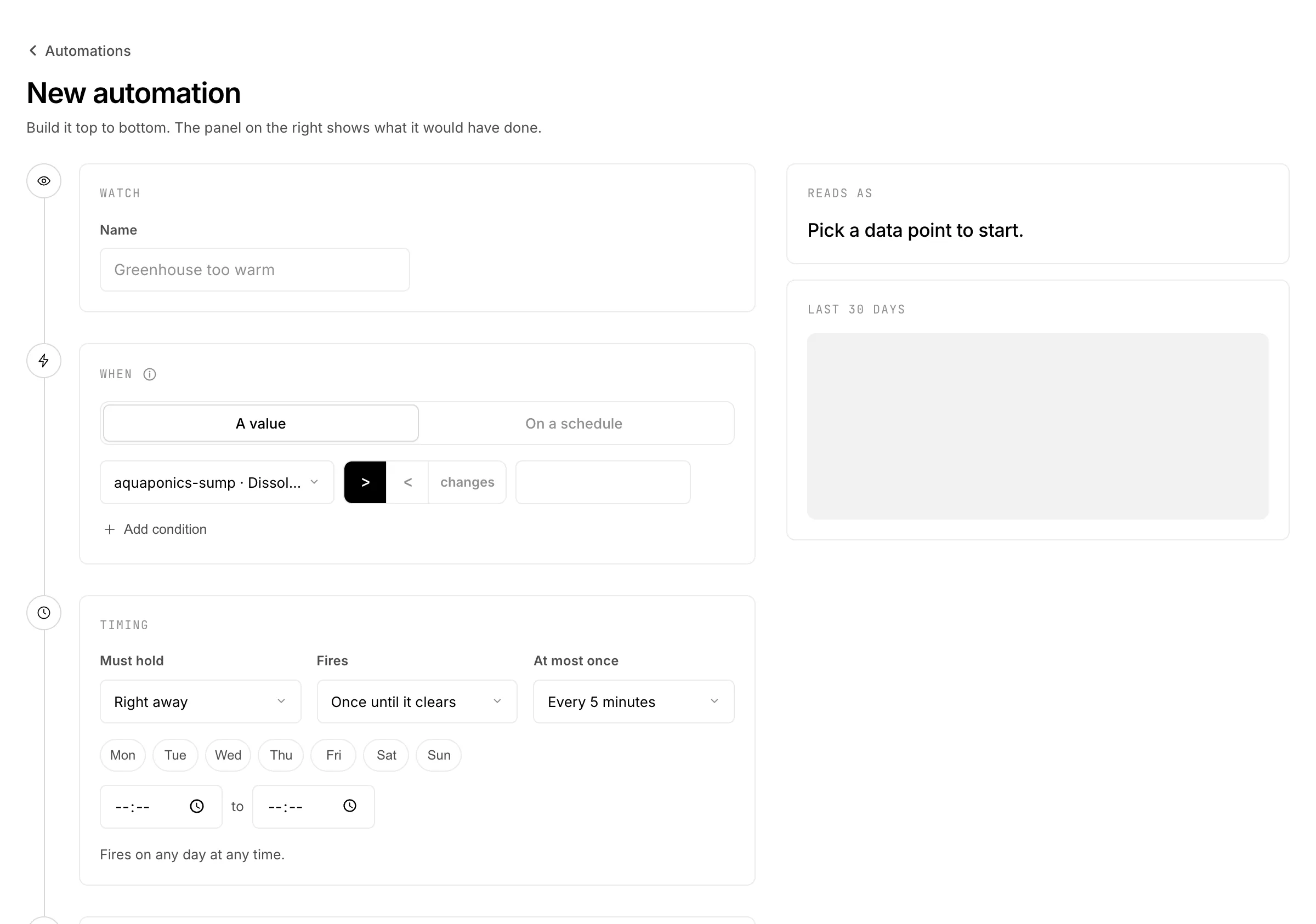
- 1WatchPress Add automation, pick the sensor and give the rule a name. It appears in notifications and in the webhook.
- 2WhenA threshold, an anomaly, the sensor going quiet or a schedule, see the table below. A threshold rule takes up to three conditions, which can also come from other sensors you can read: a number rises above or falls below a value, an on or off value turns on or off, a choice is a given option, or any value changes.
- 3TimingMust hold waits until the condition has held for 5 minutes up to an hour. Fires either Once until it clears or On every reading. At most once sets the shortest gap between two runs. Days and a time window limit when it may fire.
- 4ThenOne action, see the second table.
- 5Check it before you add itReads as puts the rule into one sentence. Last 30 days replays the history and shows how often the rule would have fired. Then press Add automation; it starts watching at once.
| When | Fires |
|---|---|
| A measurement crosses a threshold | On every new reading of the watched values, when the conditions hold. |
| An anomaly is detected | HydroNode's anomaly detection confirms a spike, drop or drift on the sensor. |
| The sensor goes quiet | The sensor is delayed, goes offline or is back online, as Monitoring decides. |
| On a schedule | At up to 12 times a day on the days you pick, in your time zone. No conditions. |
| Then | Does |
|---|---|
| Send a notification | A push to your phones and the web app. |
| Discord | A message to one of your Discord channels, see Notifications. |
| Send a command to the device | A saved command template. |
| Set a data point | Switch a pump, pick a mode or set a value, the same way a tap in Controls does. |
| Call a webhook | A signed POST to a public HTTPS URL. |
Arm it, clear bands and loop protection
- An action that reaches a device or another system (a command, Set a data point, a webhook) only runs once you tick Arm it. Until then the rule runs and logs what it would do.
- A threshold clears a little below (or above) its value: a rule above 28 °C that clears below 27.5 °C does not flip on and off while the value hovers at 28.
- Values are compared as the charts show them, with unit, calibration and pressure at sea level applied.
- Readings a device stored and sent more than 5 minutes later never fire a rule.
- A rule cannot set a data point it also watches, and fires at most 6 times a minute. Two rules that switch each other stop there.
- A schedule run that is more than 10 minutes late (server down) is skipped, not caught up.
- Every run is listed under the rule and in Jobs, with each action and its result.
A signed call to your server
HydroNode shows a signing secret once when you add the rule. Every request carries these headers; check the signature over the raw body with the secret before you trust it. Any 2xx within 8 seconds counts as delivered. For a steady stream of every reading, use an outbound webhook instead.
X-HydroNode-Delivery: <uuid, unique per attempt>
X-HydroNode-Timestamp: <ISO-8601 UTC>
X-HydroNode-Signature-256: sha256=<hex HMAC-SHA256 of the raw body>
Whose rules
Rules belong to the person who wrote them. Someone with Edit on a sensor can write rules for it; the owner and managers see those with the author's name and can pause or delete them, only the author edits them. A webhook on someone else's sensor needs Manage, and only the author sees its full URL. A rule fires only while its author still has the access it needs. See Sharing, members and roles.