JSON push
Anything that can send an HTTP POST can send readings: a weather station, Node-RED, Telegraf, a shell script. No signature, no library. The token in the URL is the key, so keep the URL private.
Get a push URL
+ › Sensor › JSON push, or + › Interface. Give it a name and choose where it applies. If one URL serves several devices, fill in Device field: the field whose value tells them apart, for example PASSKEY of a weather station or id. Left empty, everything sent is one device. HydroNode shows the URL with its token once; New token replaces it.
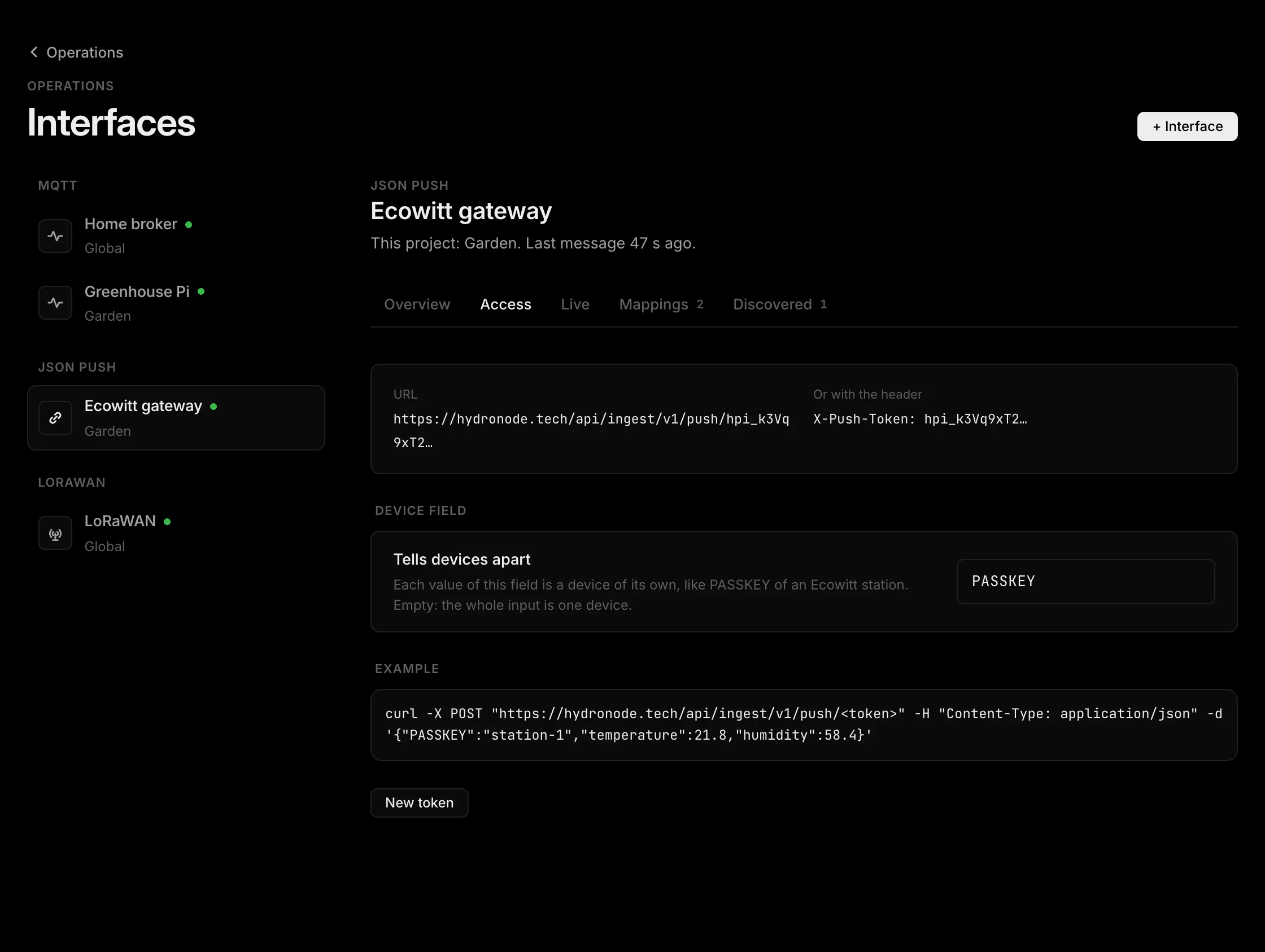
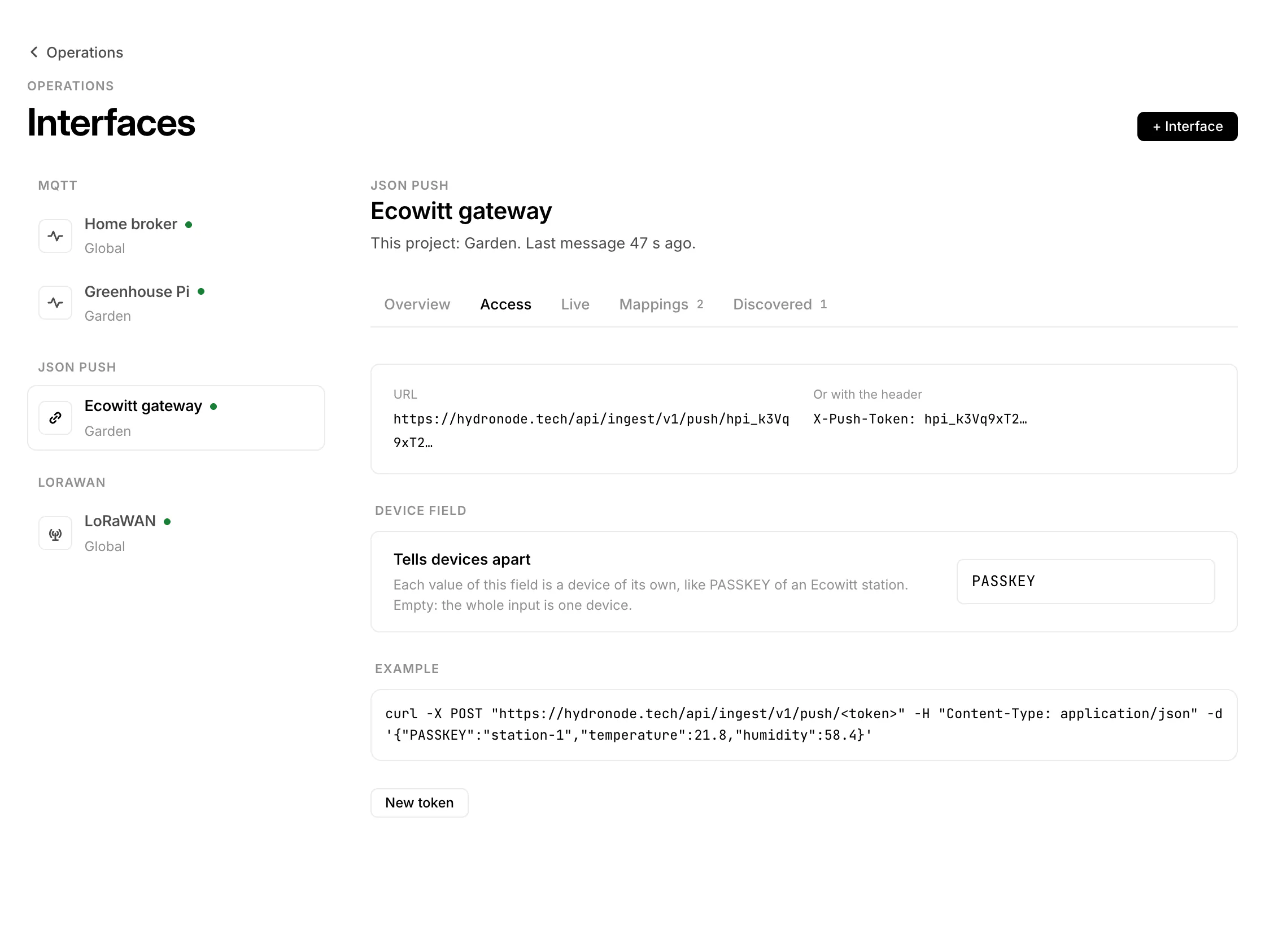
Post JSON or form data
curl -X POST https://hydronode.tech/api/ingest/v1/push/hpi_… \
  -H 'Content-Type: application/json' \
  -d '{"temp": 21.4, "hum": 55, "station": {"battery": 3.9}}'
The token may also go in a header, X-Push-Token: hpi_… or Authorization: Bearer hpi_…, posted to /api/ingest/v1/push. The answer is 200 with how many values were taken, also before any field is mapped.
| Rule | Value |
|---|---|
| Body | A JSON object or form data, up to 64 KiB, 8 levels deep, 200 fields |
| Time | Now, or ?at=, "timestamp" or "dateutc" up to 7 days back |
| Rate | 60 posts per minute per interface |
| Interfaces | 10 JSON push interfaces per account |
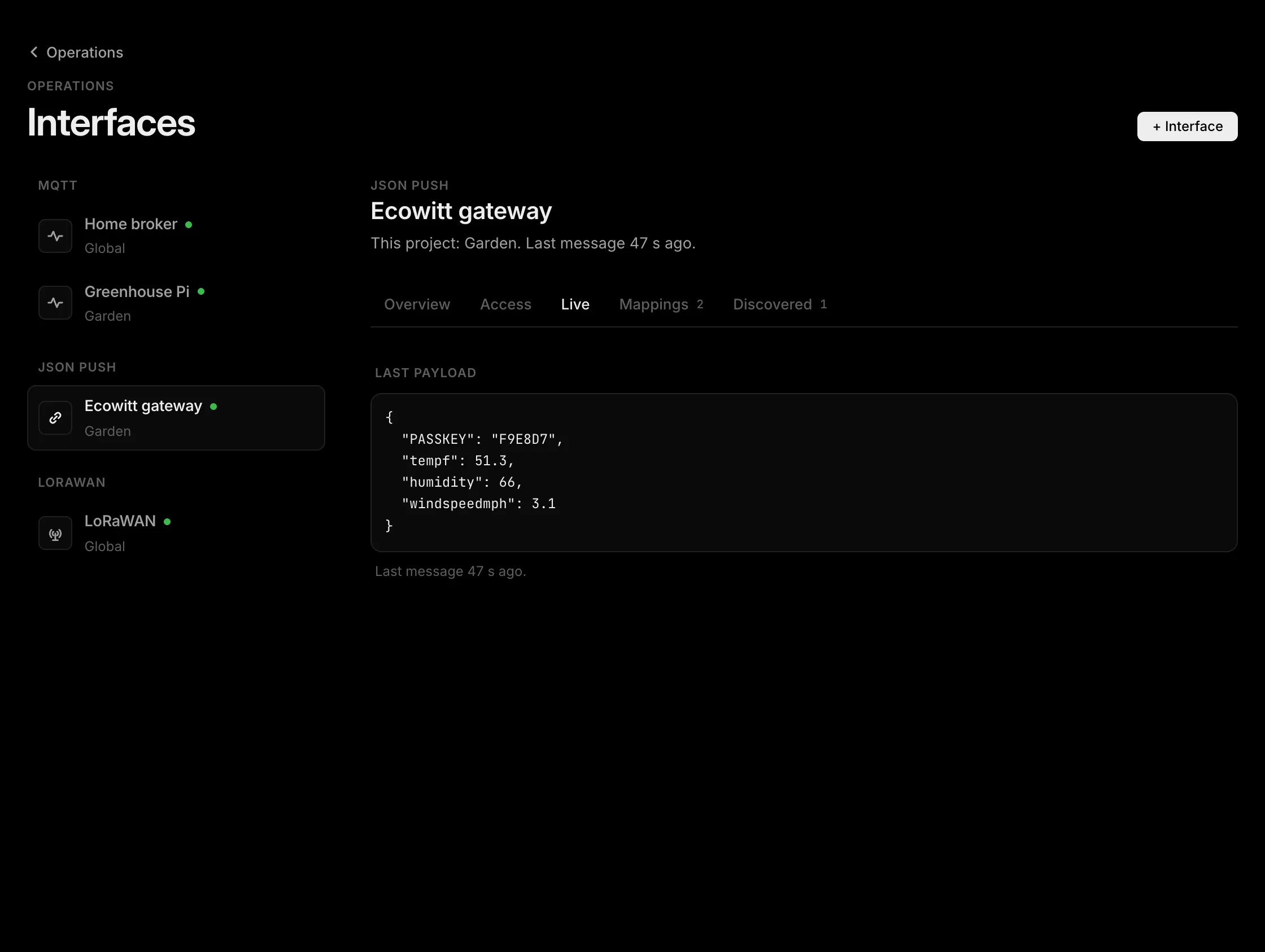
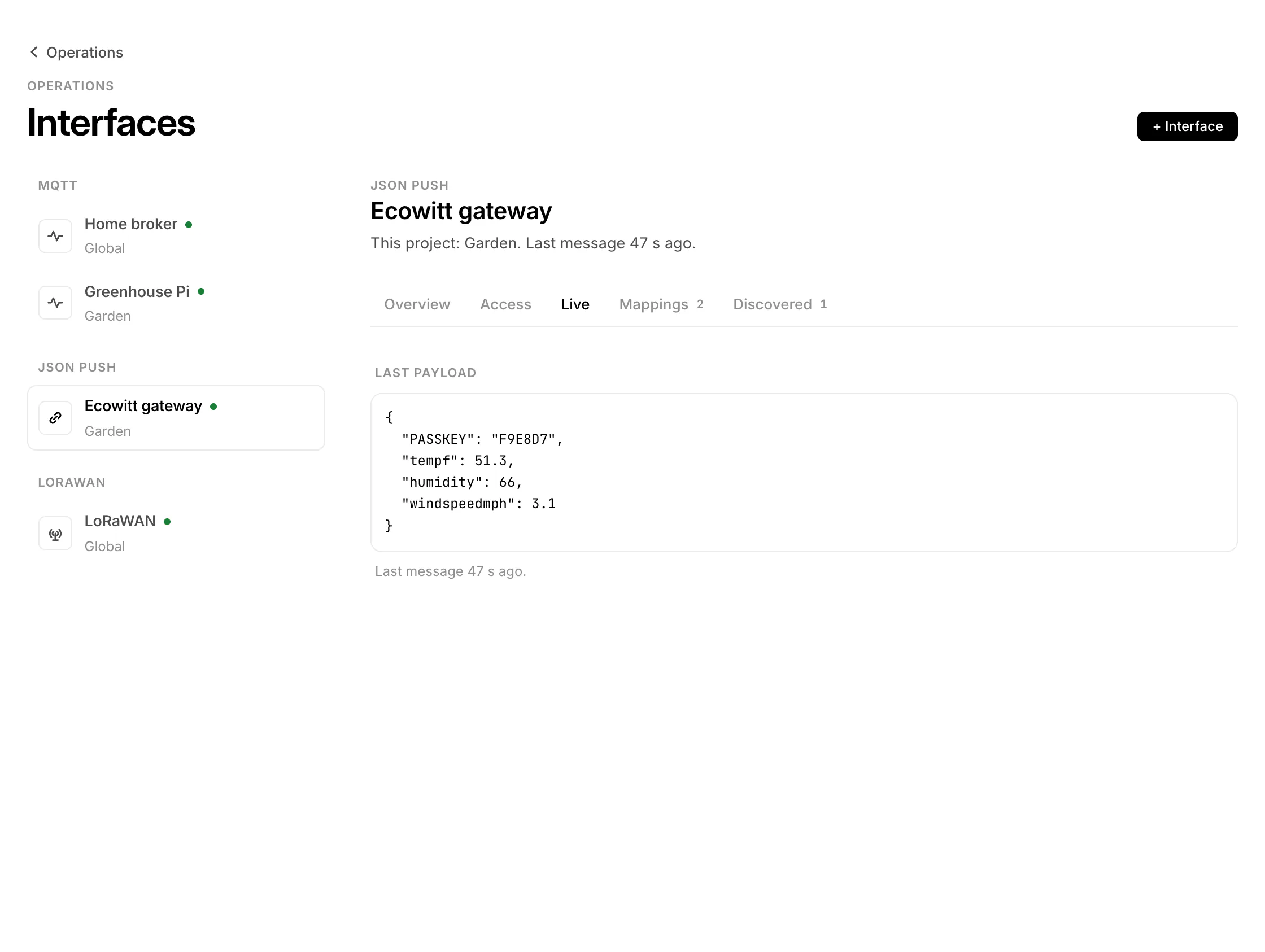
The first post, then Add
Live of the interface shows the last post with every field and a suggested type and unit. Fields that look secret (PASSKEY, password, token, secret, key) are stored masked. The device shows up under Discovered and greyed in the project's sensor list: press Add and pick the fields. Later fields can be mapped by hand with Map a field; nested fields use dots, such as device.temp.
Weather station, Node-RED, Telegraf
- Weather station (Ecowitt protocol): set a customized upload to the push URL with path and token, form data is fine. Use
PASSKEYas the device field.dateutcbecomes the time of the reading. - Node-RED: an http request node with method POST, the push URL and a JSON object as payload.
- Telegraf: the HTTP output with
data_format = "json"and the token in theX-Push-Tokenheader.
Need signed readings and commands back to the device? Use the SDK instead.